How Old Do I Look? Try theAI Age Guesser
How to Estimate Apparent Age from a Photo
Choose a Clear, Authorized Portrait
Ask for an Apparent-Age Estimate
Read the Result in Context
Compare or Create a Result Card

A More Honest Way to Ask AI How Old You Look
Apparent Age, Clearly Labeled
The AI age guesser answers how old a face appears in one photo. It does not claim to know a birth date, biological age, identity, or whether someone crosses a legal age threshold.
Photo Conditions Stay Part of the Answer
Instead of treating the result as objective truth, prompts can ask Mew Design to mention visible factors such as uneven light, an angled pose, a smile, glasses, makeup, facial hair, or strong image processing.
Ask Follow-Up Questions
Use the conversational AI age estimator to request a range, shorten the explanation, compare two authorized portraits, or ask which image conditions may be changing the impression—without making medical claims.
Compare Photos More Fairly
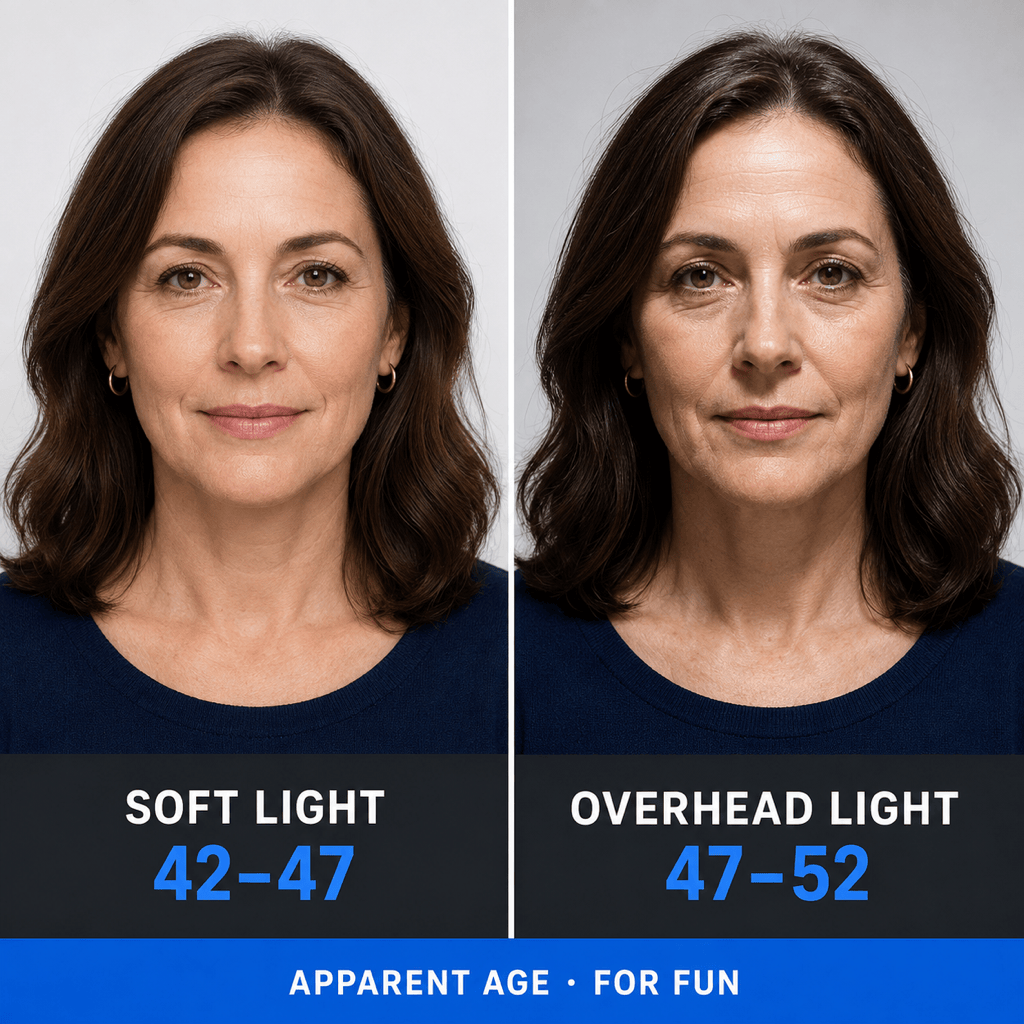
Upload two adult photos with similar framing, expression, and lighting to reduce obvious variables. The online face age calculator can organize the estimates side by side while keeping them explicitly approximate.
Design a Shareable, Respectful Result
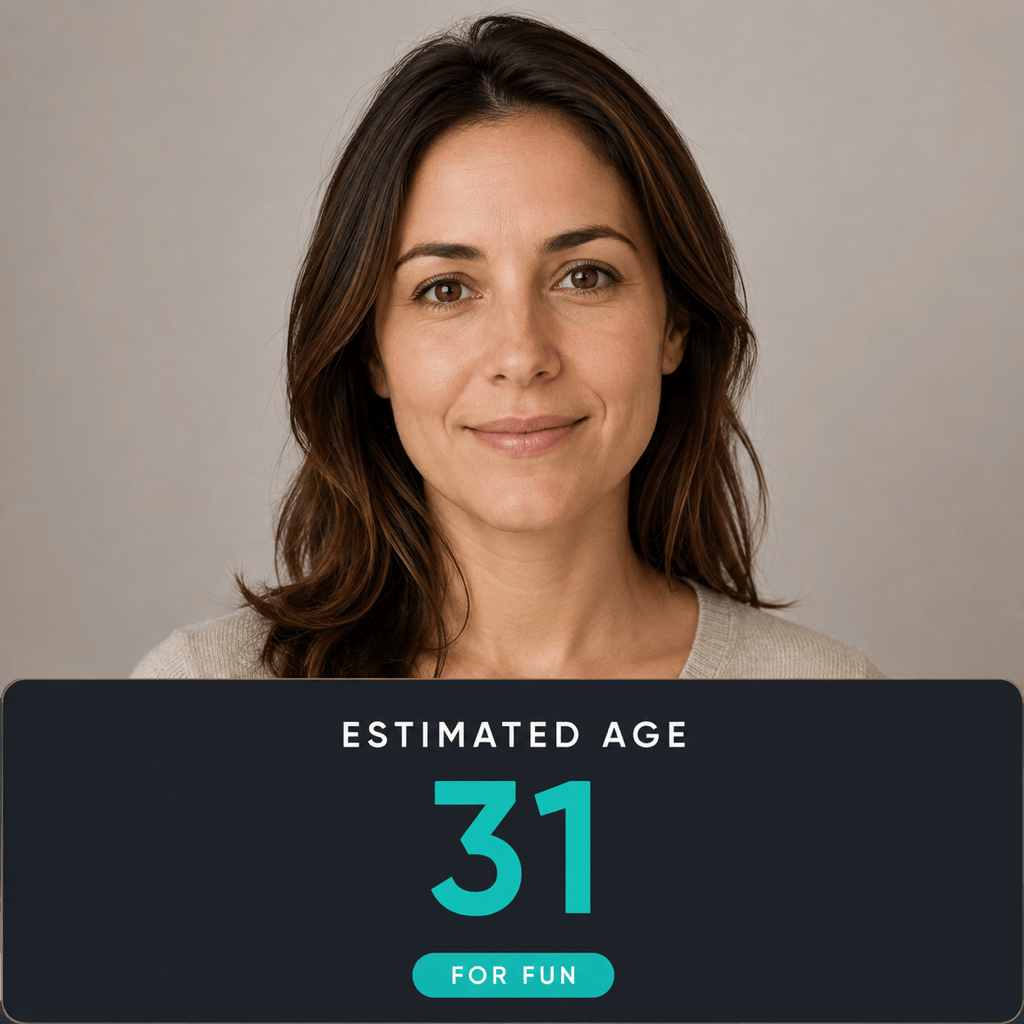
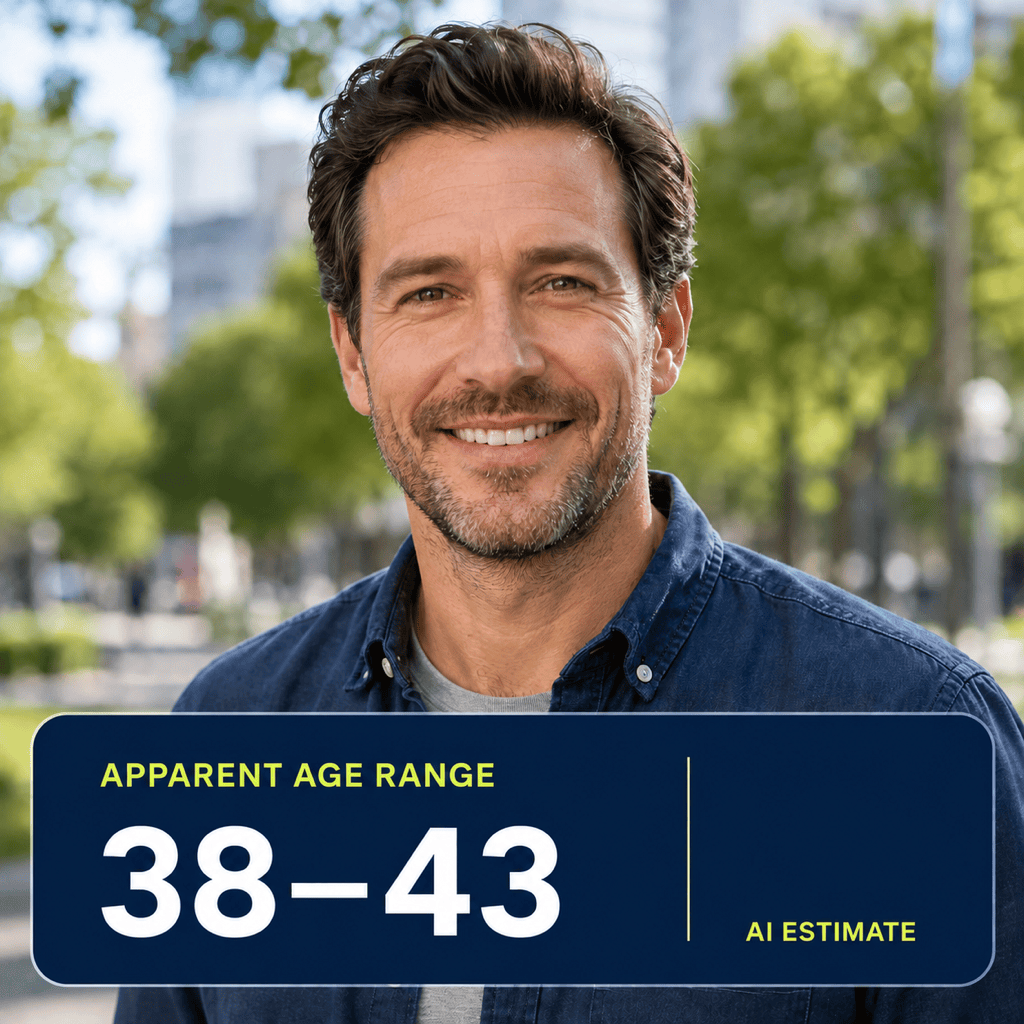
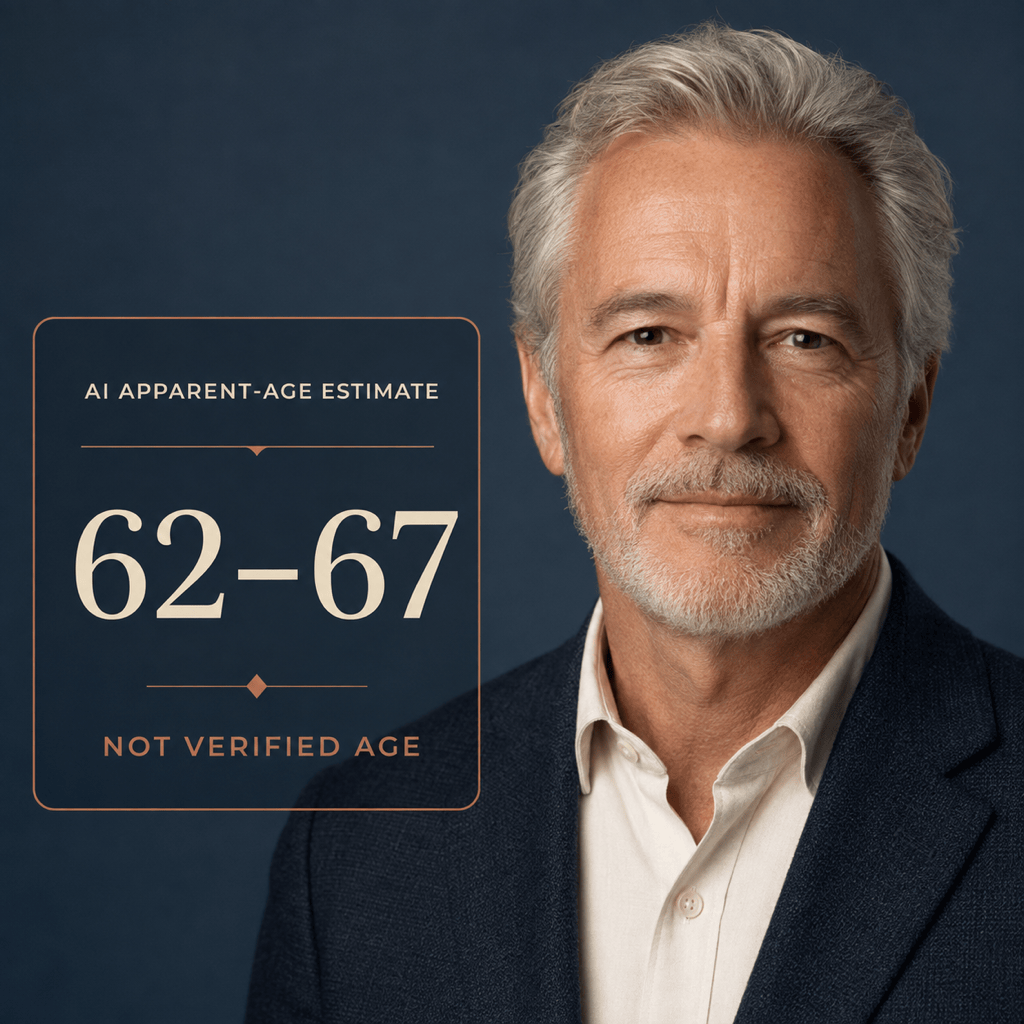
Turn the answer into a clean result card labeled ‘AI estimate’ or ‘for fun.’ Adjust portrait crop, color, caption, and hierarchy with Chat Edit so the graphic is readable without presenting the number as verified.
Run a Free Age-Guessing Test
Start with free AI credits after signup and try the AI age test online. Exports are watermark-free, but only share a person’s image and result with their permission.
How to Prompt an AI Age Estimator Responsibly
- Use One Unfiltered Adult Face: Choose a front-facing portrait with even light, normal lens distance, a natural expression, and no heavy smoothing or face reshaping.
- Request a Range, Not Certainty: Ask for a narrow apparent-age range and label it as an estimate. A single exact number can look more authoritative than the photo supports.
- Control the Comparison: When comparing photos, keep framing, lighting, expression, and editing similar so one obvious variable does not dominate the result.
- Set Sharing Boundaries: Use only your own portrait or one you have permission to process, and state that any result card must say ‘AI estimate’ and ‘for entertainment only.’
AI Age Guesser Prompts for Useful Comparisons
Simple Guess My Age Photo: Estimate the apparent age of the adult in my uploaded front-facing portrait as a five-year range. Base the answer only on visible photo cues, keep the tone neutral, and explain that this is not the person’s verified or biological age.
Lighting Comparison: Compare my two authorized adult portraits taken on the same day. Explain how soft front light versus hard overhead light may change apparent age, then present both estimates side by side with the label ‘AI ESTIMATE · FOR FUN’. Do not make health or lifestyle claims.
Professional Headshot Check: Review this adult headshot and give an approximate apparent-age range. Mention whether the formal styling, expression, crop, or studio light affects the impression. Create a clean result graphic, but do not recommend hiring or employment decisions from the result.
Makeup and Styling Test: Compare the two photos I uploaded of the same consenting adult, one natural and one styled. Estimate apparent age ranges, describe only visible presentation differences, and avoid beauty rankings, health inferences, or value judgments.
Older Family Photo: Estimate the apparent age range of the adult in this family photograph that I have permission to use. Note any uncertainty caused by film grain, fading, compression, or a small face. Do not identify the person or claim a precise age.
Shareable Age Result Card: Use my adult portrait and the estimate from our conversation to create a square card. Exact headings: ‘HOW OLD DO I LOOK?’ and ‘AI APPARENT-AGE ESTIMATE’. Add ‘FOR ENTERTAINMENT ONLY’ in a readable footer. Clean editorial layout, no attractiveness score, no medical claims, no extra personal data.





