Create Your Own World withAI Adventure Time
How to Create Adventure Time-Style Art with AI
Choose a Photo or Character Idea
Build Your Cartoon World
Keep the Details You Recognize
Download Your Next Avatar or Artwork

Your Character, Your Version of the Adventure
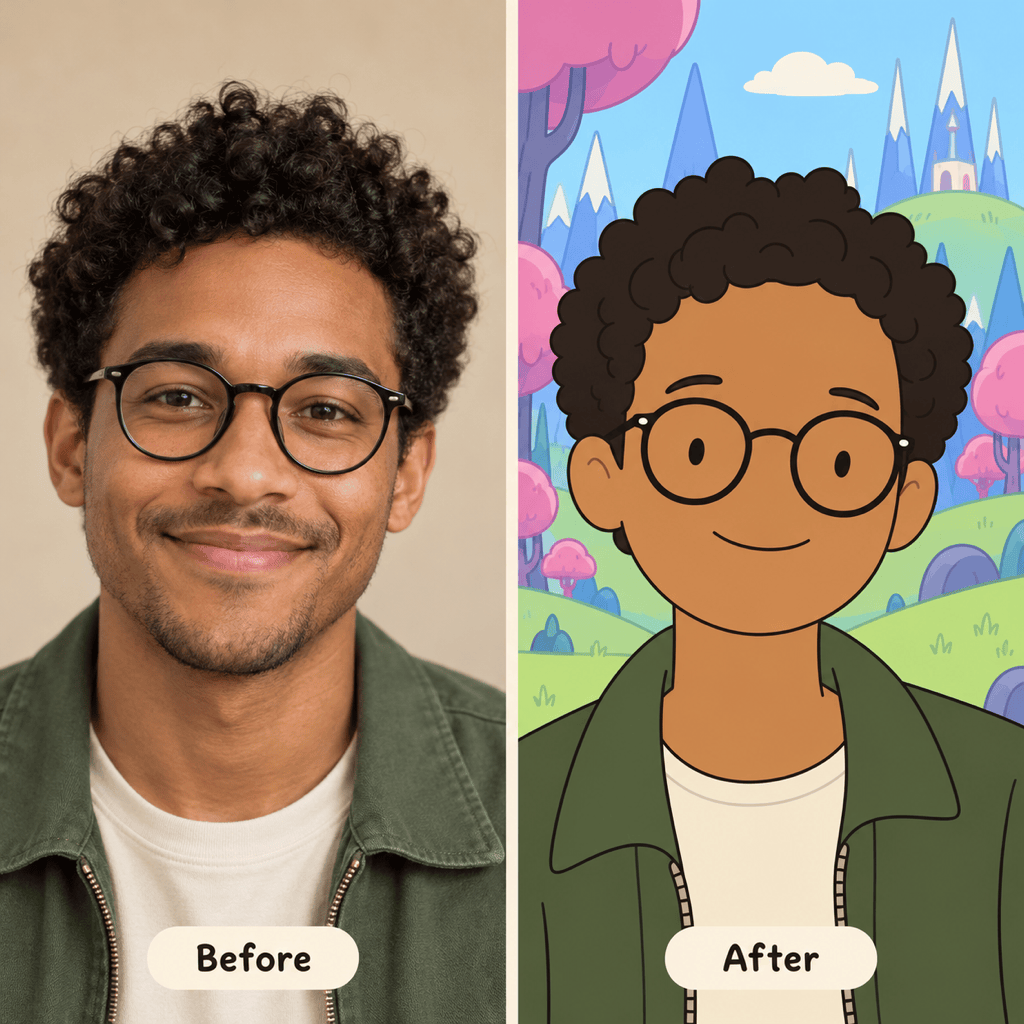
Start from Your Own Photo
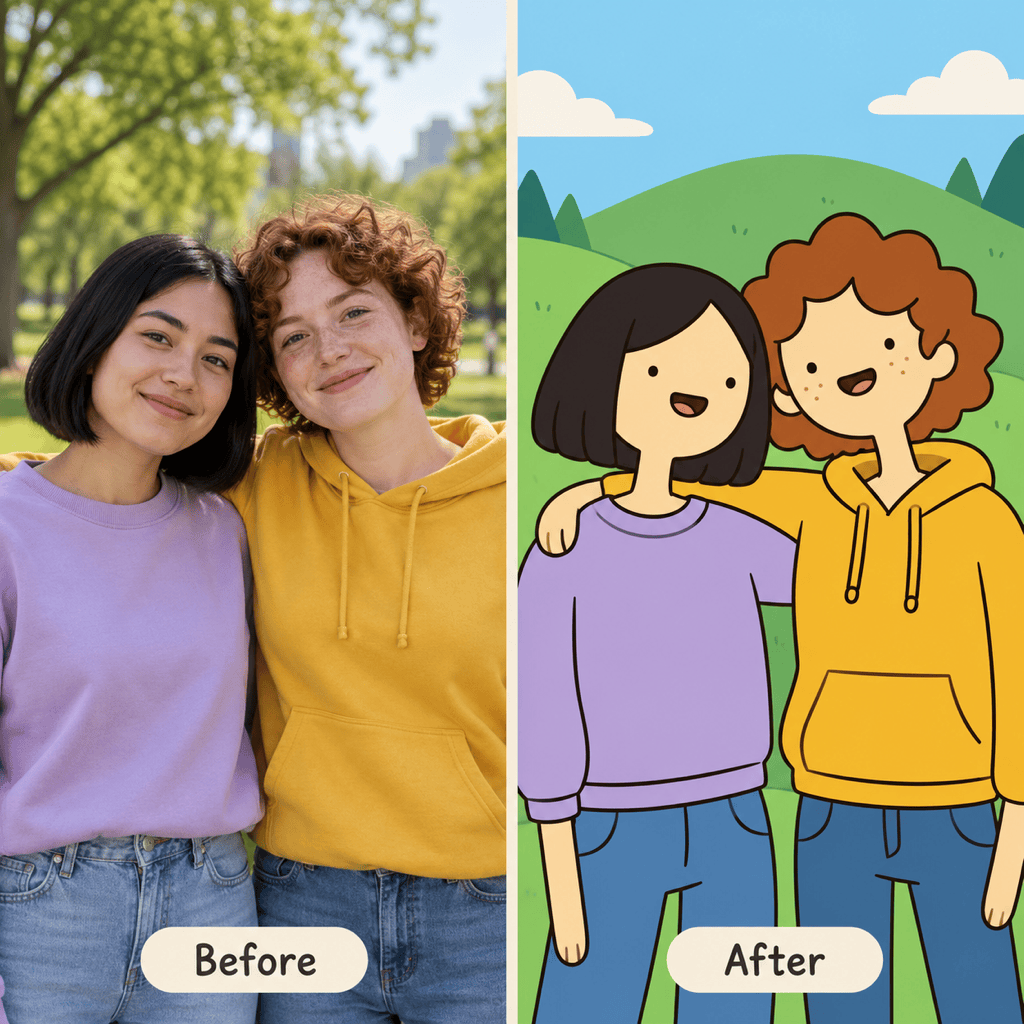
Use this Adventure Time AI filter workflow to reinterpret a selfie or a photo of friends. Specify the hairstyle, glasses and clothing you want carried into the cartoon.
Invent an Original Hero
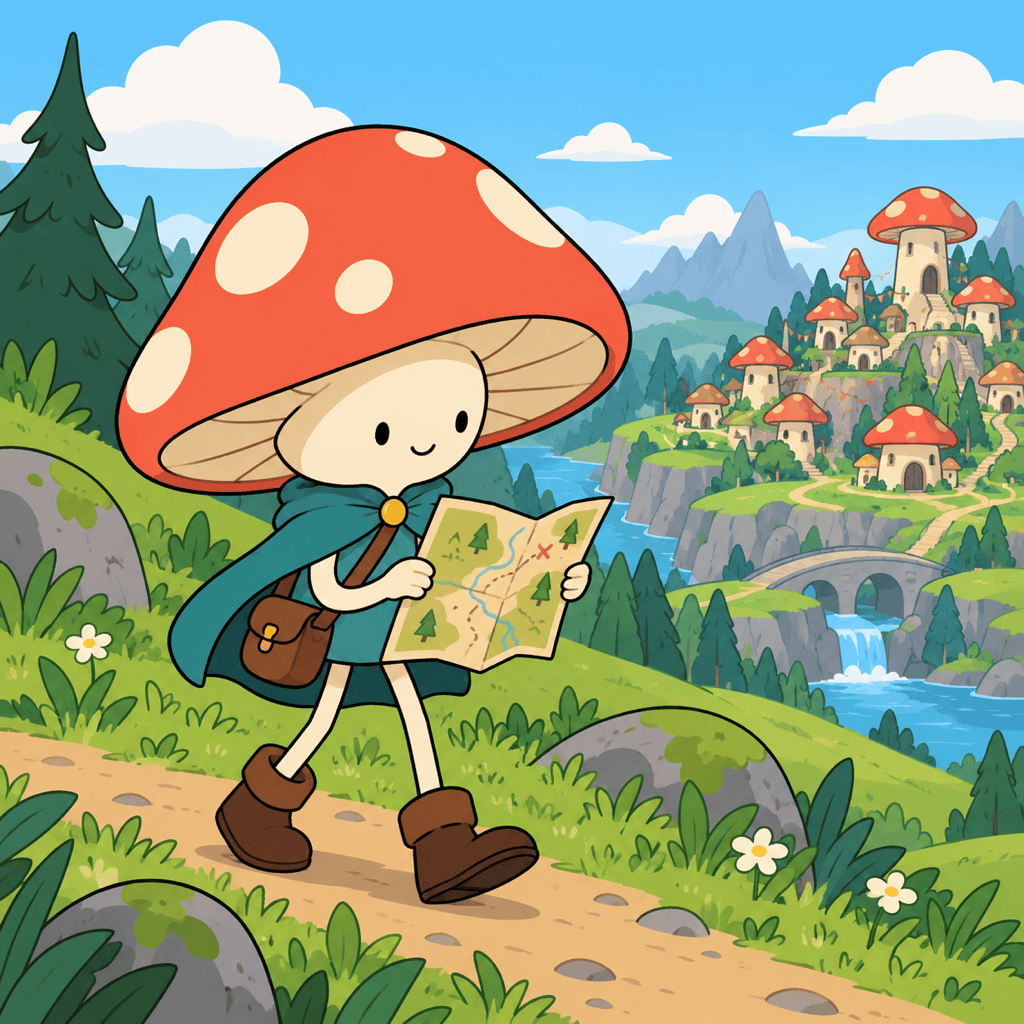
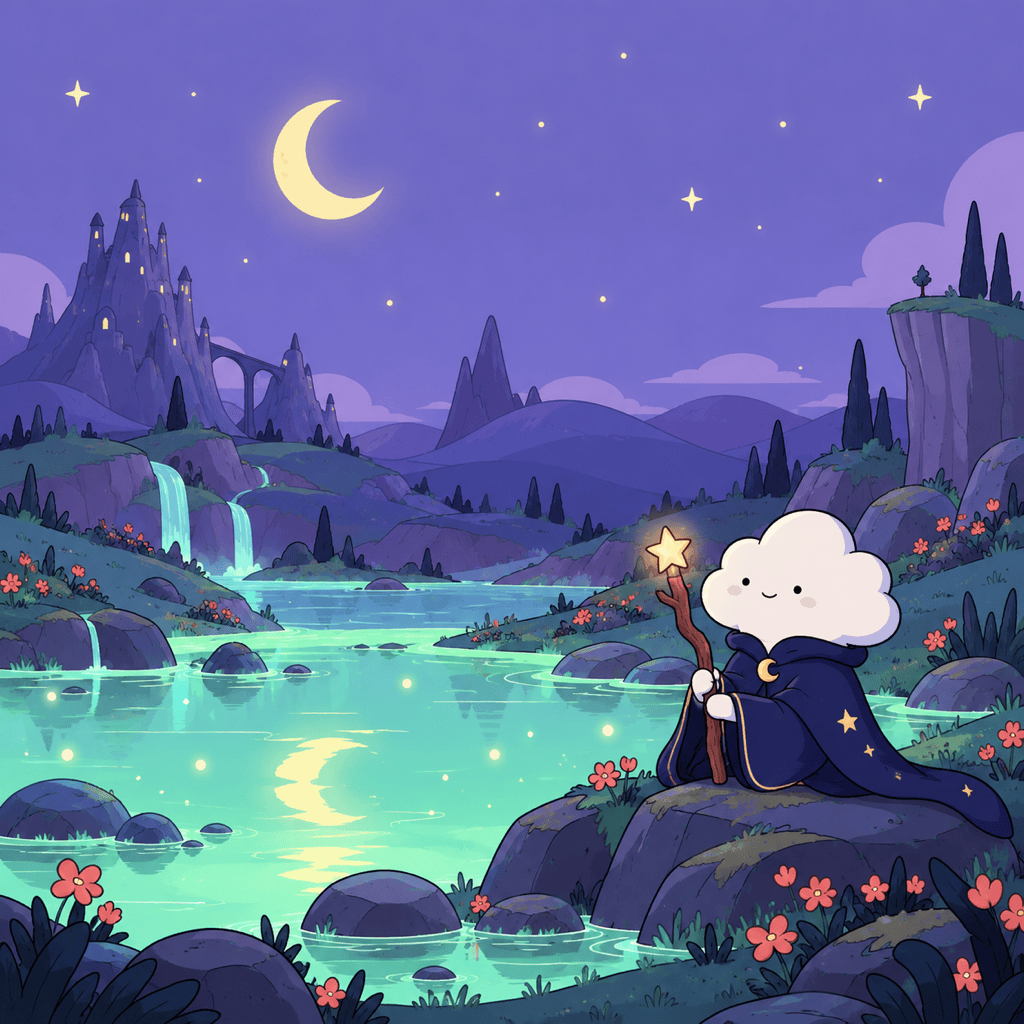
No photo needed. Our Adventure Time character creator can start with a mushroom explorer, a sleepy cloud wizard or another character you describe.
Direct the Look Beyond a Filter
Ask for flatter colors, simpler faces or more exaggerated limbs. Use a reference image to guide the visual direction when words alone leave too much open.
Change One Detail Through Chat
Keep a pose you like and request a new jacket, expression or background with Chat Edit. Review each version, since small details can shift between generations.
Explore a Cast with Shared Style
Create related characters using the same palette and reference artwork. For recurring projects, save your visual direction as a Mew Skill to reduce repeated setup.
Take Your Character Beyond the Portrait
Create a square avatar, a wallpaper or an isolated character. Ask to remove the background for PNG output, or build a set with our AI sticker generator.
How to Keep a Cartoon Character Recognizable
- Use a Clear Starting PhotoChoose an unobstructed face with even lighting. For two people, use a photo where both faces and outfits are easy to distinguish.
- Name the Details to KeepMention hair shape, glasses, skin tone and a signature accessory. For an original character, define a silhouette and one memorable prop.
- Describe the 2D LookAsk for flat fills, clean dark outlines and simple expressions. If the result looks too realistic or three-dimensional, request less shading.
- Match the Final CropCenter the face for an avatar. For a phone wallpaper, leave quiet space above the character so the clock stays readable.
Six Ways to Shape Your Adventure Time Art
Personal Avatar: Turn my uploaded selfie into an Adventure Time-style profile picture. Keep my hair, glasses and clothing colors. Use a simple pastel background, center my face and leave room for a circular crop.
Two Friends, One Adventure: Transform my uploaded photo of two friends into a playful 2D fantasy scene. Keep both people distinct, with their own hairstyles and outfits. Preserve their positions and add rolling hills behind them.
Original Character: Create an Adventure Time-inspired mushroom explorer with a coral cap, teal cape and tiny map bag. Give the character a curious expression and a clear full-body silhouette. Use flat colors and bold outlines.
Phone Wallpaper: Create an Adventure Time-inspired night scene with a small cloud wizard beside a glowing pond. Use a vertical 9:16 composition, soft purple skies and open space at the top for the clock. No text.
Pet Sidekick: Reimagine my uploaded pet as a whimsical Adventure Time-style companion. Keep its coat colors, ear shape and distinctive markings. Give it a tiny adventurer’s scarf and a cheerful pose.
Simpler Cartoon Finish: Refine my current image into flatter 2D cartoon art. Remove realistic skin texture and heavy shadows. Simplify the eyes and limbs while keeping the character’s hair, outfit, pose and main colors.





