Try It OnlineAI Add Sunglasses to Photo
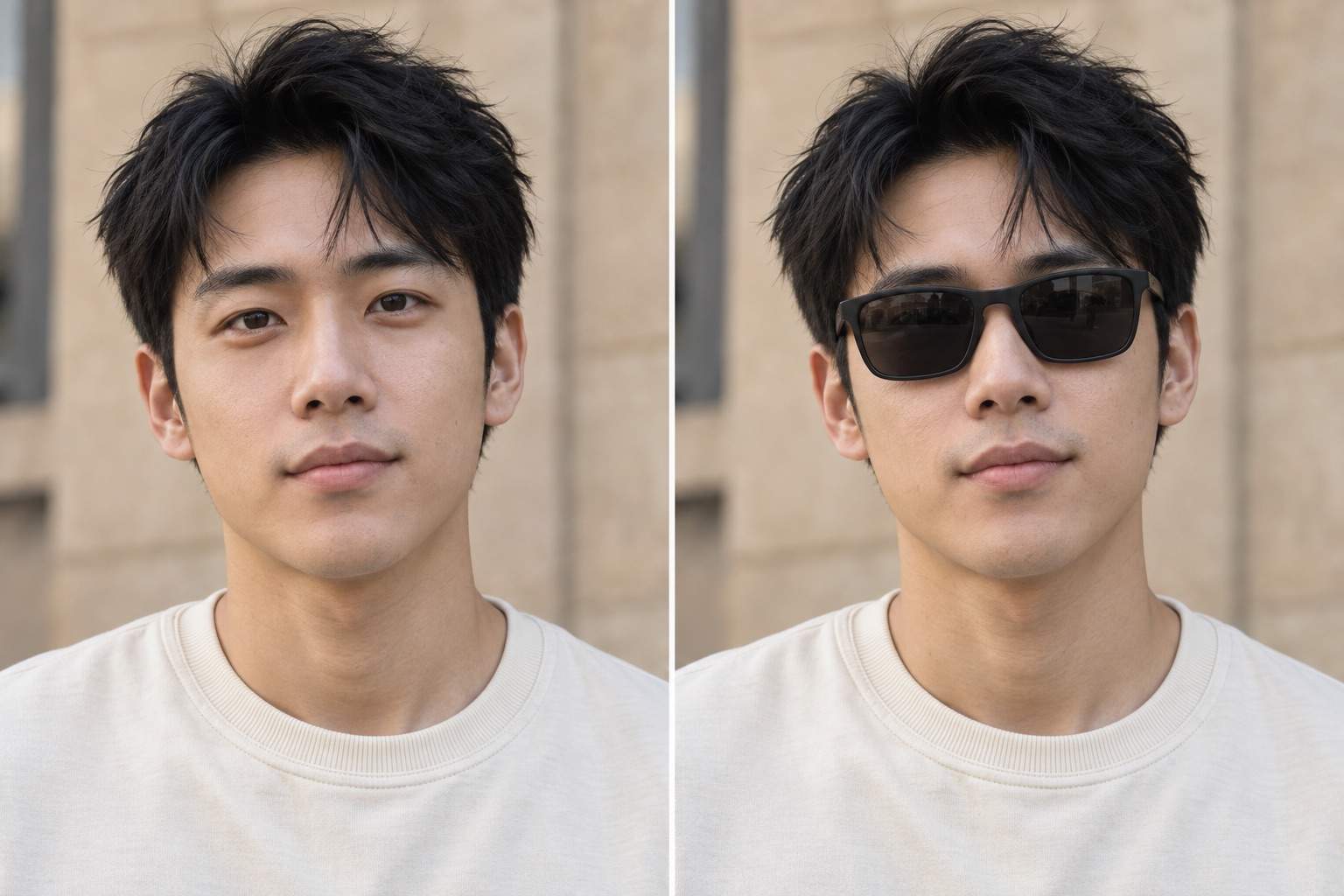
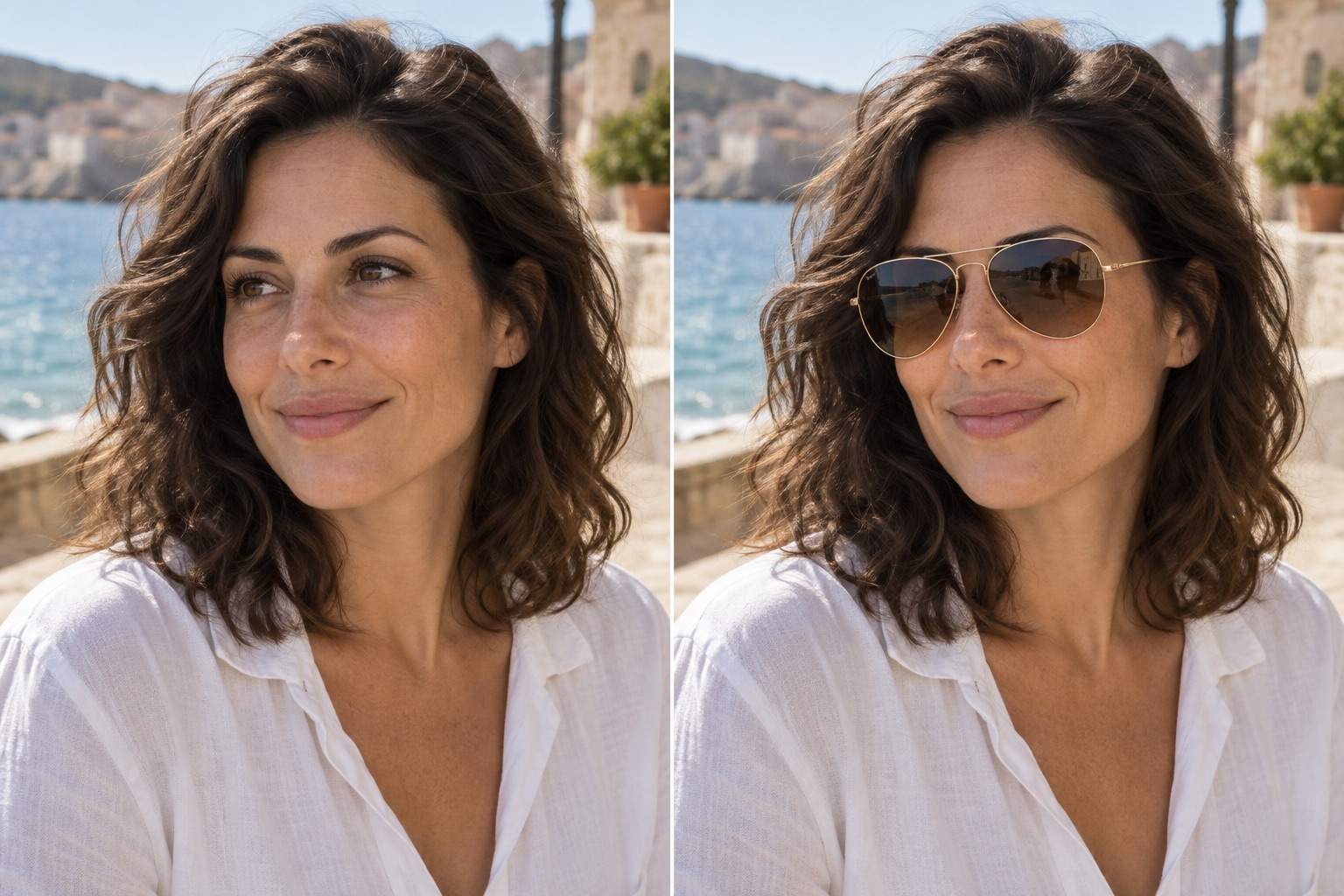
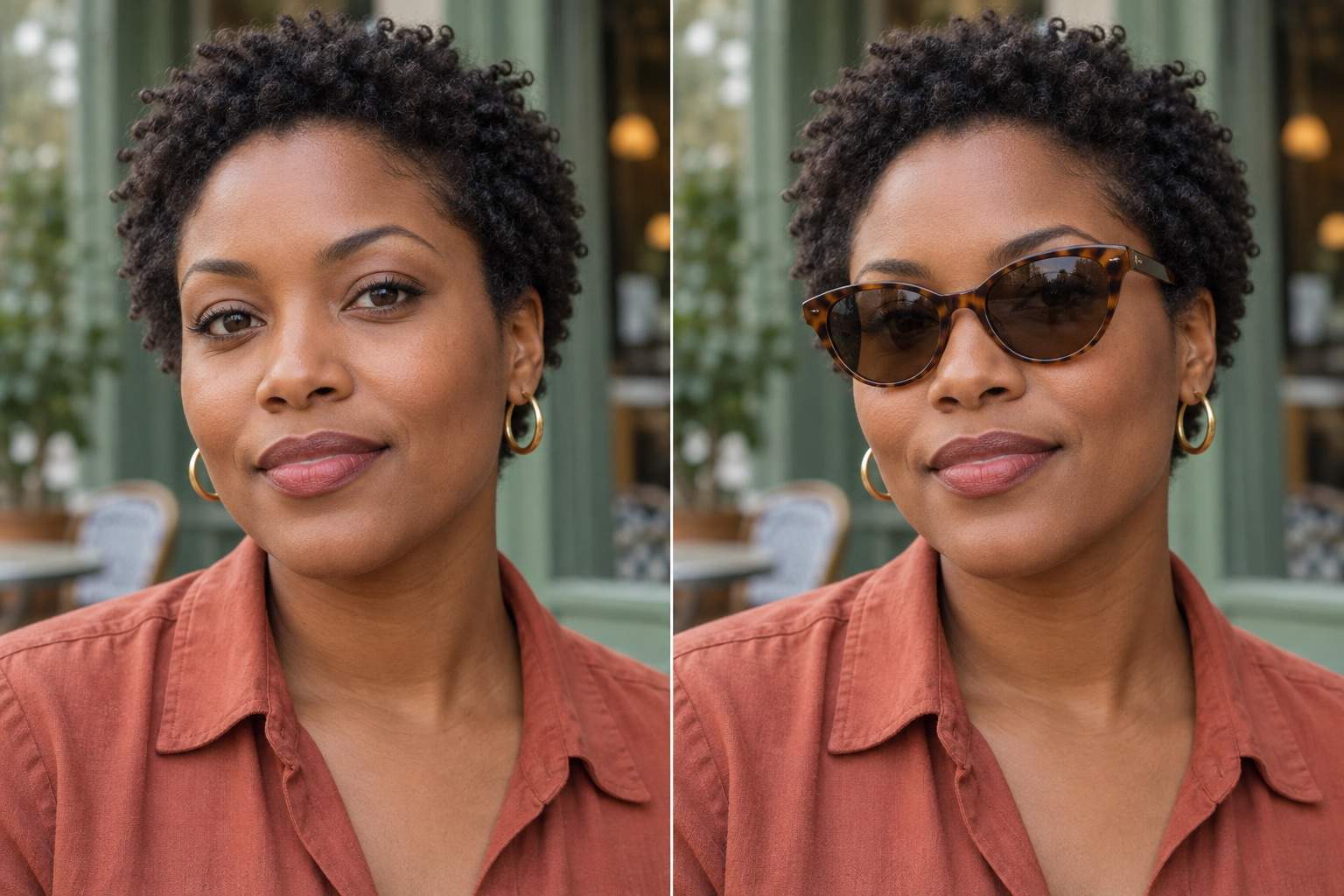
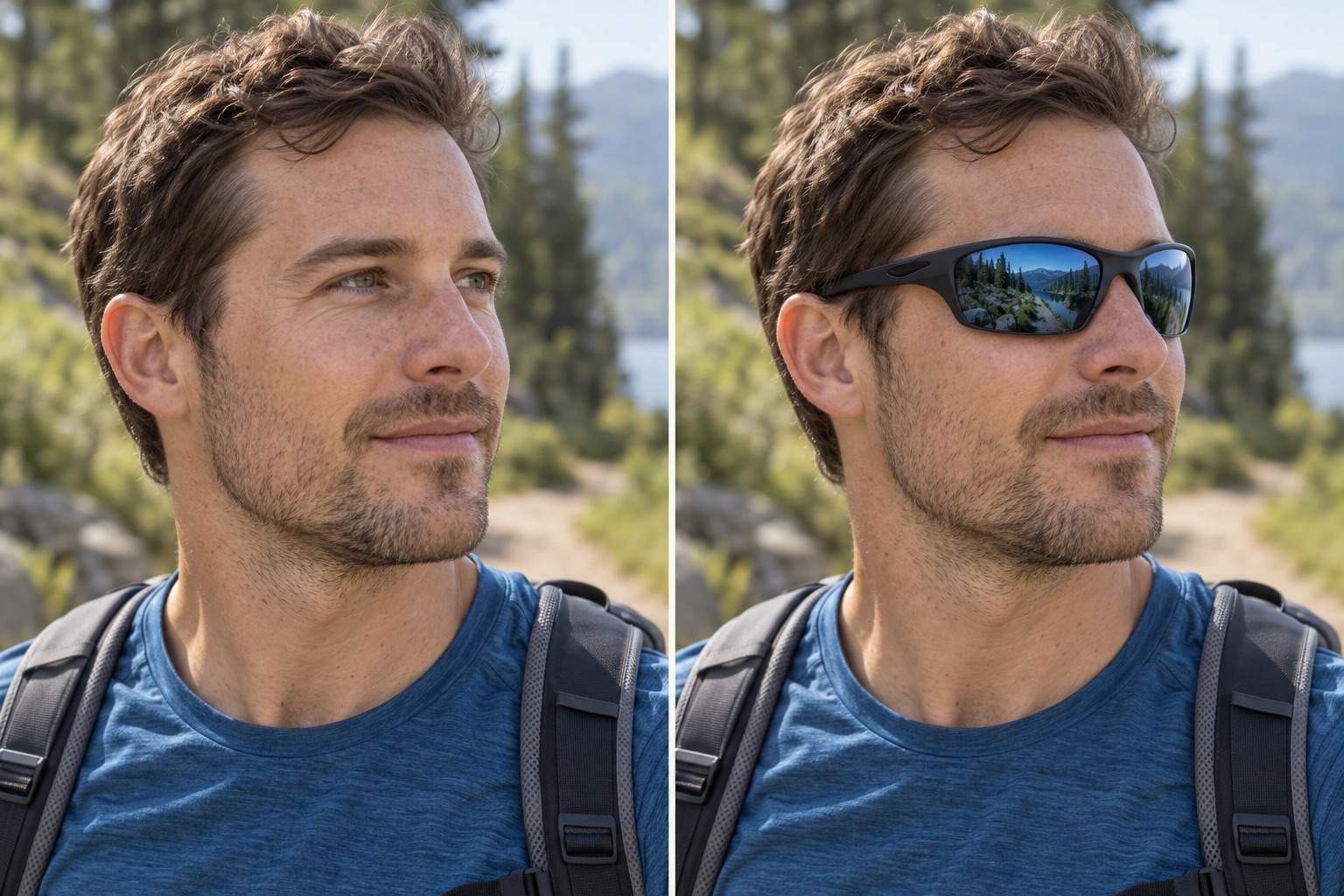
How to Add Sunglasses to a Photo with AI
Upload a Clear Portrait
Choose Frames and Generate
Check the Fit in Chat Edit
Export Your New Look

More Control Over Your Sunglasses Edit
Start with Your Photo
Upload an existing portrait and describe the edit. Our sunglasses photo editor works from your image.
Explore Frame Shapes
Compare aviator, round, or cat-eye sunglasses on the same photo before choosing your favorite version.
Guide the Look with a Reference
Upload a sunglasses reference to guide frame shape and color. Use the result as a style preview, not a sizing check.
Refine Small Details
Use Chat Edit to request a narrower bridge, lighter lenses, or softer reflections without restating the whole brief.
Keep the Original Scene in Focus
Ask to preserve the face, hair, outfit, and background. Compare results with your source photo before sharing.
Save a Shareable Portrait
Try adding sunglasses online with free signup credits, then export watermark-free PNG or JPG images.
What Makes Added Sunglasses Look Natural?
- Start with Visible FeaturesUse a sharp photo with the nose bridge and eye area visible. Hair, hands, and heavy blur make placement harder.
- Check Contact and PerspectiveThe bridge should sit on the nose. Frame arms should follow the temples, with the far lens narrower in a turned face.
- Match Light and Lens TintReflections should suit the scene. Avoid bright studio highlights on a softly lit outdoor portrait.
- Compare More Than the GlassesCheck the mouth, face shape, hairline, and background against the original. Request one focused correction at a time.
Fix Common Sunglasses Photo Editing Problems
Adjust only the sunglasses: reduce the frame width and place the bridge naturally on the nose. Preserve the face and background.
Match the sunglasses to the turned head. Correct the far lens perspective and tuck the frame arm behind the visible ear. Keep the pose unchanged.
Soften the lens reflections to match the original lighting. Remove artificial glare while preserving the frames and face.
Make the lenses lightly tinted so the eyes remain subtly visible. Keep the frame shape, color, and placement unchanged.
Use the original uploaded photo to restore the face shape, mouth, and hair. Keep only the added sunglasses and their natural shadows.
Add sunglasses only to the person on the left in this group photo. Leave every other person, outfit, and background detail unchanged.





