Online Photo EditorAI Add Sparkle to Photo
How to Add Sparkle to Photos with AI
Upload and Choose the Area
Generate a First Sparkle Edit
Reduce or Move the Sparkles
Check Details and Download

More Control over Where Your Photo Shines
Start from Your Photo
Upload a portrait, ring close-up, or celebration shot. This online AI sparkle photo effect uses your image as the starting point for the edit.
Refine Glints in Chat
Ask for sparkle on jewelry only or softer light behind a subject. Chat Edit lets you revise placement and strength through words.
Match the Kind of Shine
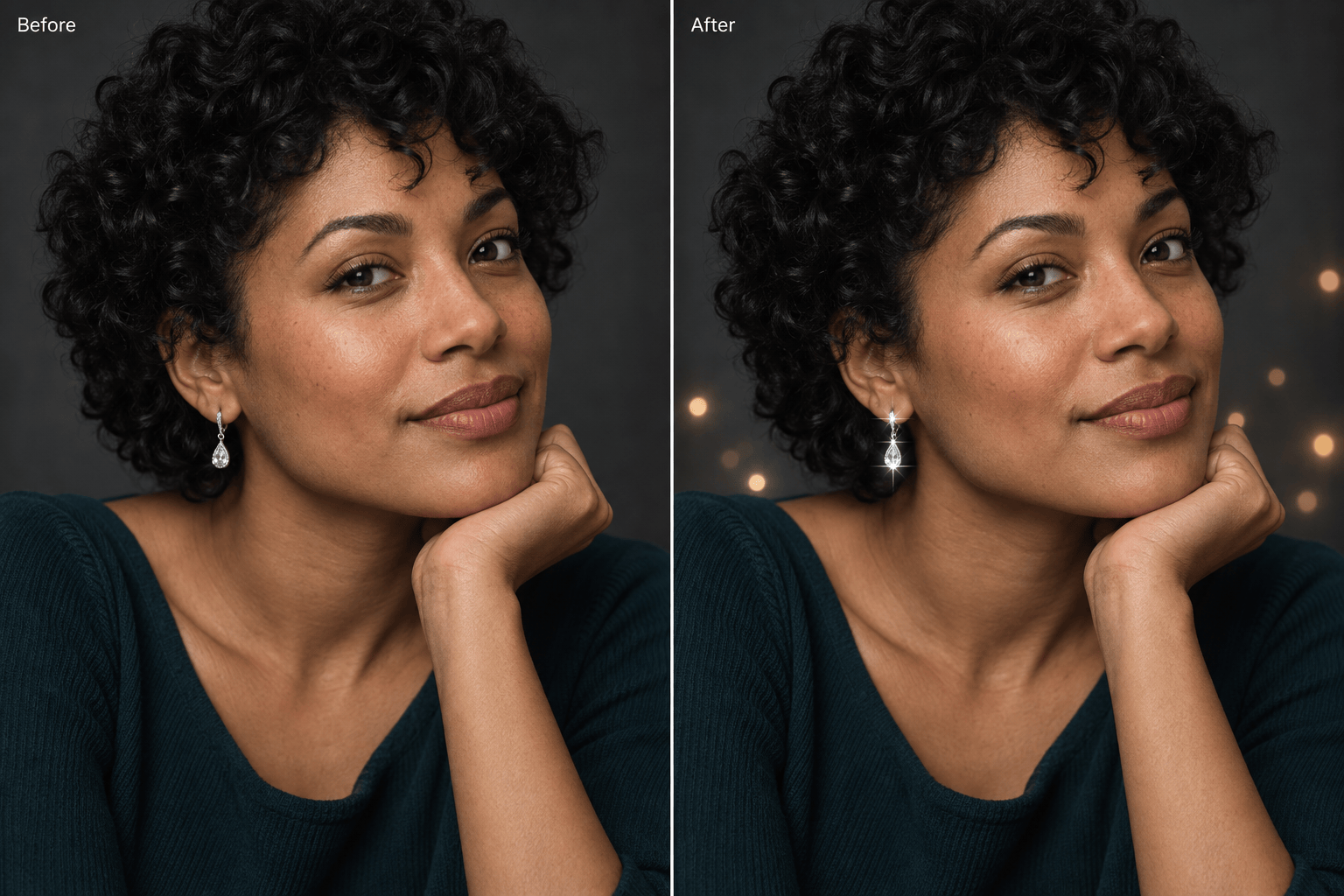
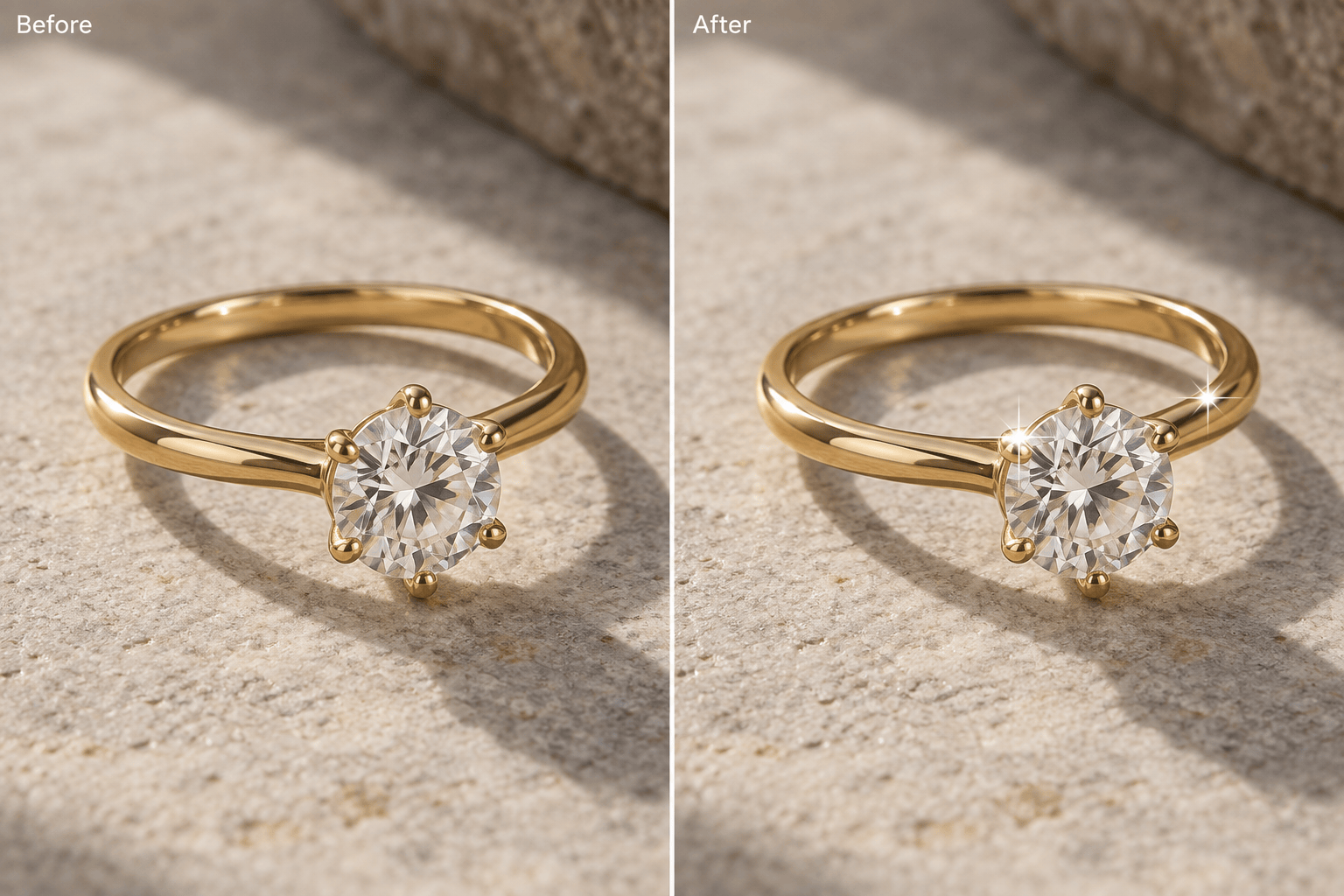
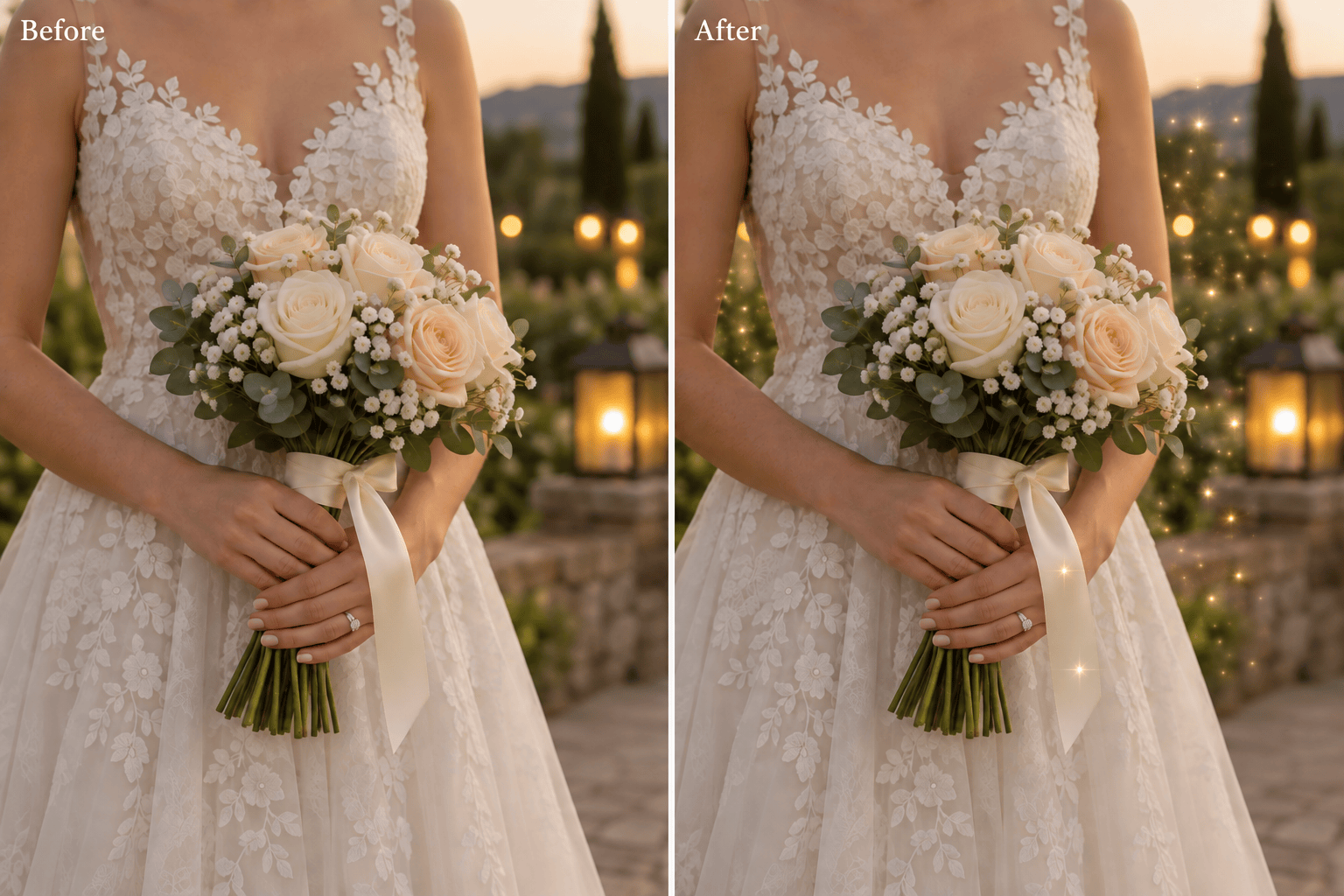
Request a subtle sparkle effect for portraits, sharp stars on metal, or fine glitter around a wedding bouquet. Explore versions to find the right balance.
Show the Look You Mean
Upload a reference for warm gold shimmer or cool silver stars. Explain which qualities to borrow and which details of your original photo to retain.
Reuse a Successful Style
For recurring product or social images, turn your preferred sparkle style and review steps into a Mew Skill, a reusable design workflow that reduces repeated briefing.
Export a Shareable Still
Download the finished photo as PNG or JPG without a watermark. Review fine detail at the size you plan to share.
Make Sparkles Look Like Light, Not Clutter
- Start with Clear Detail: Use a sharp source photo with visible highlights. Sparkles will not repair blur or recover missing detail.
- Keep the Light Believable: Place a few glints on reflective surfaces. Match their warmth to the existing light instead of scattering identical stars everywhere.
- Protect the Focal Point: Keep bright particles away from eyes, faces, product labels, and fine fabric. Ask for background-only sparkle when the subject is already busy.
- Compare Before Export: AI edits can alter details beyond the requested effect. Check the subject against the original and request one focused correction at a time.
Fix Common Sparkle Photo Problems
Refine my uploaded portrait: remove sparkles covering the face and skin. Keep only a few small glints on the earrings, with natural skin texture and the original expression.
Refine my jewelry photo: add restrained star glints only to existing bright reflections. Keep the gemstone edges, setting, metal color, and product shape close to the original.
Refine my wedding photo: soften the glitter around the bouquet and background. Keep the faces clear and the lace texture visible; avoid a glowing veil over the whole image.
Add sparkles to the background only in my uploaded photo. Use sparse, soft golden bokeh behind the subject; keep the person, clothing, and foreground free of particles.
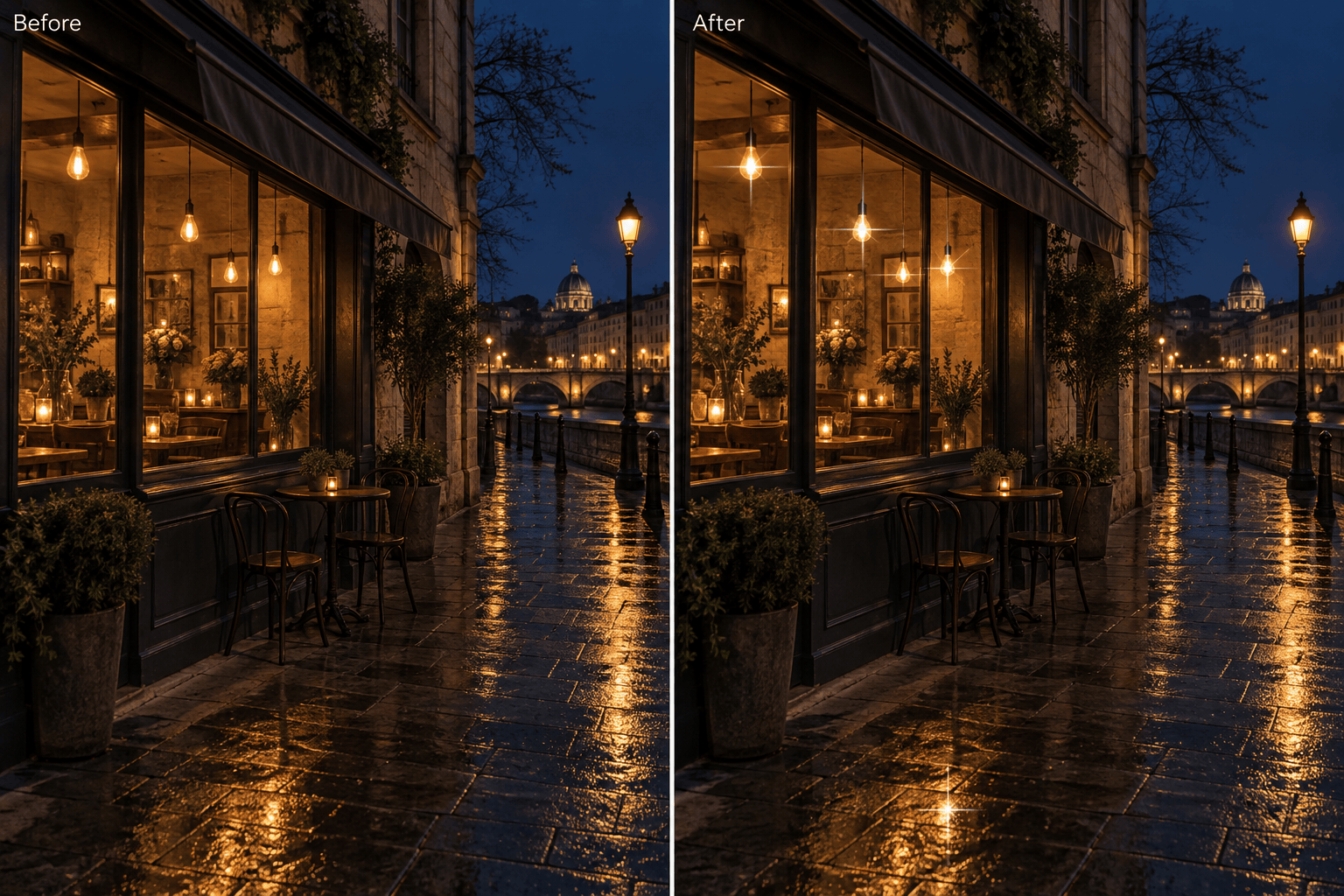
Reduce oversized starbursts in my night photo. Keep small star glints on the existing lights, preserve shadow detail, and remove the bright haze across the scene.
Refine my product photo: remove glitter from the label and logo, keep the packaging color and shape close to the original, and place a few tiny glints along the reflective edges.





