Try OnlineAI Add Santa Hat to Photo
How to Add a Santa Hat to a Photo with AI
Upload a Clear Photo
Describe the Hat
Check the Fit
Download Your Holiday Photo

A Christmas Hat That Fits Your Photo
Start with a Familiar Face
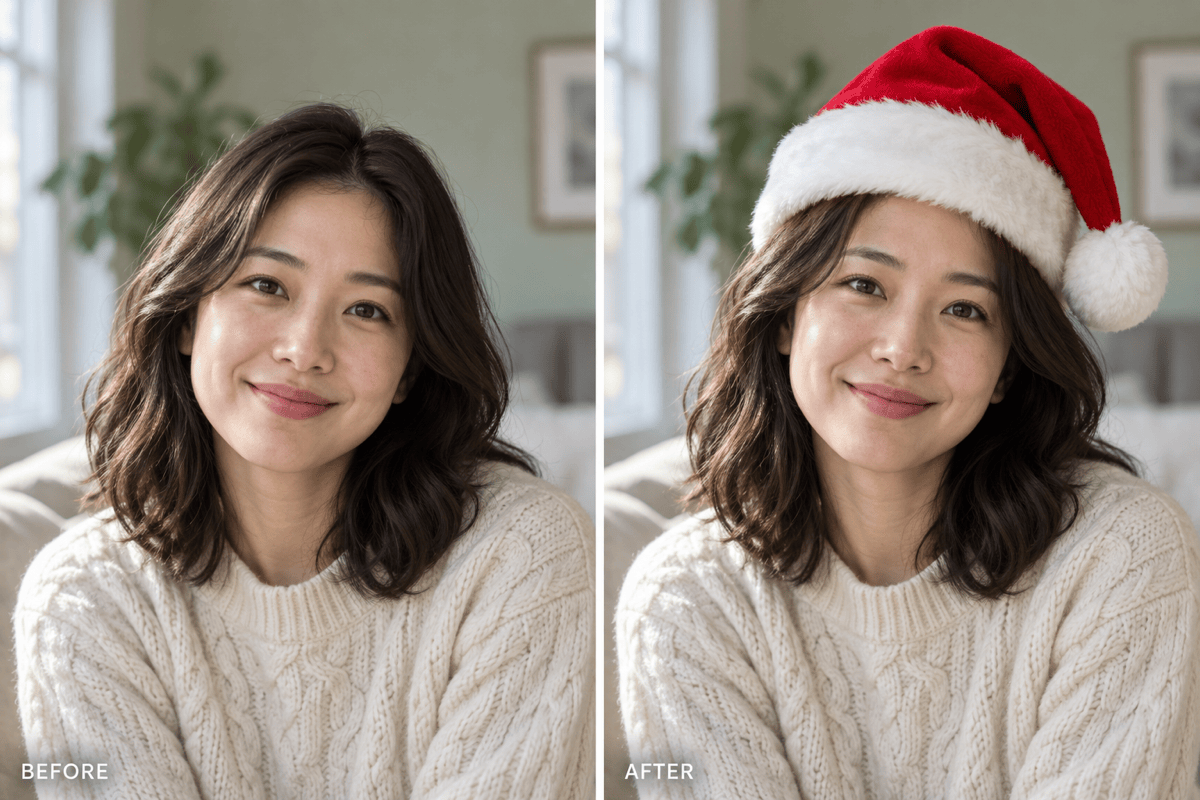
Upload your own photo instead of generating a new person. Specify a hat-only edit and compare facial details with the original.
Describe the Fit in Plain Language
Ask this online Santa hat editor for a smaller cap, a softer brim, or a different tilt. No manual sticker positioning is needed.
Dress Up Pet Photos
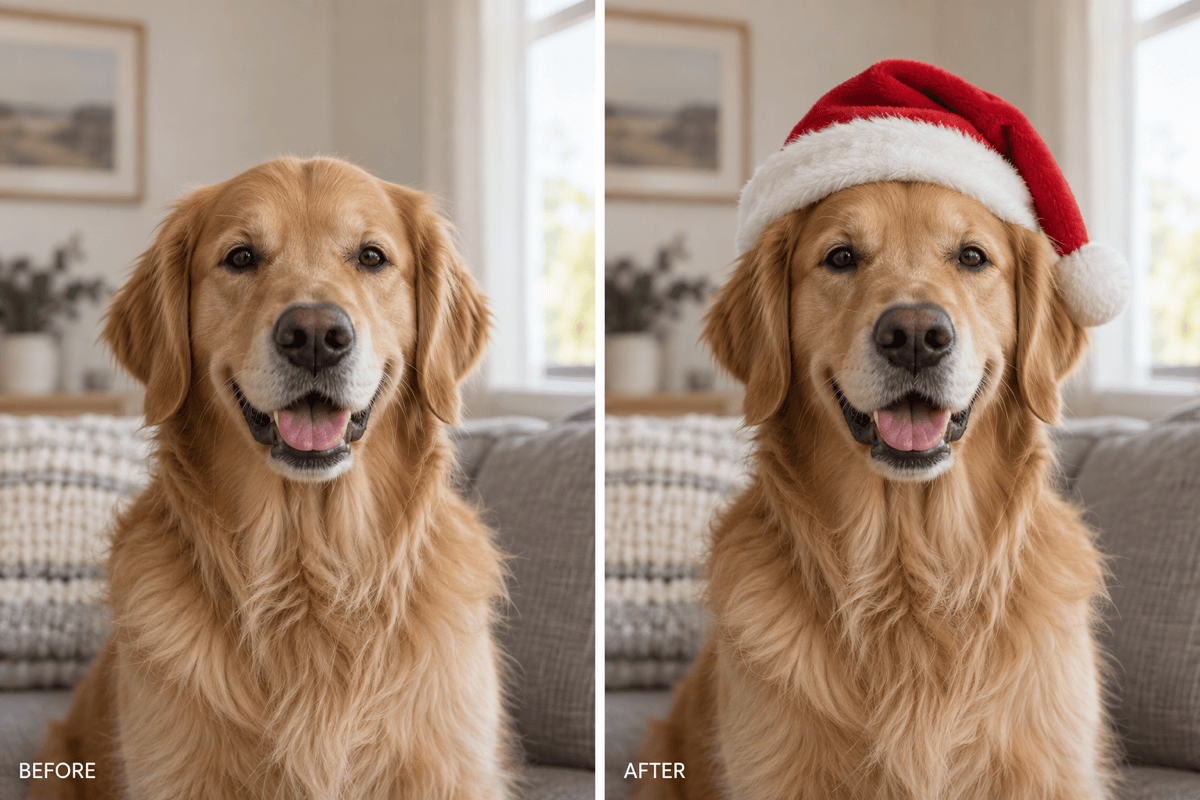
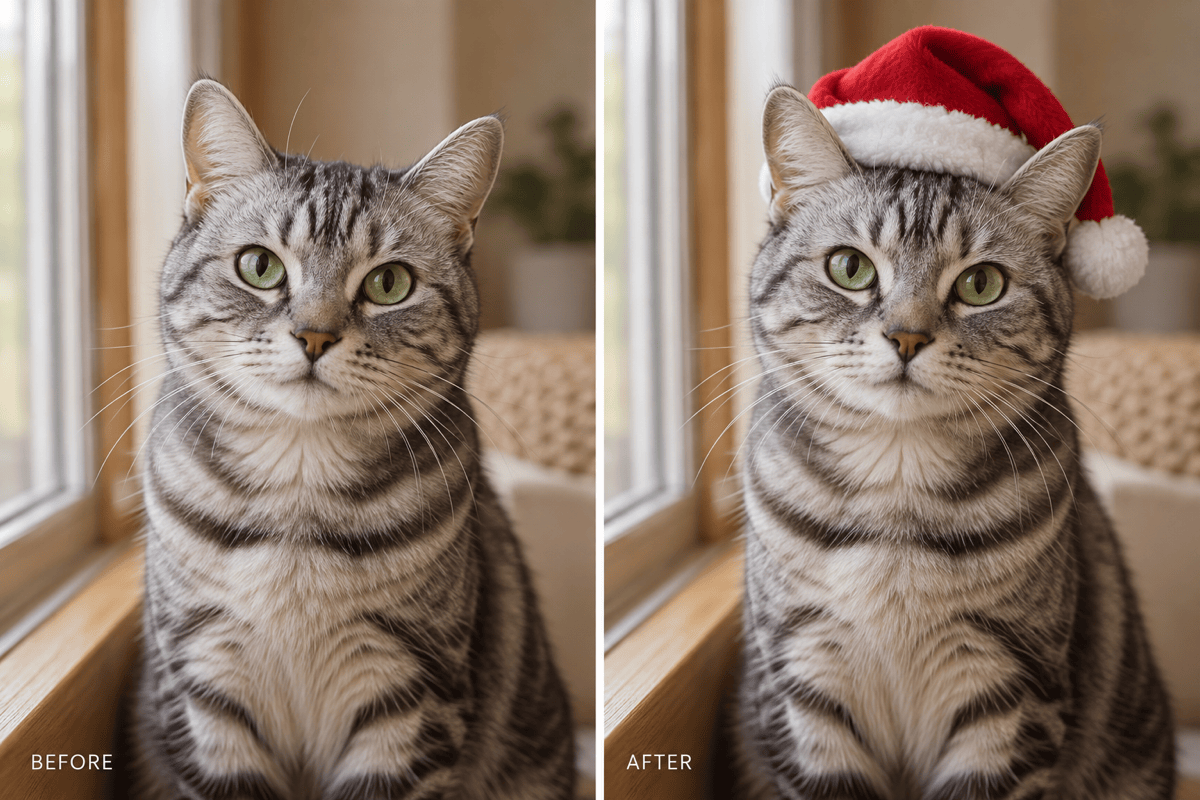
Add a Santa hat to a dog or cat photo without a costume session. Request a fit that leaves the eyes and ears visible.
Choose Who Wears a Hat
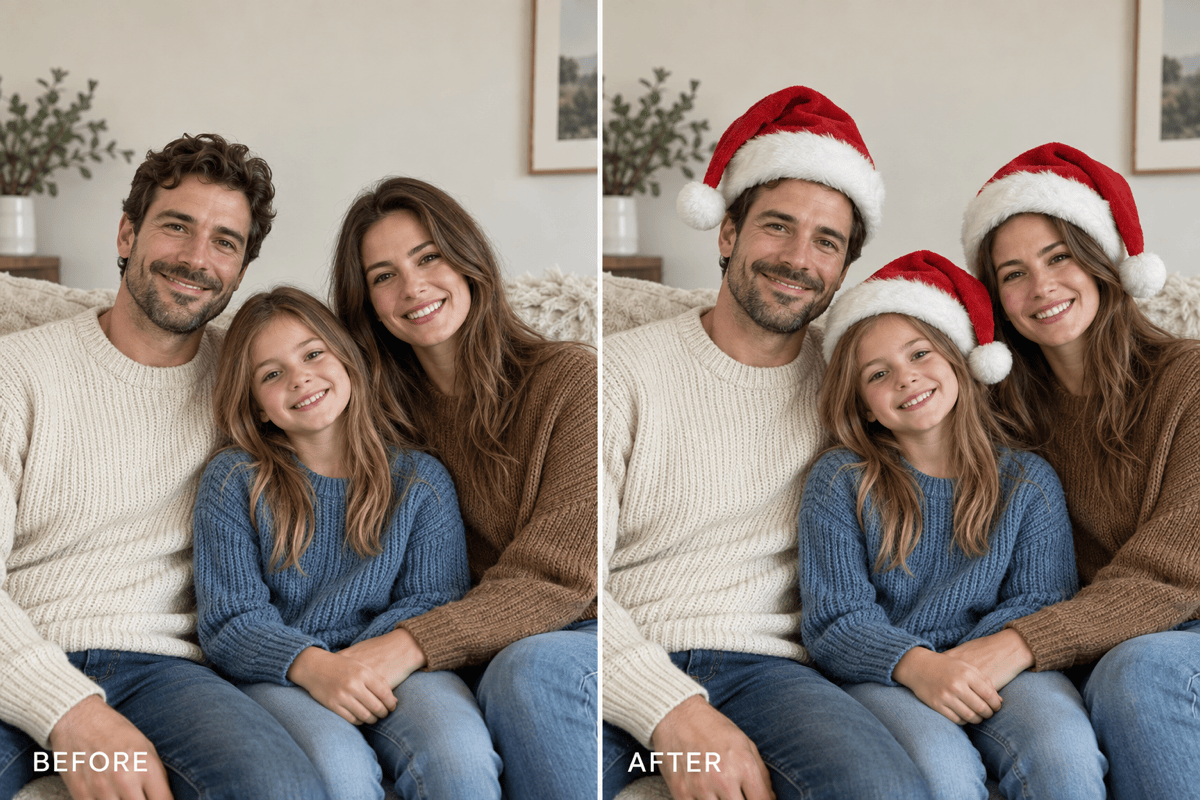
For a family or team picture, identify everyone or just one person by position. Review each head separately after the edit.
Try a Different Hat Style
Explore velvet, knitted fabric, or a different color through chat. Upload a hat reference when you want a specific visual direction.
Take the Result to Your Profile
Download watermark-free PNG or JPG images. Create a square variation for an avatar, with room around the hat for a circular crop.
What Makes a Santa Hat Look Real?
- Leave Headroom: Use an uncropped head with space above it. A tight crop can cut off the cap or pom-pom.
- Follow the Light: The hat should share the face’s light direction and shadow softness. Avoid bright white trim in a dim scene.
- Check the Overlap: The brim should meet the forehead naturally. Check hair, glasses, and pet ears for merged or missing edges.
- Compare More Than the Hat: AI edits can change nearby details. Recheck the eyes, smile, fur markings, and background before sharing.
Fix Common Santa Hat Photo Edits
Lower the floating Santa hat until the brim rests naturally on the head. Keep it above the eyebrows and preserve the face.
Match the Santa hat’s lighting to my original photo. Soften the bright trim and add a subtle contact shadow without darkening the face.
Resize the Santa hat on my dog so it fits between the ears. Preserve both ears, the eyes, and the original fur markings.
Move the Santa hat on my cat slightly back so both ears remain visible. Keep the face shape, whiskers, and background unchanged.
Add Santa hats to every clearly visible person in my group photo. Fit each hat to its own head angle and size; preserve all faces and outfits.
Make a square version of my Santa hat profile picture with space above the pom-pom. Keep the face centered and the entire hat within a circular avatar crop.





