Online Photo EditorAI Add Rainbow to Photo
How to Add a Rainbow to a Photo with AI
Upload a Photo with Room for Color
Describe the Arc and Placement
Check the Subject and Refine
Download Your Rainbow Photo

More Control over Your Rainbow Effect
Begin with Your Own Moment
Upload an existing photo to add a rainbow to a landscape or portrait. Your image provides the starting composition for the edit.
Choose Where the Color Goes
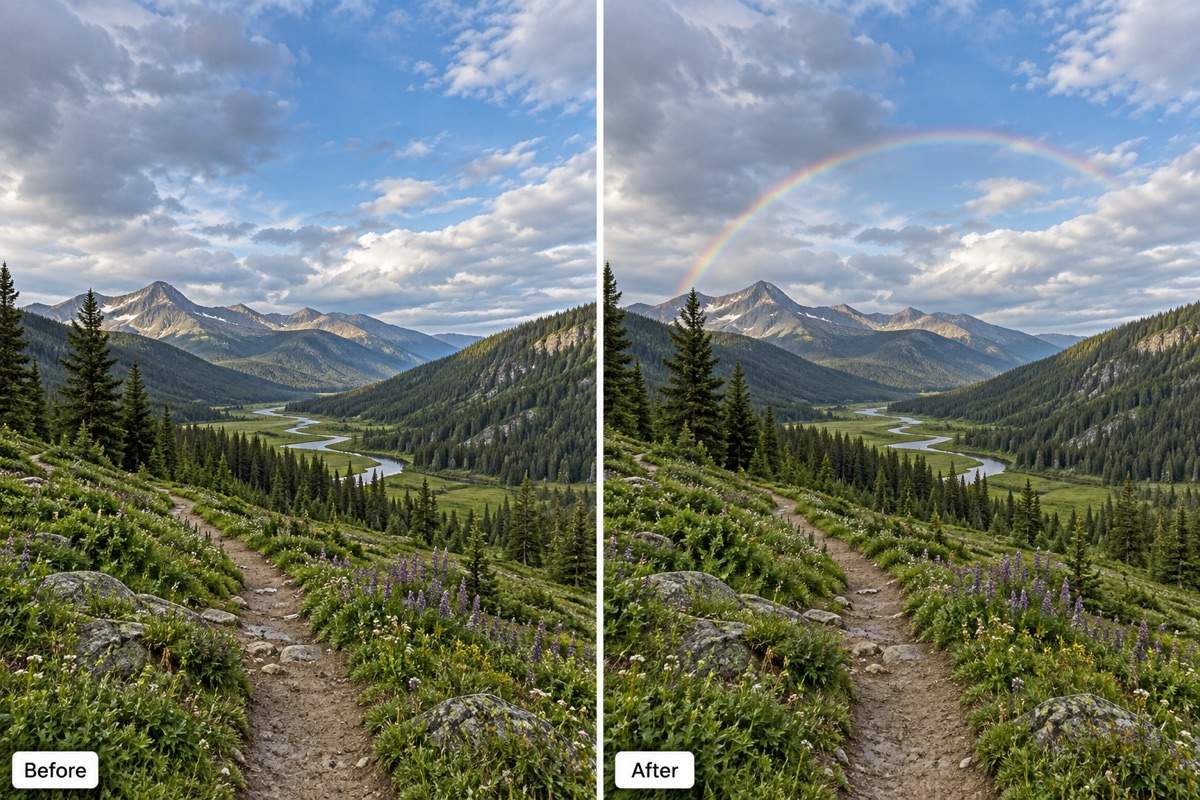
Describe an arc above the hills or behind the subject. This online AI rainbow filter accepts placement and intensity requests in ordinary language.
Soften an Overpowering Result
Use Chat Edit to ask for lower saturation, gentler edges, or a smaller arc while requesting that the rest of the photo stay unchanged.
Show the Look You Mean
Upload a reference image to explain a subtle weather rainbow or a creative prism effect. Tell the agent which photo to edit and which to use for style.
Compare Subtle and Bold Versions
Explore a faint single arc and a brighter interpretation from the same photo. Choose the version that suits its light and mood.
Try It with Free Credits
Sign up for free AI credits to test your edit. Export your chosen result as a watermark-free JPG or PNG; further generation depends on available credits.
What Makes a Rainbow Look Natural?
- Leave Sky Space: Use a partial arc when the sky is narrow. Avoid squeezing a full semicircle into a small gap.
- Keep the Color Transparent: Ask for soft, translucent bands. A natural rainbow should not look like an opaque sticker.
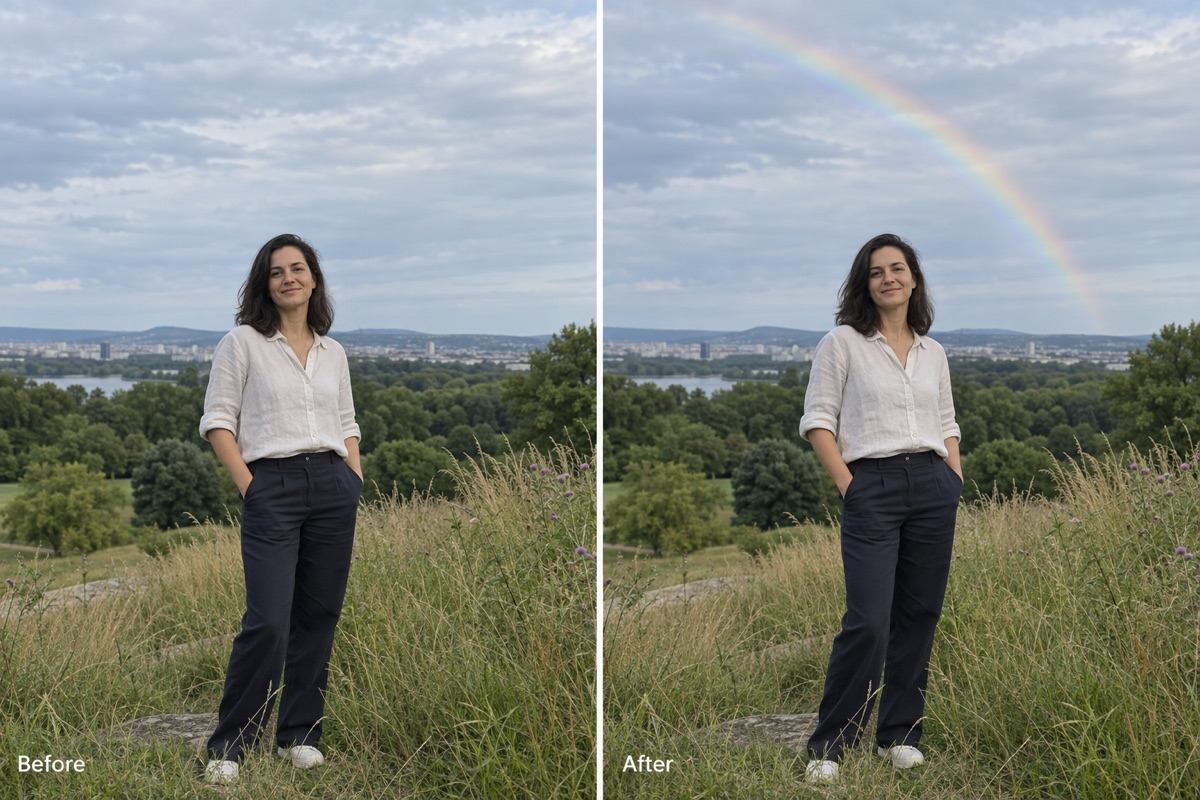
- Respect Foreground Edges: The sky rainbow should pass behind people, trees, and buildings, without tinting their edges.
- Review What Should Stay: AI edits may change nearby details. Check faces, clothing, landmarks, and the crop against your original.
Fix Common Rainbow Photo Problems
Reduce the saturation and brightness of the rainbow in my uploaded photo. Soften its edges while keeping the sky texture and overall exposure.
Move the rainbow into the sky behind the person in my uploaded photo. Keep color off their face and clothes, and preserve their expression and pose.
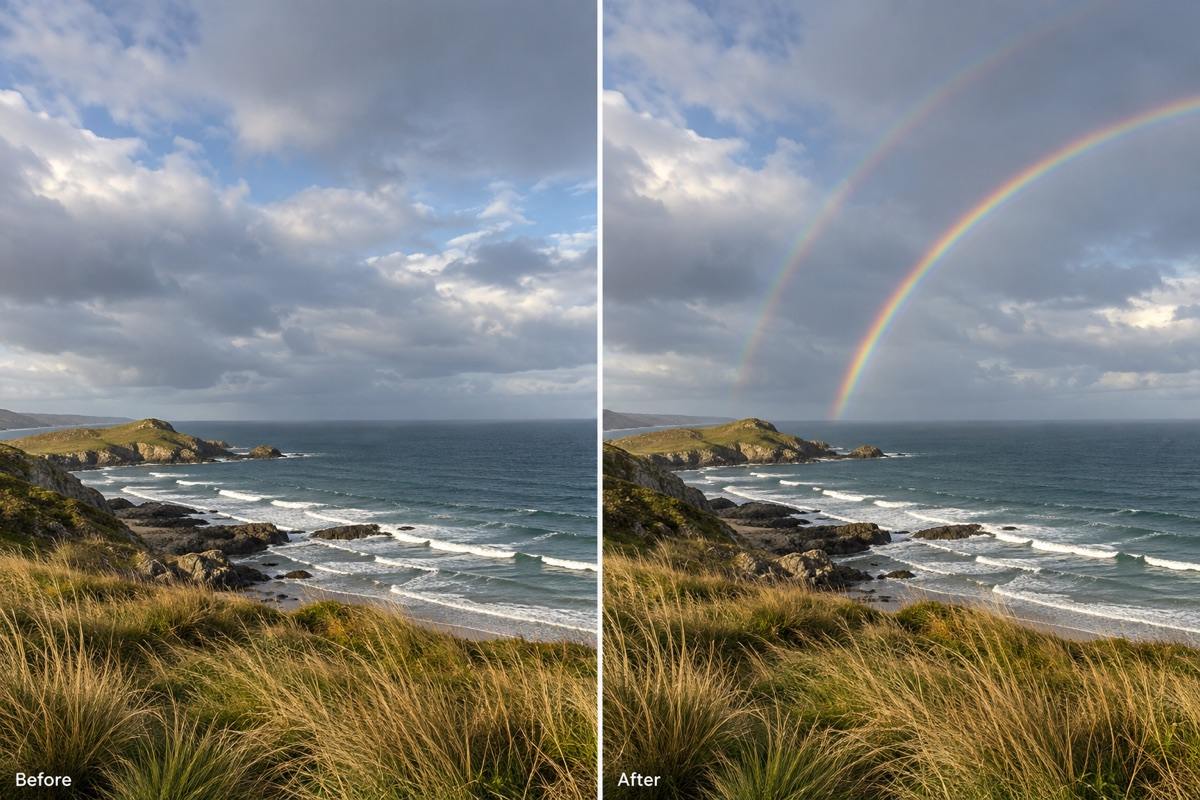
Add a double rainbow to my uploaded landscape photo. Make the outer arc wider and fainter, with its color order reversed. Keep the terrain and sky texture.
Add only a short, faint rainbow fragment in the open sky of my uploaded photo. Let it fade naturally instead of forcing a full arc into the frame.
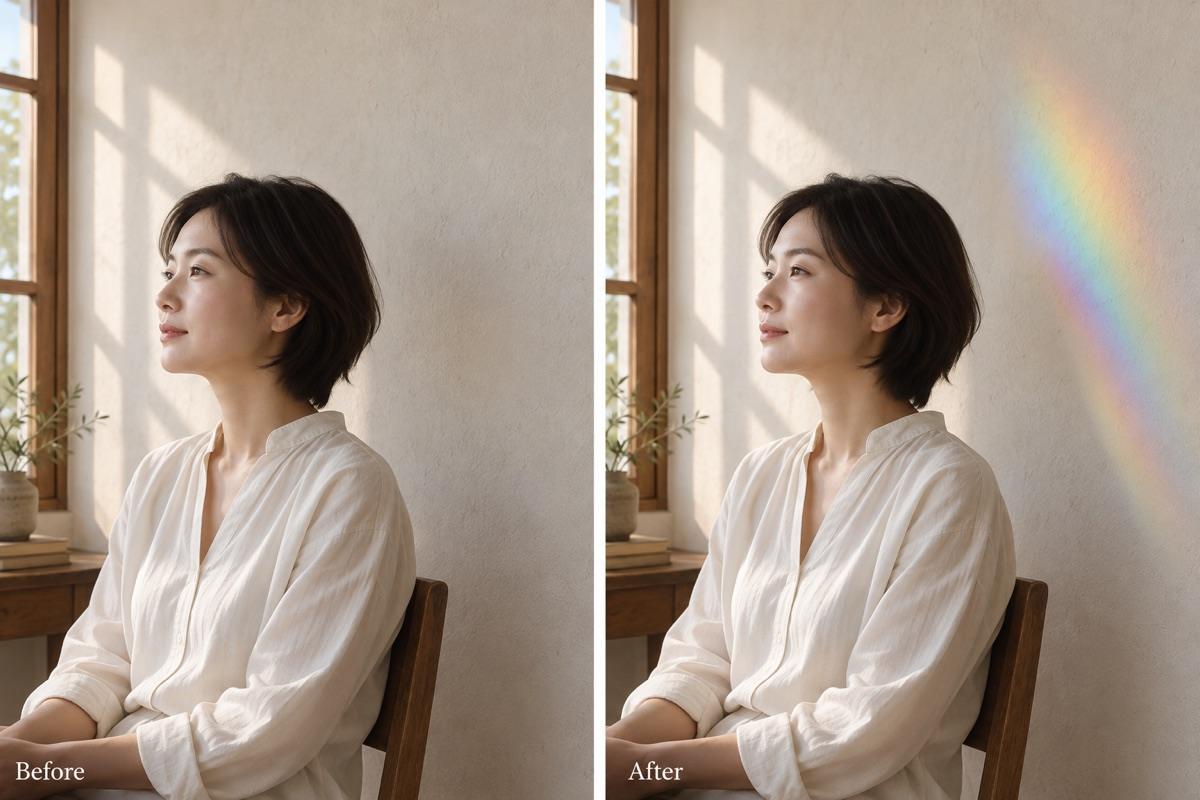
Add a soft rainbow prism light effect to the wall beside the person in my indoor photo. Keep their skin tone natural and preserve the window lighting.
Add a subtle rainbow above the skyline in my uploaded travel photo. Preserve the buildings, signs, horizon, and framing; keep the effect within the sky.





