Free OnlineAI Add People to Photo

How to Add People to a Photo with AI
Upload the Scene and Person Photos
Stage the New Group
Generate a Scene-Aware Composite
Inspect, Refine, and Export

A Photo Compositing Workflow That Understands the Whole Scene
Bring Separate Photos Into One Conversation
Upload the main scene and person references separately, call them out with @, and explain how they should come together. This workflow uses AI to add people to a photo without making you cut subjects out by hand or build Photoshop layers.
Direct Scale, Depth, and Placement
Tell the online AI photo editor who belongs in the front row, behind a chair, beside a friend, or farther into the scene. Specific spatial cues help the new subject sit more convincingly in the composition.
Protect What Is Already Working
Ask Mew Design to keep the existing faces, outfits, crop, background, and camera look unchanged. Clear preservation instructions help focus the edit on the person or people you are adding.
Correct the Composite Through Chat
A believable result often comes down to one small adjustment. Use Chat Edit to revise pose, spacing, clothing, light direction, or shadows without rewriting your full brief.
Build Singles, Pairs, or Fuller Groups
Add one missing guest, combine a couple from separate photos, or reference several people for a larger group. You can also request alternate arrangements to compare before choosing the most natural version.
Try It Free and Export Without a Watermark
New accounts receive free AI credits, so you can test how the AI adds a person to your photo before committing. Download completed edits without a watermark as JPG or PNG files.
How to Prompt AI for a Believable Photo Composite
- Assign Each Image a Role: State which upload is the base scene and which upload supplies the person. Use @ references so the instruction cannot be mistaken for a request to replace the whole photo.
- Describe Relationships: Say who stands beside whom, whether the new person is seated, and how they interact with furniture or people. Relative positions are often clearer than pixel measurements.
- Match the Camera: Mention camera height, viewing angle, focus, light direction, color temperature, grain, and shadow softness when the source photos differ.
- Set Preservation Boundaries: List what must remain unchanged—especially existing faces, hands, outfits, background details, crop, and any readable text—then refine one issue at a time with Chat Edit.
Prompts for Adding People to Real Photo Scenarios
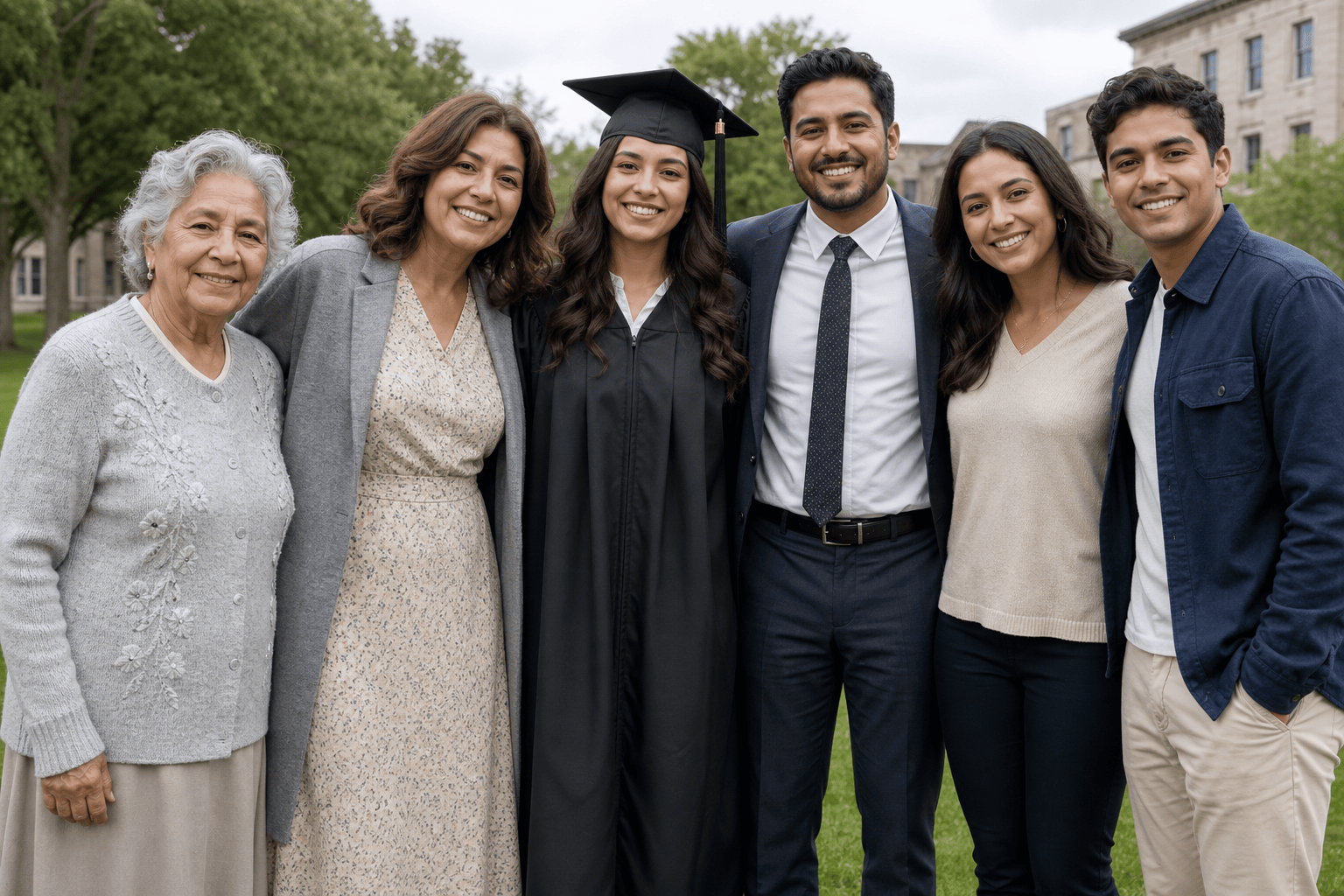
Use @[graduation_group] as the base. Add the woman from @[mother_portrait] at the left end of the group, standing slightly behind the graduate with one hand resting naturally on the graduate's shoulder. Keep every existing face and outfit unchanged. Match the outdoor overcast light, camera angle, body proportions, and soft shadows.
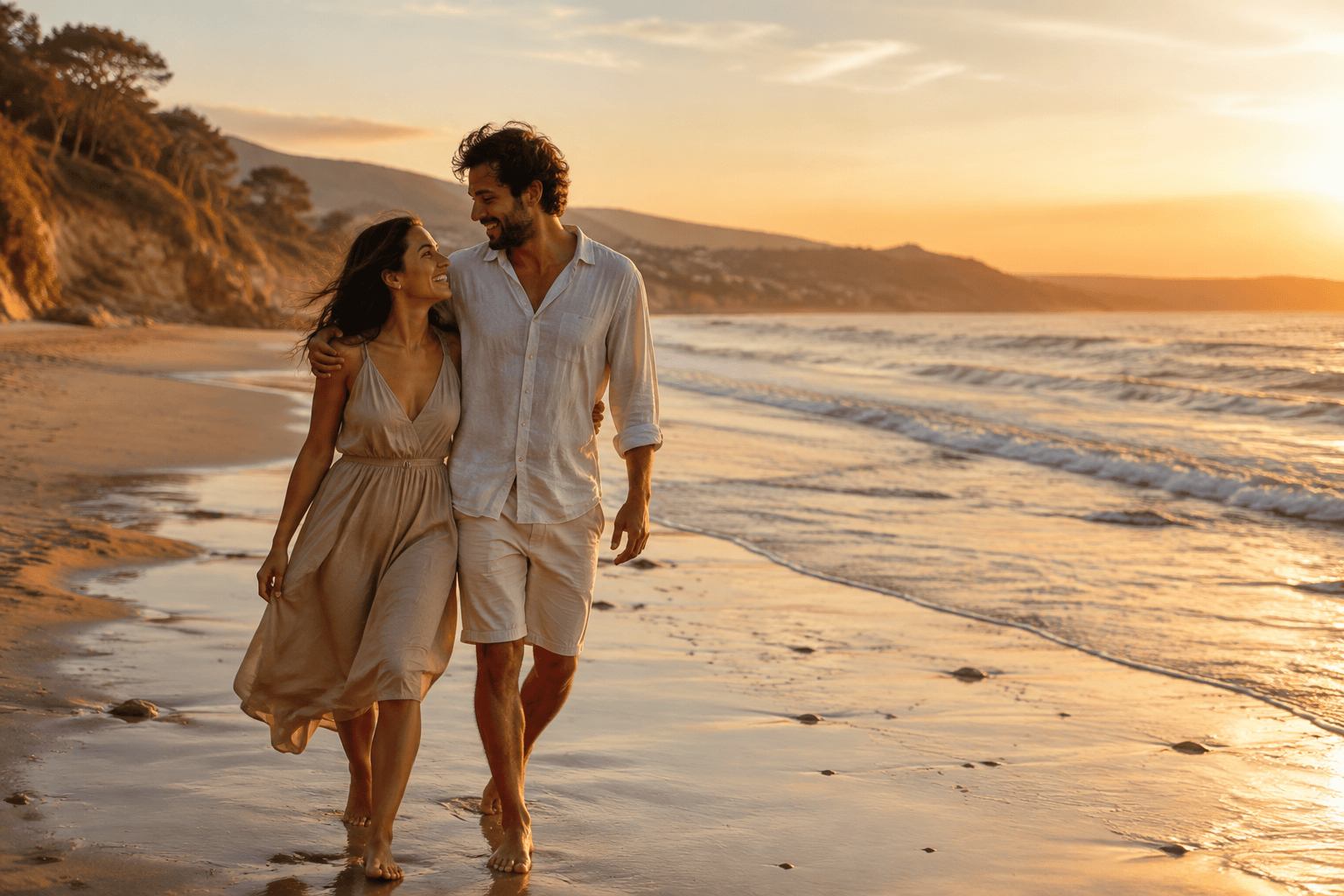
Insert the man from @[partner_photo] into @[beach_photo], walking beside the woman near the waterline. Preserve both identities and the original sunset background. Match their scale, barefoot stance, wind direction, golden rim light, and footprints in the wet sand so the couple looks photographed together.
Add the colleague from @[full_body_reference] to @[office_team_photo] in the open space behind the conference table. Dress and face should stay consistent with the reference. Align eye level with the standing coworkers, match the cool window light, lens perspective, depth of field, and floor contact shadow.
Use @[birthday_photo] as the base and add the two adults from @[friend_one] and @[friend_two] behind the sofa, leaning slightly toward the group. Keep the cake, decorations, and current guests unchanged. Make the added people share the same warm indoor flash, image grain, focus, and candid energy.
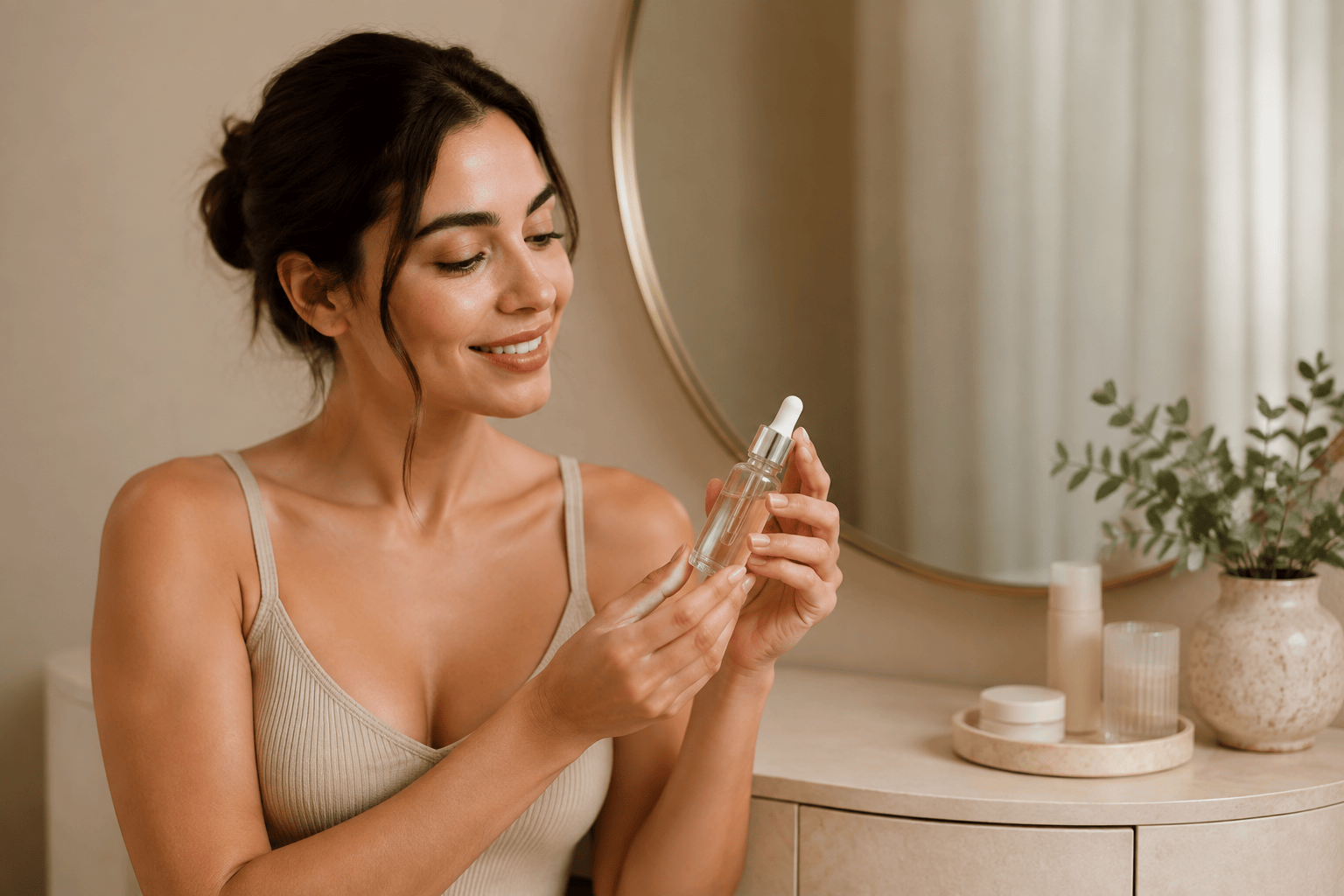
Place the adult model from @[model_reference] into @[skincare_product_scene], standing beside the vanity and holding the unbranded serum bottle at chest height. Preserve the bottle shape and label area. Match the soft studio light, clean beige palette, realistic hand contact, scale, and commercial lifestyle photography style.
Add five diverse adult pedestrians to the middle ground of @[empty_plaza], with two people talking near the cafe, a cyclist passing behind them, and two people walking toward the entrance. Keep the architecture unchanged. Match midday sun, perspective, occlusion, motion blur, and natural crowd spacing.





