Try OnlineAI Add Heart to Photo
How to Add Hearts to a Photo with AI
Upload the Moment You Want to Keep
Generate Your Heart Effect
Adjust the Hearts in Chat
Check the Photo and Download

Heart Effects That Fit Your Photo
Start with Your Own Picture
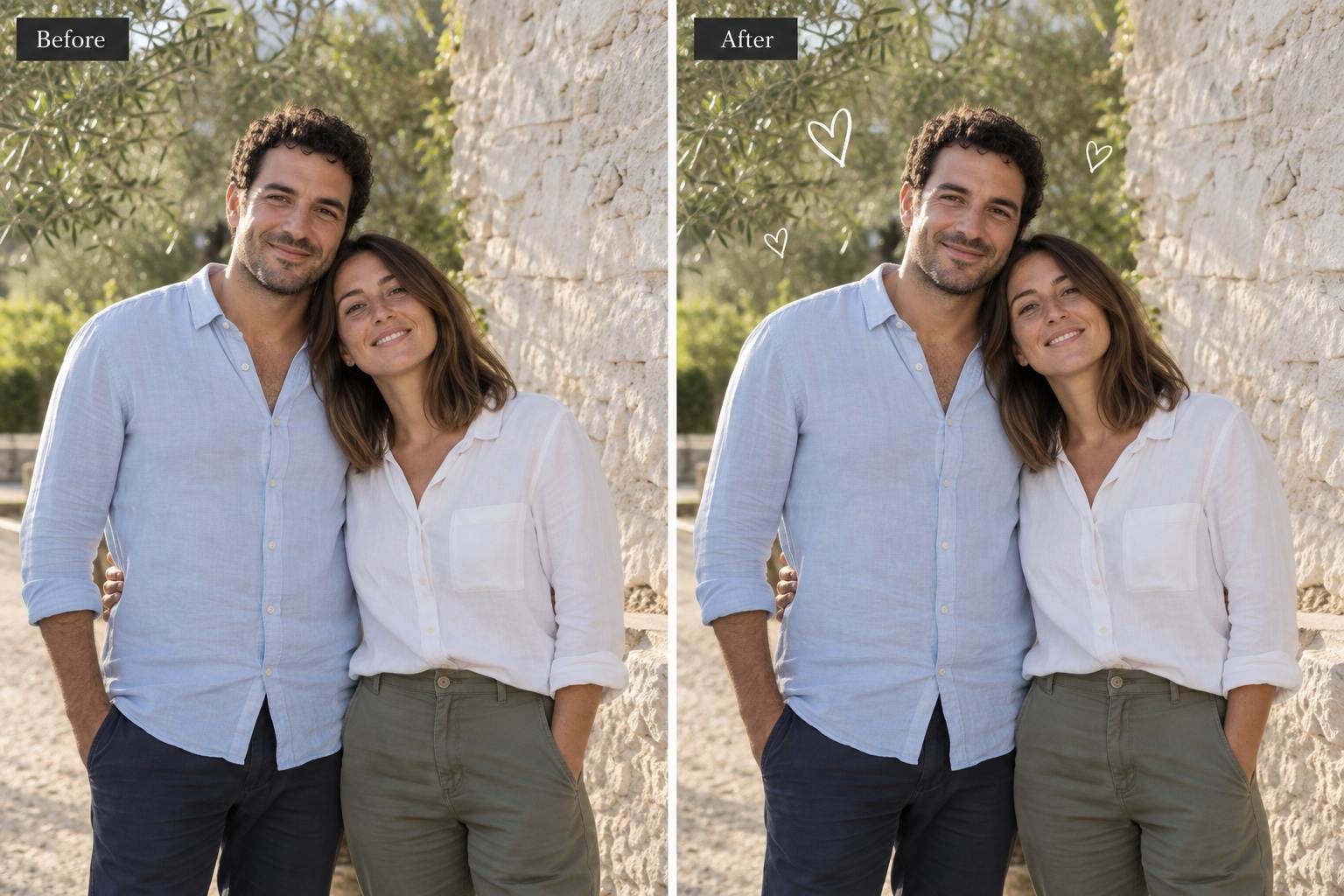
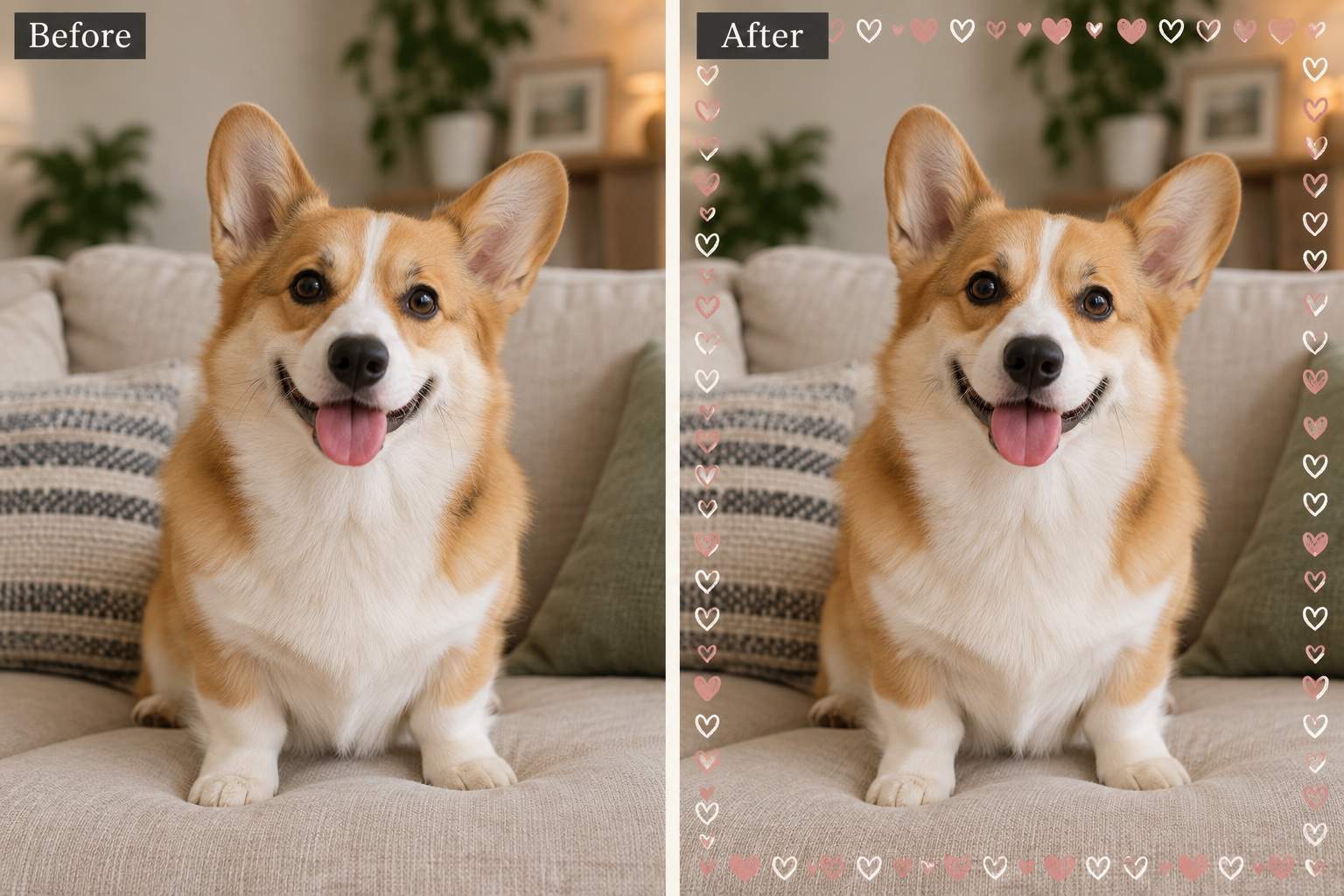
Upload a selfie, couple photo, or pet portrait. Mew Design works from your image so you can add a heart to a photo with AI instead of describing the whole scene from scratch.
Choose the Kind of Heart
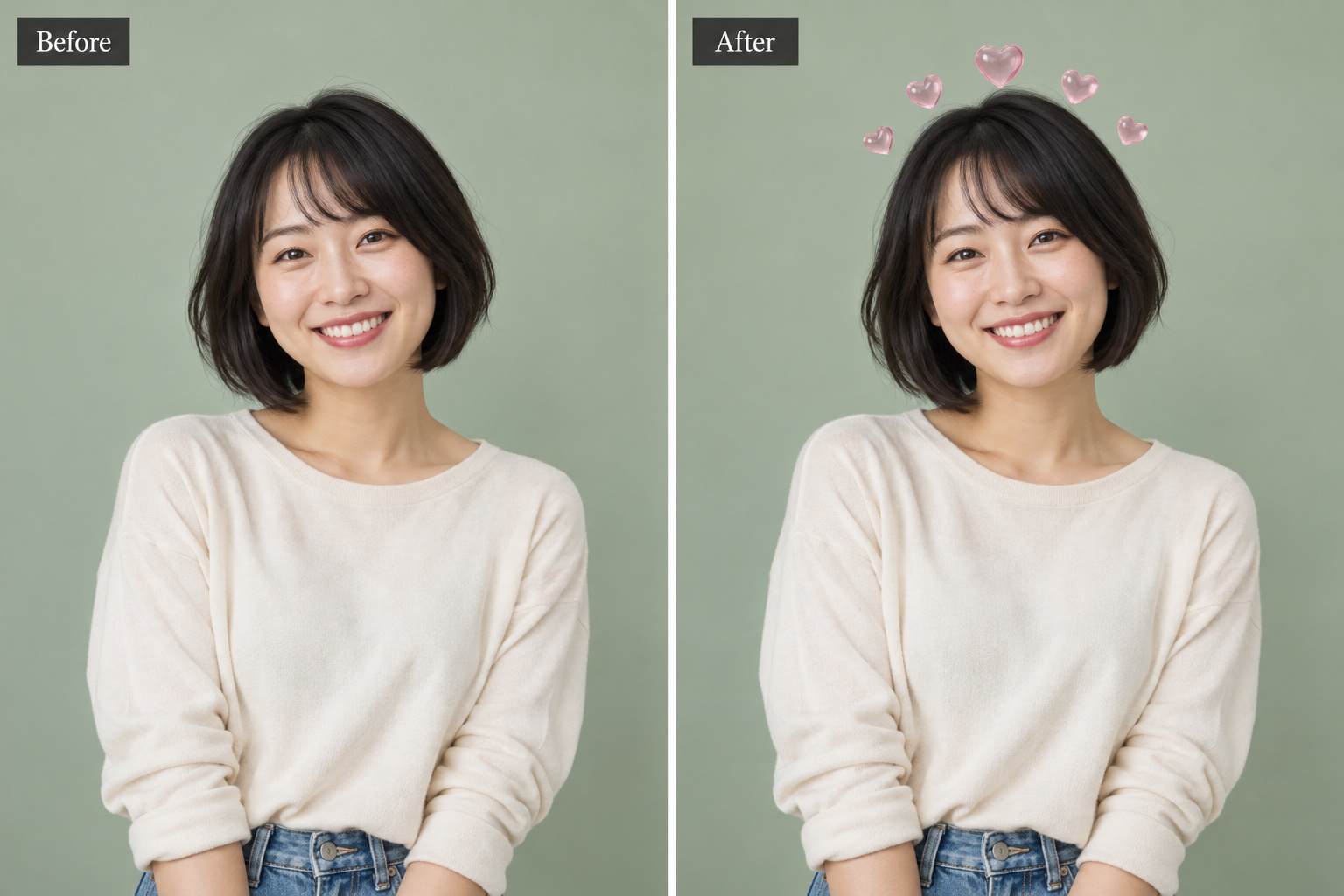
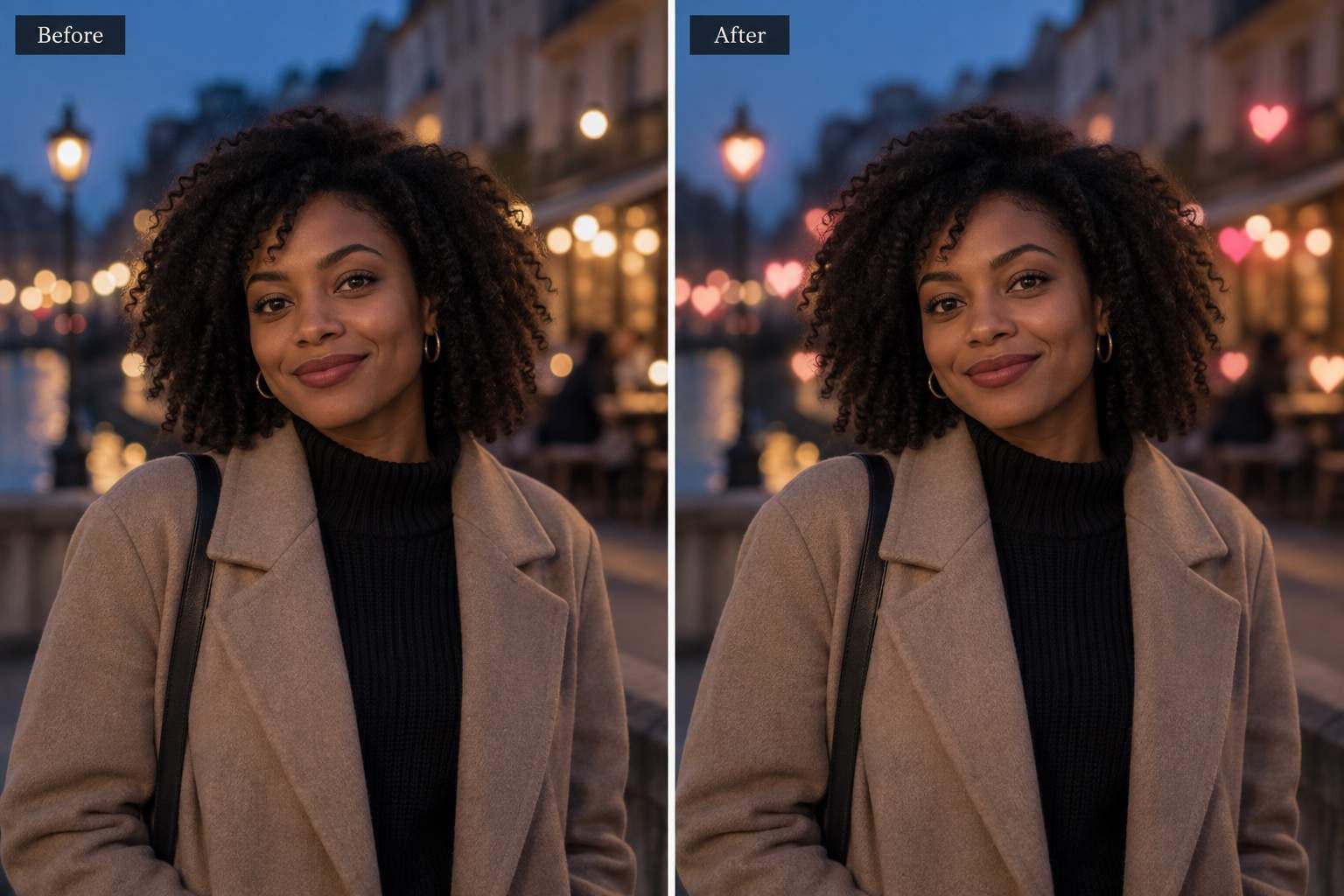
Ask for red sticker-style hearts, fine white outlines, or soft pink bokeh. This online heart photo editor lets you describe the look instead of relying on one fixed filter.
Keep the Focus on People
Use Chat Edit to request smaller hearts or move decoration into empty space. Review the result to make sure eyes, smiles, and important details stay clear.
Bring a Style Reference
Upload a reference image when you want a particular outline, palette, or glow. A reference can guide the effect; a separate heart graphic is optional.
Compare Subtle and Playful Versions
Try a restrained anniversary edit and a brighter social version from the same photo. Choose the balance of decoration and detail that suits the occasion.
Share Without a Watermark
Download your heart photo as PNG or JPG without a watermark. Start with free AI credits after signup; further generation depends on your available credits.
Add Hearts Without Overwhelming the Photo
- Leave Breathing Room: Use open space around the head or shoulders. Avoid placing a heart across eyes, fingers, or a meaningful background detail.
- Match the Light: Use gentle outlines for bright daylight and a restrained glow for evening photos. Strong neon can overwhelm a softly lit face.
- Plan the Crop: For a profile picture, keep hearts close enough to survive a circular crop. For a story, leave room around the subject in the taller composition.
- Compare with the Original: AI edits can change details beyond the hearts. Check faces, hands, and clothing; if they drift, retry from the original with a narrower request.
Quick Fixes for Your Heart Photo Edit
Move the hearts that overlap my face into the empty space above my shoulders. Keep my eyes, smile, and hair unobstructed. Preserve the rest of the photo.
Make this heart overlay more subtle. Remove most of the hearts and keep three small accents near the edges. Preserve the original subject and background.
Soften the heart bokeh in the background. Reduce its brightness and blur the edges so it looks out of focus. Keep the person sharp and do not add hearts over the face.
Change the bright red hearts to muted blush pink so they fit the photo. Keep their size and placement, and preserve the original skin tones.
Adjust this heart filter for a profile picture. Keep the face centered and bring the hearts closer to the head so they fit inside a circular crop. Do not crop the photo into a heart shape.
Use my original photo again and add only one small white outline heart in an empty corner. Preserve the face, expression, clothes, lighting, and framing. Do not add text.





