Put Street Art Where You Want ItAdd Graffiti to a Photo with AI
How to Add Graffiti to a Photo with AI
Choose a Visible Surface
Set the Paint and Placement
Check How the Paint Sits
Export Your Selected Version

From a Bare Surface to a Personal Art Concept
Work in the Original Location
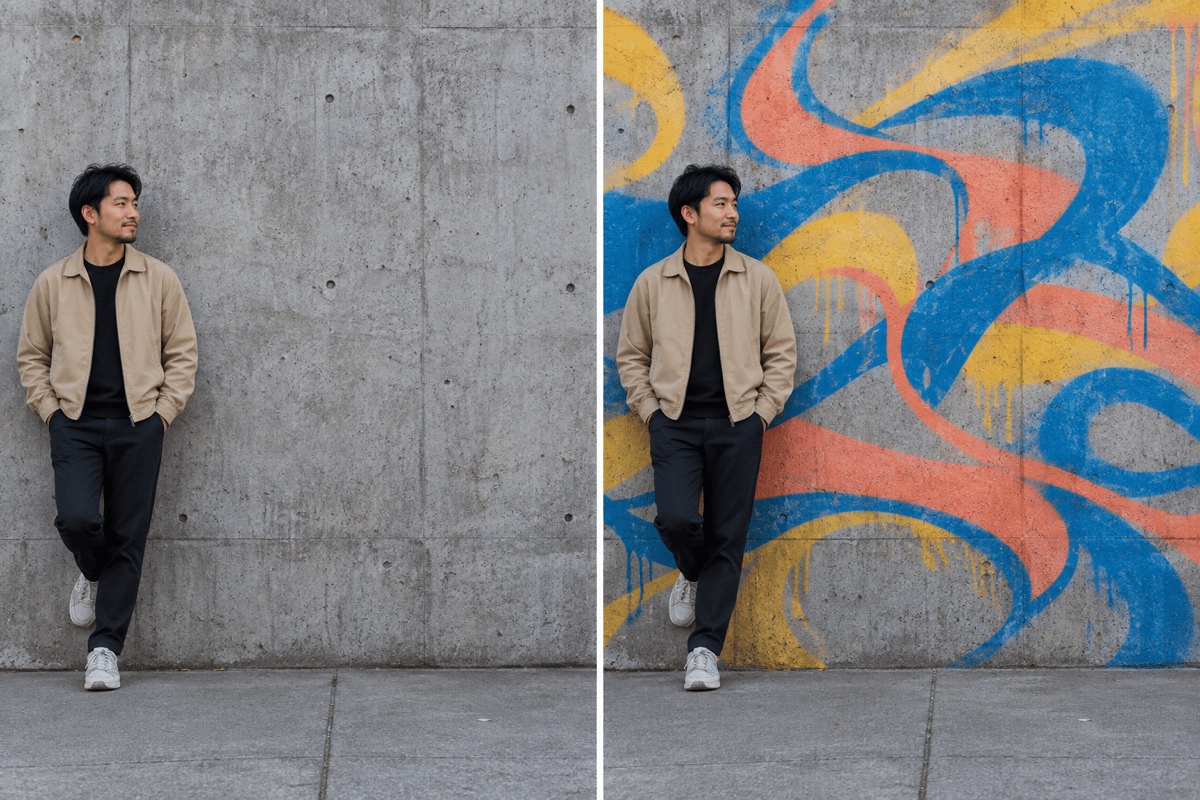
Use your own wall or street photo so the graffiti concept can be judged against the existing space and its surrounding details.
Give the Paint a Visual Direction
Upload a reference to guide the palette and composition, then describe the original lettering or shapes you want to create.
Compare More Than One Piece
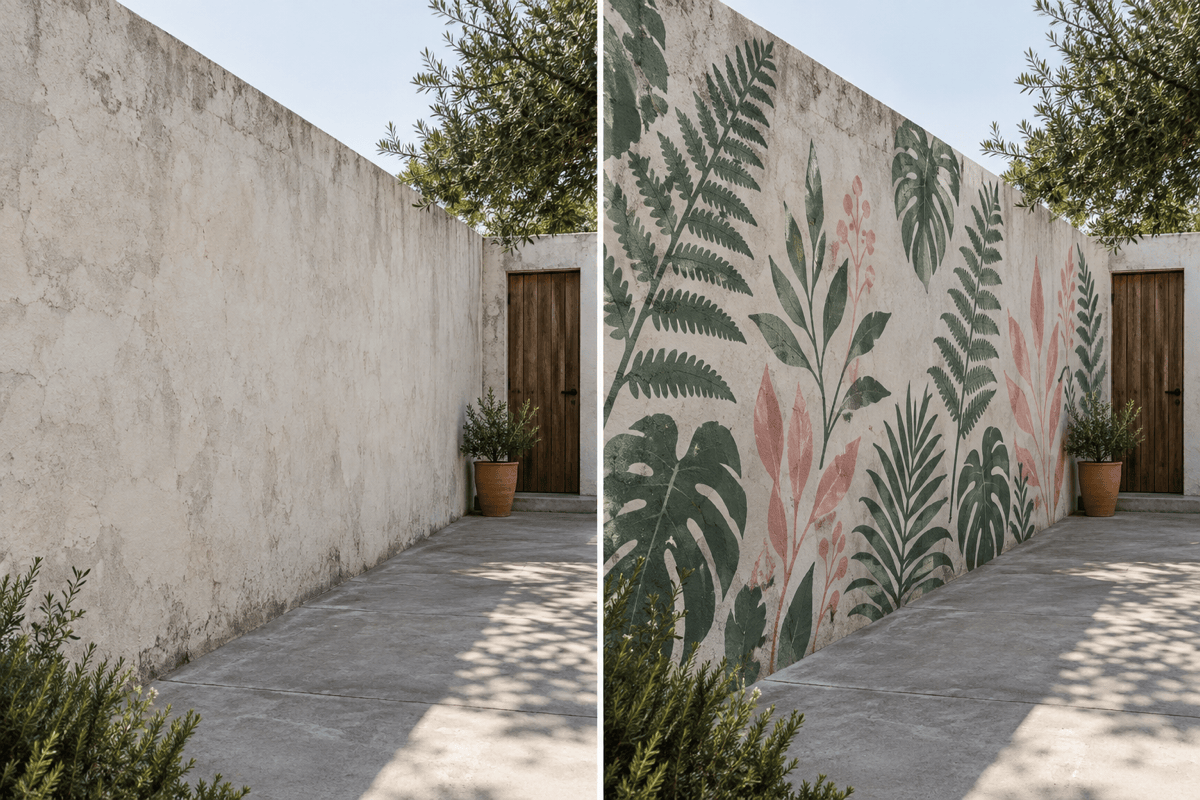
Explore a compact stencil and a larger mural on the same photo before choosing how much surface to cover.
Try a Short Name or Message
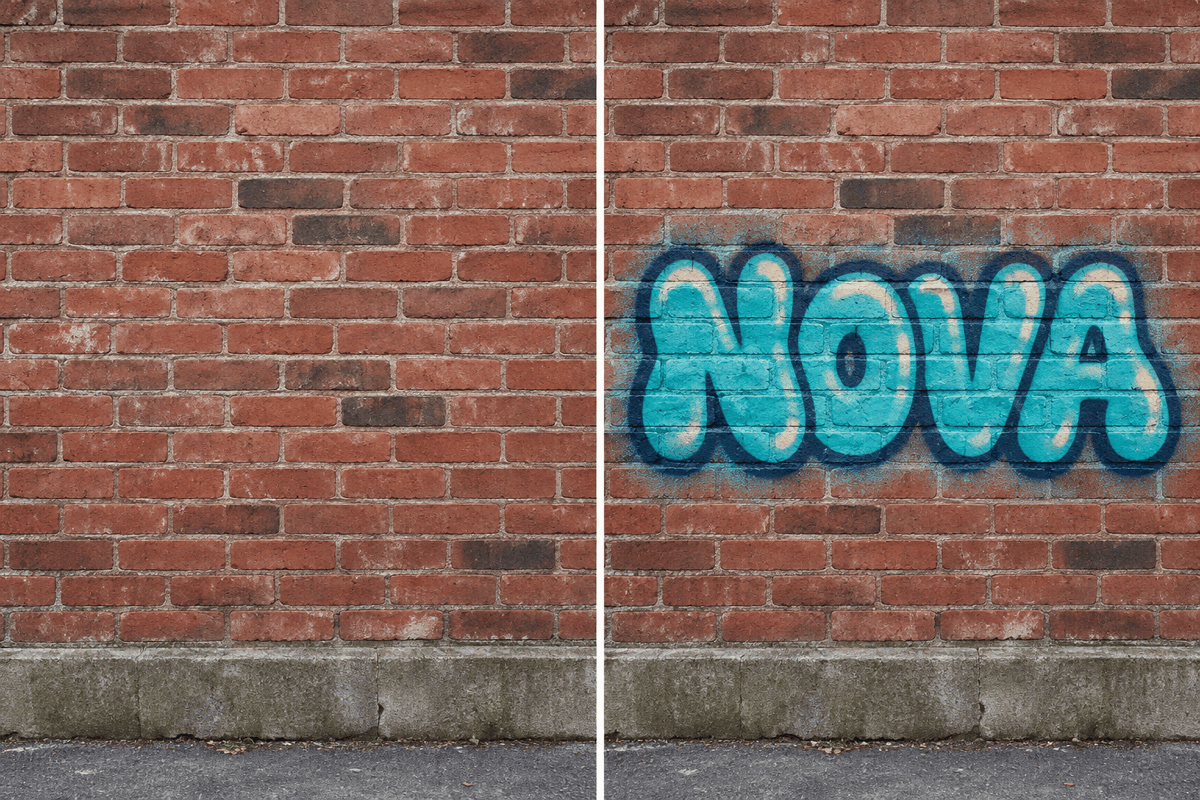
Add custom graffiti text to a photo with a defined fill and outline. Ask for simple letter shapes when readability matters.
Fix the Edit Through Conversation
Tell the AI graffiti photo editor to reduce overspray, move a shape away from a face, or soften a heavy outline in Chat Edit.
Preview Paint on Objects
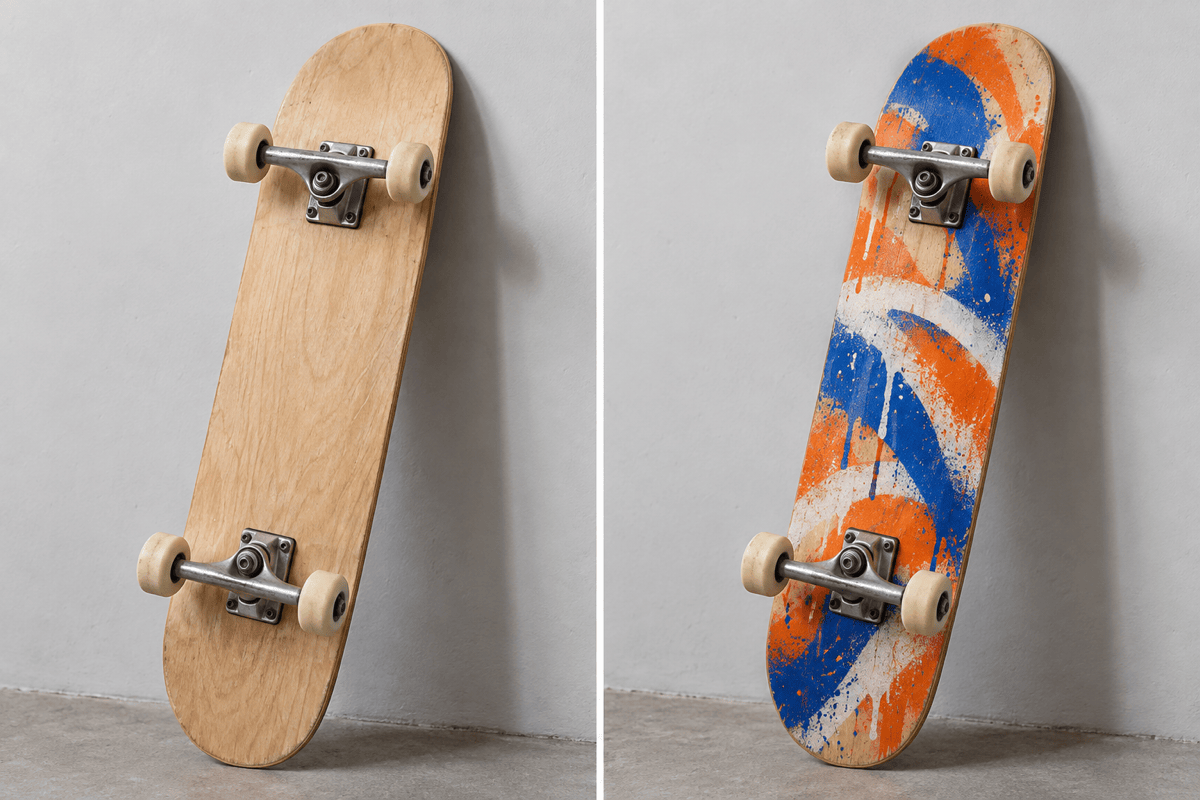
Test a graffiti skateboard design or a painted panel in a photo before developing the concept into a production-ready design.
Make the Graffiti Belong to the Surface
- Follow the Plane:Letter baselines and outlines should follow the photographed wall angle instead of facing the camera independently.
- Keep Texture in the Paint:Let brick joints, concrete grain, or deck contours remain visible so the artwork does not look like a floating sticker.
- Respect Foreground Edges:Paint behind a person should stop at their silhouette, without spilling onto skin, hair, or clothing.
- Check Every Character:Short words and simpler letters are easier to review. Compare the spelling with your request before using the image.
Six Fixes for Graffiti Photo Edits
Align the graffiti with the angled wall in this photo. Make the lettering follow the wall's receding perspective while keeping the building shape unchanged.
Bring the brick joints and rough surface back through the painted area. Keep the graffiti colors, but remove the smooth sticker-like finish.
Remove paint that overlaps the person's hair and jacket. Keep the graffiti on the wall behind them and restore the original foreground details.
Correct the graffiti text to exactly "NOVA", once. Use four readable bubble letters and remove any extra characters without changing the wall.
Reduce the mural to the left half of the wall. Leave the doorway, window, and right side unpainted and keep their original shapes.
Give the graffiti subtle fading and a few small paint drips that suit the weathered wall. Avoid changing the overall exposure or adding heavy grime.





