Free OnlineAI Add Crown to Photo
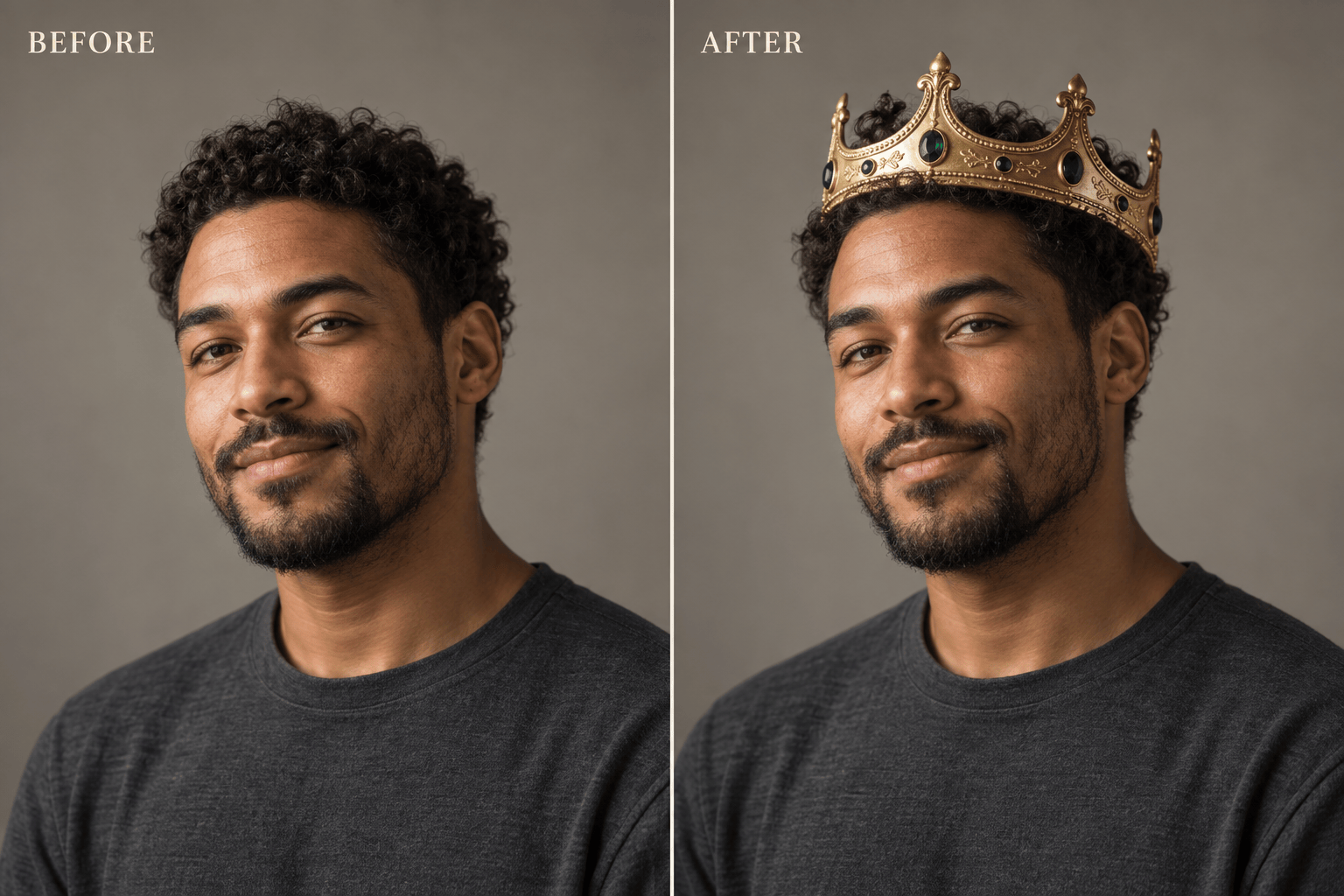
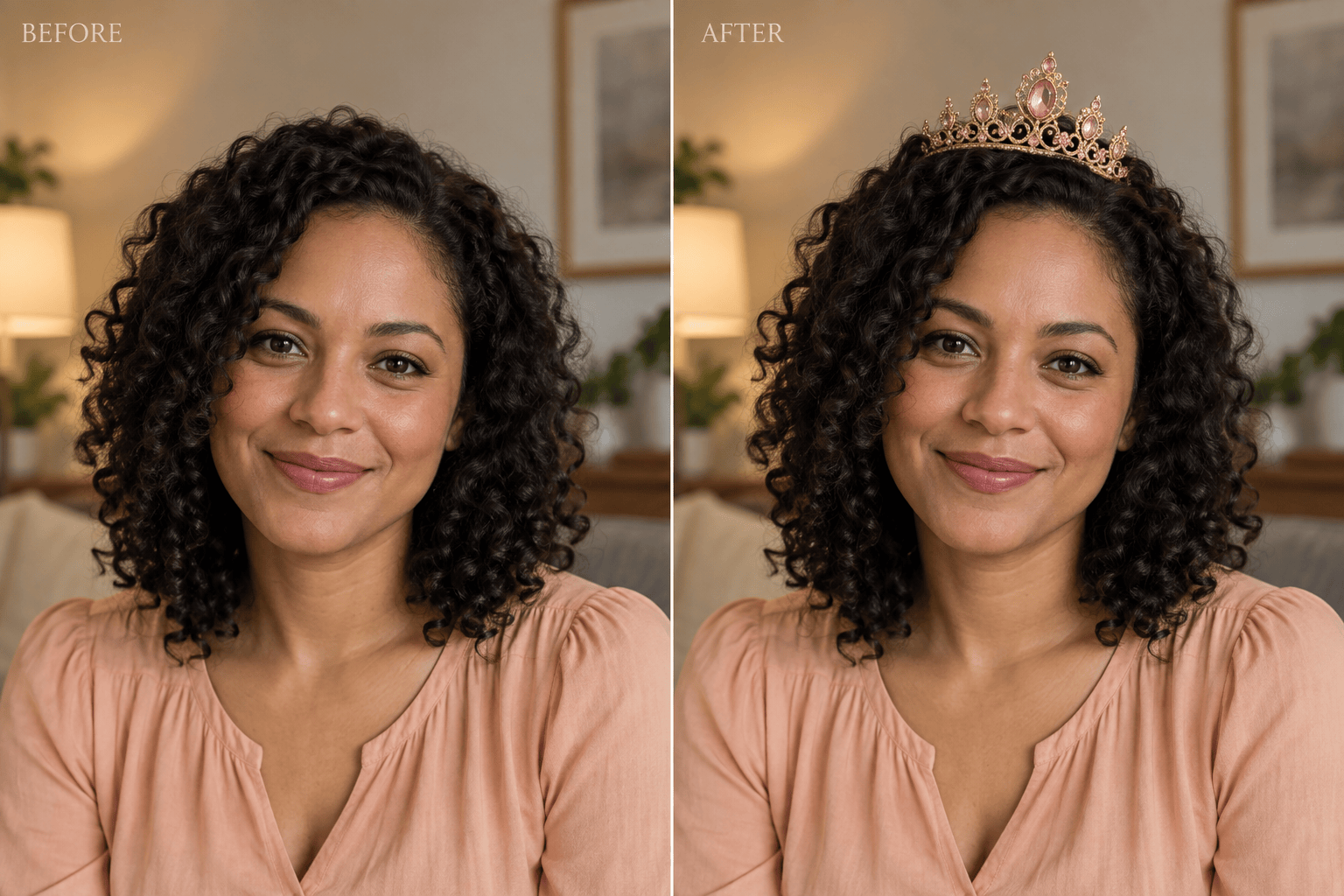
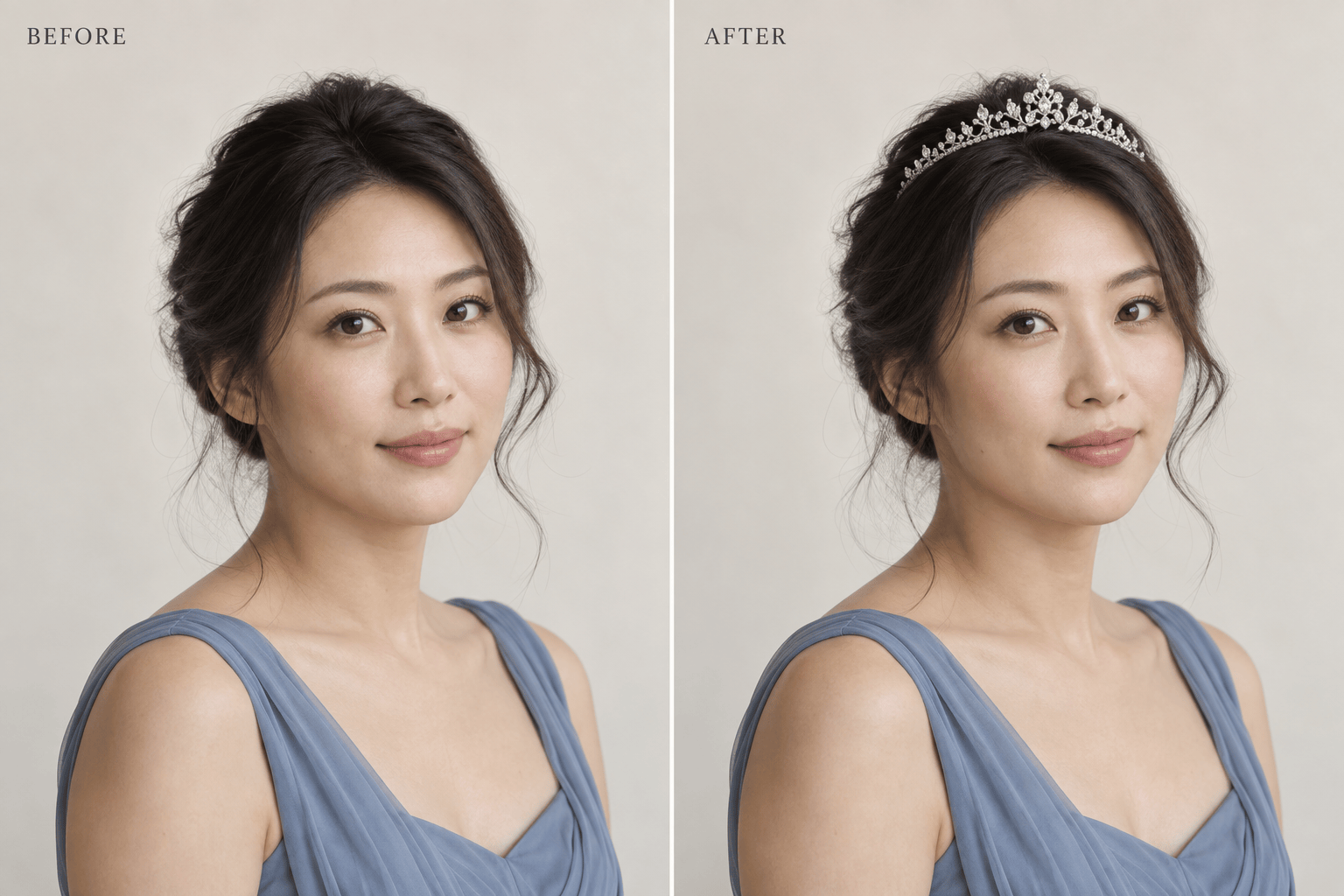
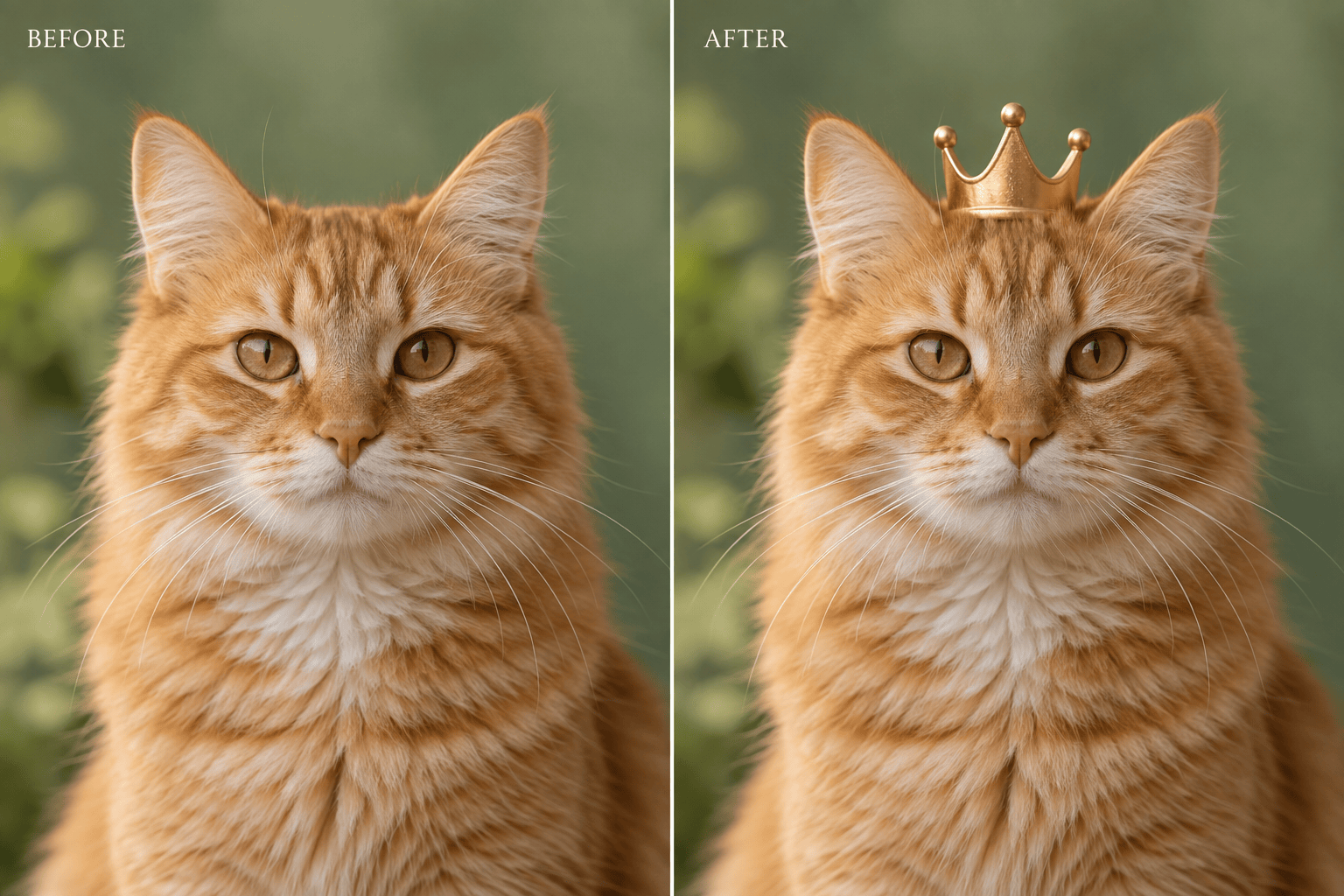
How to Add a Crown to a Photo with AI
Upload a Clear Portrait
Create the Crown Edit
Check the Fit in Chat Edit
Download Your Favorite Version

A Crown That Suits Your Photo
Start with Your Own Face
Upload an existing portrait to use this AI crown photo editor. Ask to retain your expression, hairstyle, and background while adding the headpiece.
Choose More Than a Gold Crown
Describe a silver tiara, a jeweled birthday crown, or a simple royal band. You can add a reference image to guide the shape and finish.
Refine the Placement in Words
Request a smaller band, a slight tilt, or softer reflections. Chat Edit lets you work on the crown without learning manual masking tools.
Compare Different Royal Looks
Try a bold king crown and a lighter princess tiara on the same source photo. Compare versions before choosing a look for your post.
Give Your Pet a Royal Moment
Add a crown to a pet photo for a playful portrait. Specify a small crown between the ears and ask to preserve fur markings and whiskers.
Take the Result to Your Feed
Download watermark-free PNG or JPG images. Ask for a square profile crop or a portrait post with enough room above the crown.
How to Make a Crown Look Natural
- Leave Headroom: Use a photo that includes the top of the head. A tight crop can cut off the crown or leave too little space.
- Match the Head Angle: The band should follow the tilt of the head. Look for a believable contact point instead of a floating crown.
- Check Hair and Light: Hair may overlap the back of the crown. Reflections and contact shadows should agree with the light in the photo.
- Compare Facial Details: AI edits can change nearby features. Check eyes, hairline, and expression against the original, then request a focused correction.
Fix Common Crown Photo Problems
Lower the floating crown until the band rests naturally on my head. Preserve my face and the original background.
Make the oversized crown smaller so its band fits my head. Keep the same gold finish and gemstone colors.
Rotate the crown to follow my head tilt. Show the side of the band in perspective without changing my pose.
Soften the crown’s glare and match its highlights to the light in my photo. Add a subtle contact shadow where it meets the hair.
Place the back edge of the tiara behind my hair. Restore the original fringe and keep the front jewelry visible.
Use my original photo as the reference to restore my face and expression. Keep the added crown and avoid further skin smoothing.





