Try a Coastal Look OnlineAdd a Beach Background with AI

How to Put Your Photo in a Beach Setting
Pick a Suitable Source Shot
Choose the Coast and Weather
Align the Horizon and Ground
Export Your Coastal Version

Coastal Photo Editing with Room to Refine
Keep a Favorite Expression
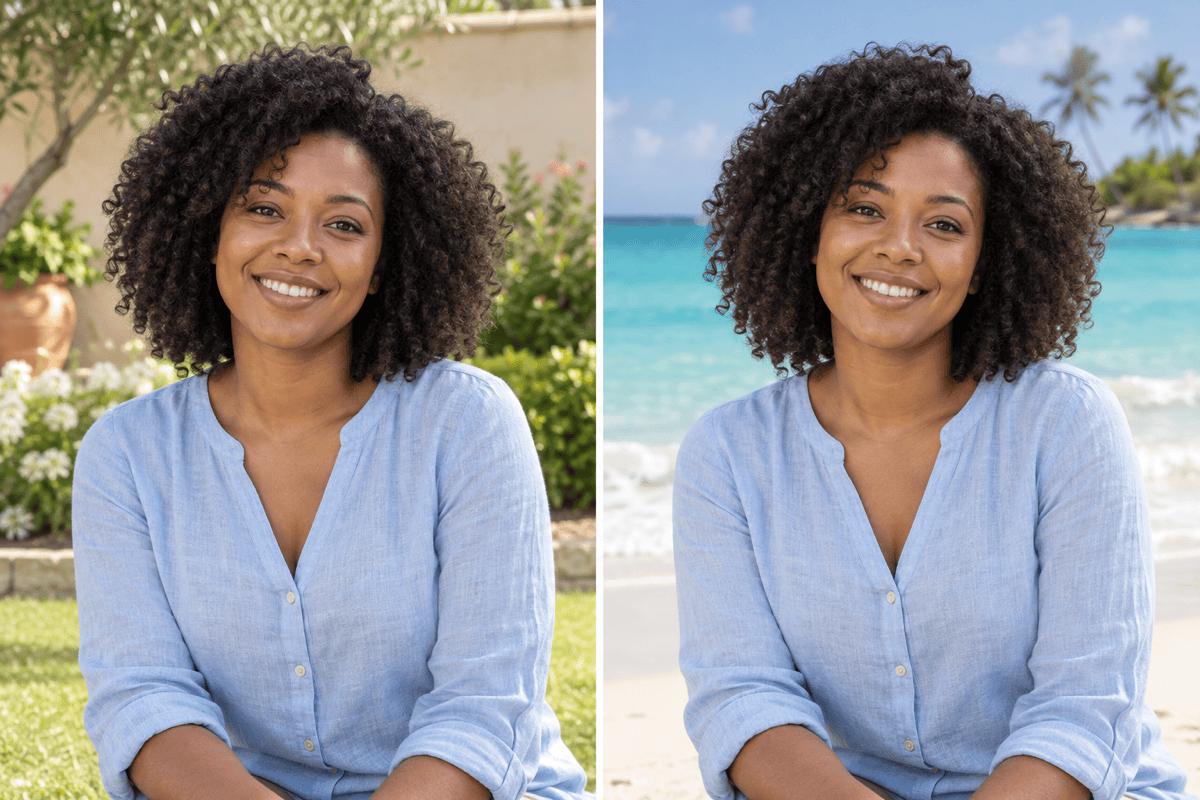
Upload the portrait you already like and request a beach setting around it. Review facial details afterward.
Compare Different Coastlines
Explore tropical water, rocky shores, or soft evening colors with this AI beach background changer.
Guide the Shore with a Reference
Bring a beach reference image to communicate sand color, vegetation, and the atmosphere you want.
Adjust the Ocean View in Chat
Request a lower horizon, calmer waves, or less background blur through Chat Edit.
Stage Summer Accessories
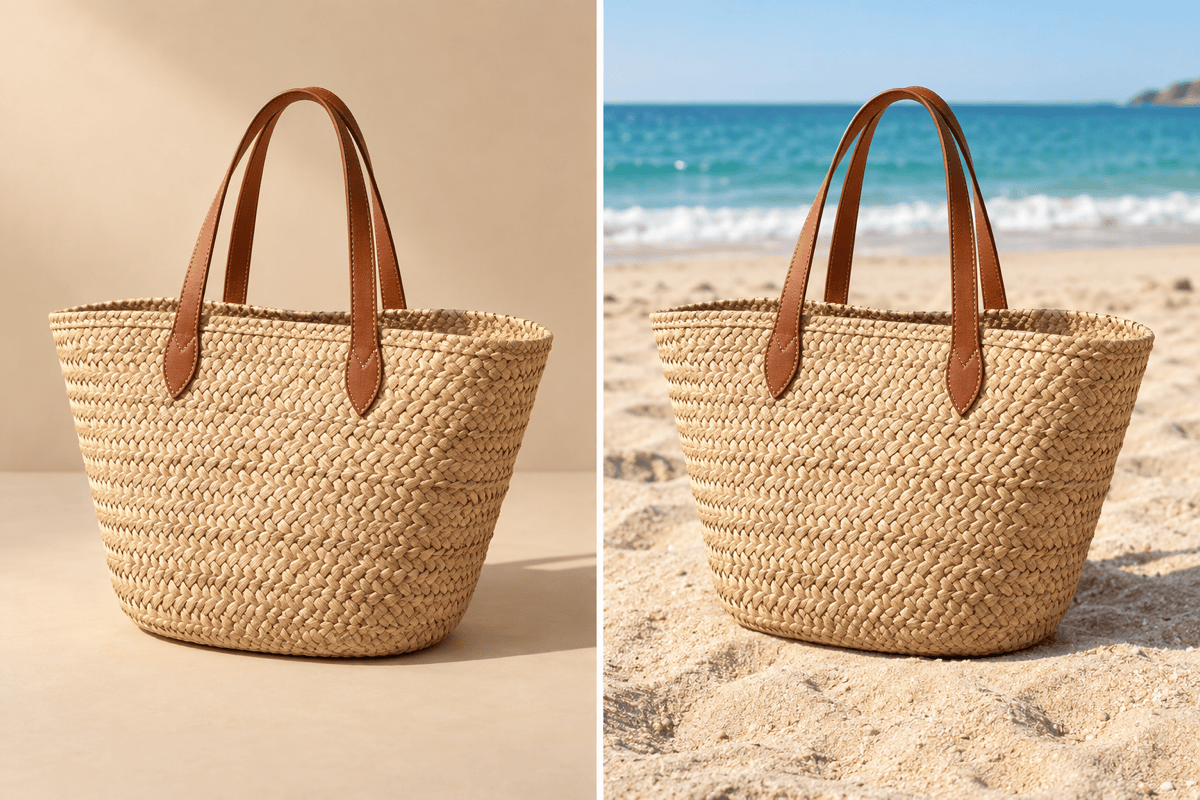
Create beach backgrounds for product photography, then check handles, lenses, packaging, and contact shadows.
Try More Than One Composition
Generate alternate coastal versions and choose the crop that suits your profile or summer campaign.
What Makes a Beach Background Look Believable?
- Follow the Source Light: A softly lit indoor portrait often suits an overcast coast better than harsh midday sun.
- Watch the Horizon: Match the sea horizon to the camera height; avoid a tilted waterline or one cutting through the eyes.
- Ground the Subject: Full-body portraits and products need contact shadows on sand. Keep feet and lower edges visible for review.
- Preserve the Original Details: Ask to retain face, clothes, and product shape. Background editing can still alter details, so compare the result.
Choose a Beach Scene for Your Photo
Add a tropical beach behind my portrait, with turquoise water and distant palms. Keep my face and clothes unchanged and match the original daylight.
Give this couple photo a quiet sunset shoreline. Keep both faces and poses, use gentle warm light, and avoid silhouettes.
Place my tote bag on dry sand with the ocean in the distance. Preserve its handles, fabric, and color; add a realistic contact shadow.
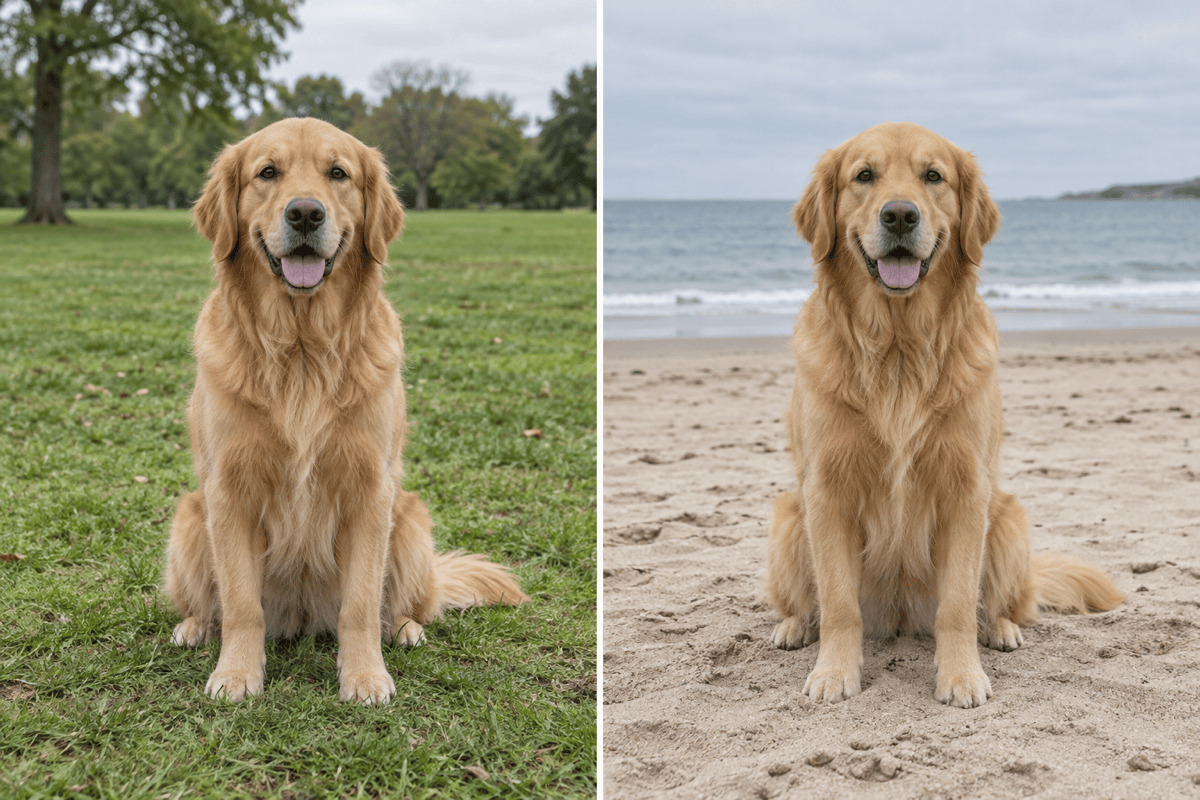
Replace the background of my dog photo with an overcast beach. Preserve the fur pattern and paws, and keep waves away from the dog.
Create a rocky coastal background for this outdoor portrait. Match the existing side light and leave the face clear of the horizon.
Make a beach background for this summer social post. Keep the subject on the right and leave uncluttered sky on the left for text, without adding words.





