Online Photo EditorAI Add Angel Wings to Photo
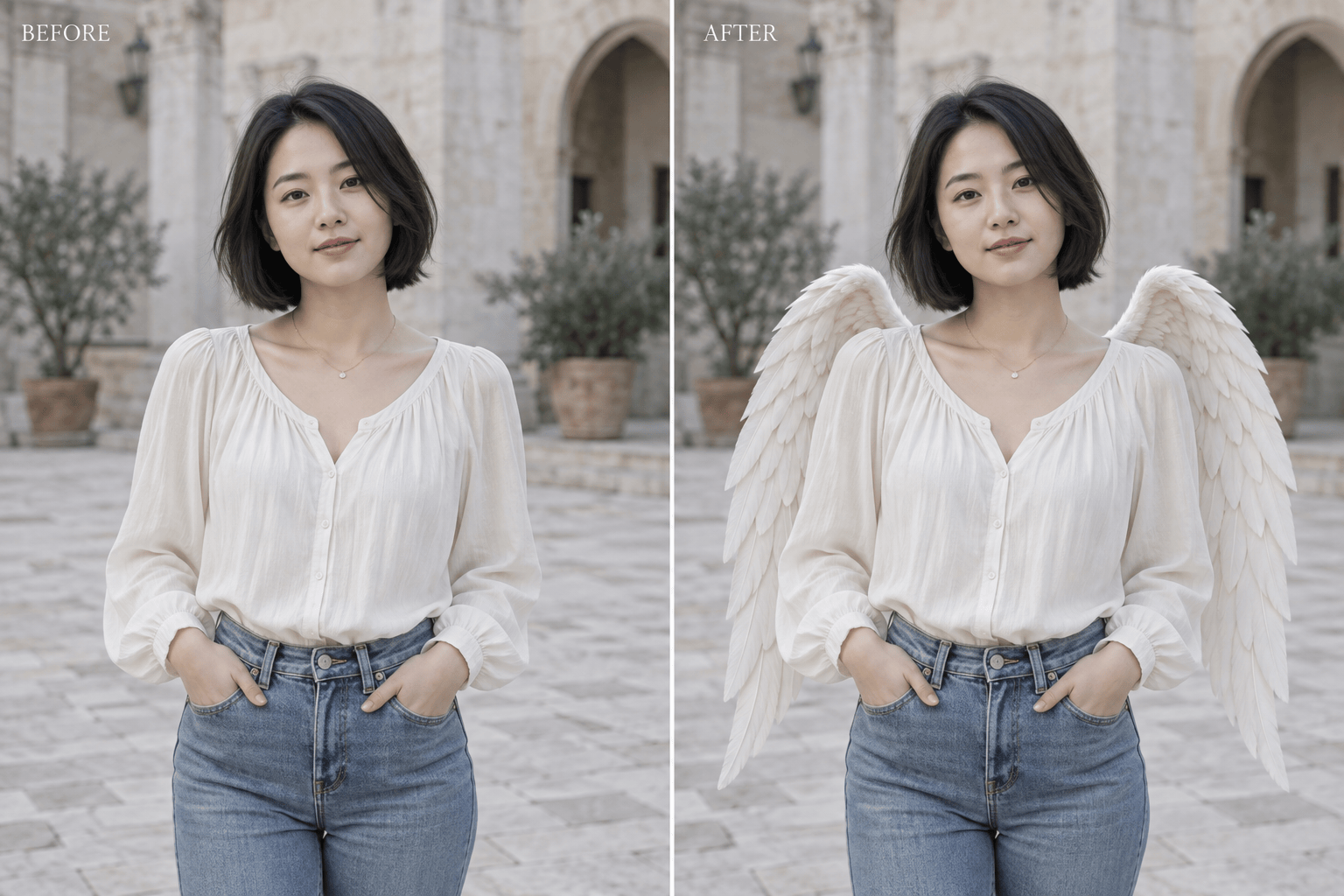
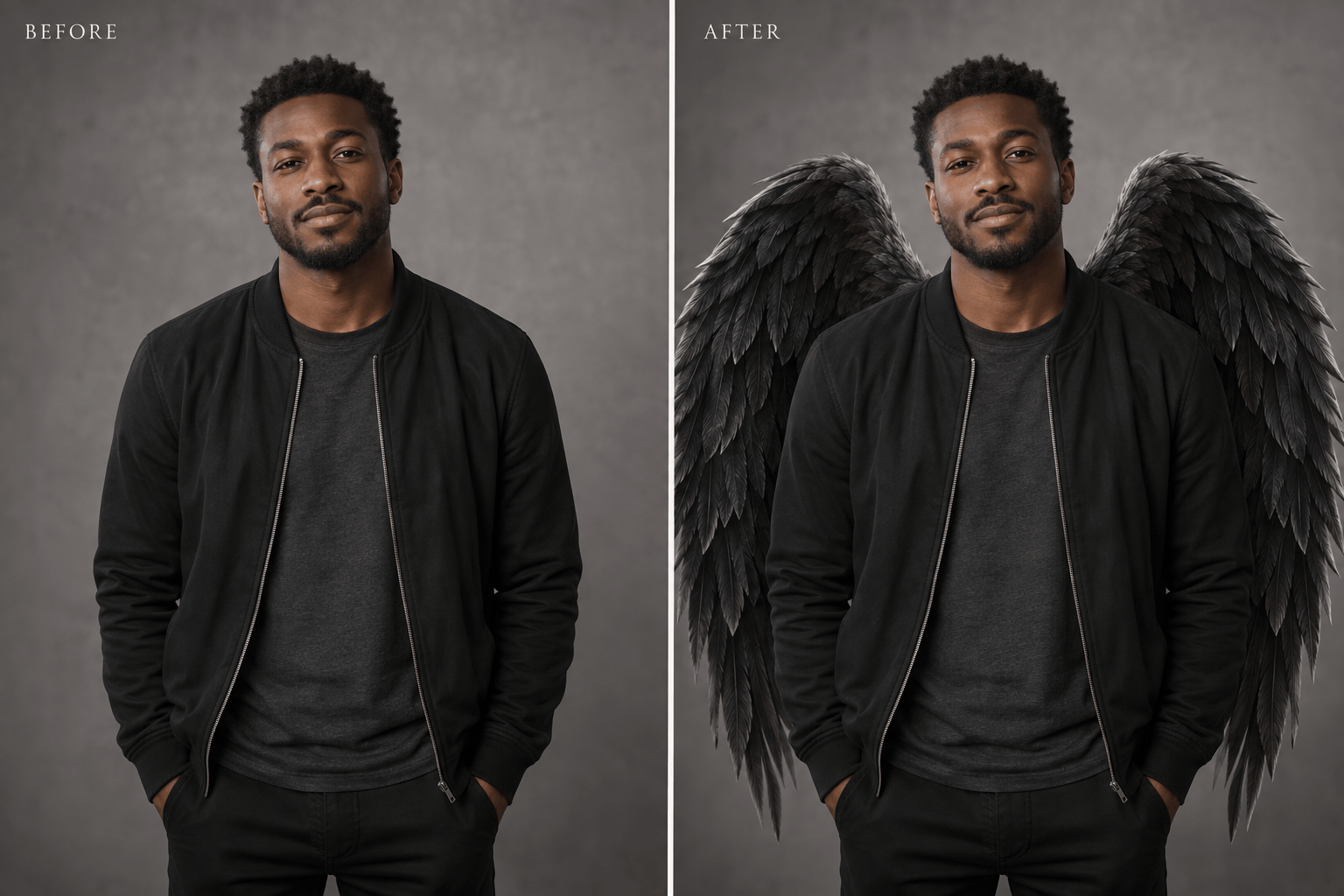
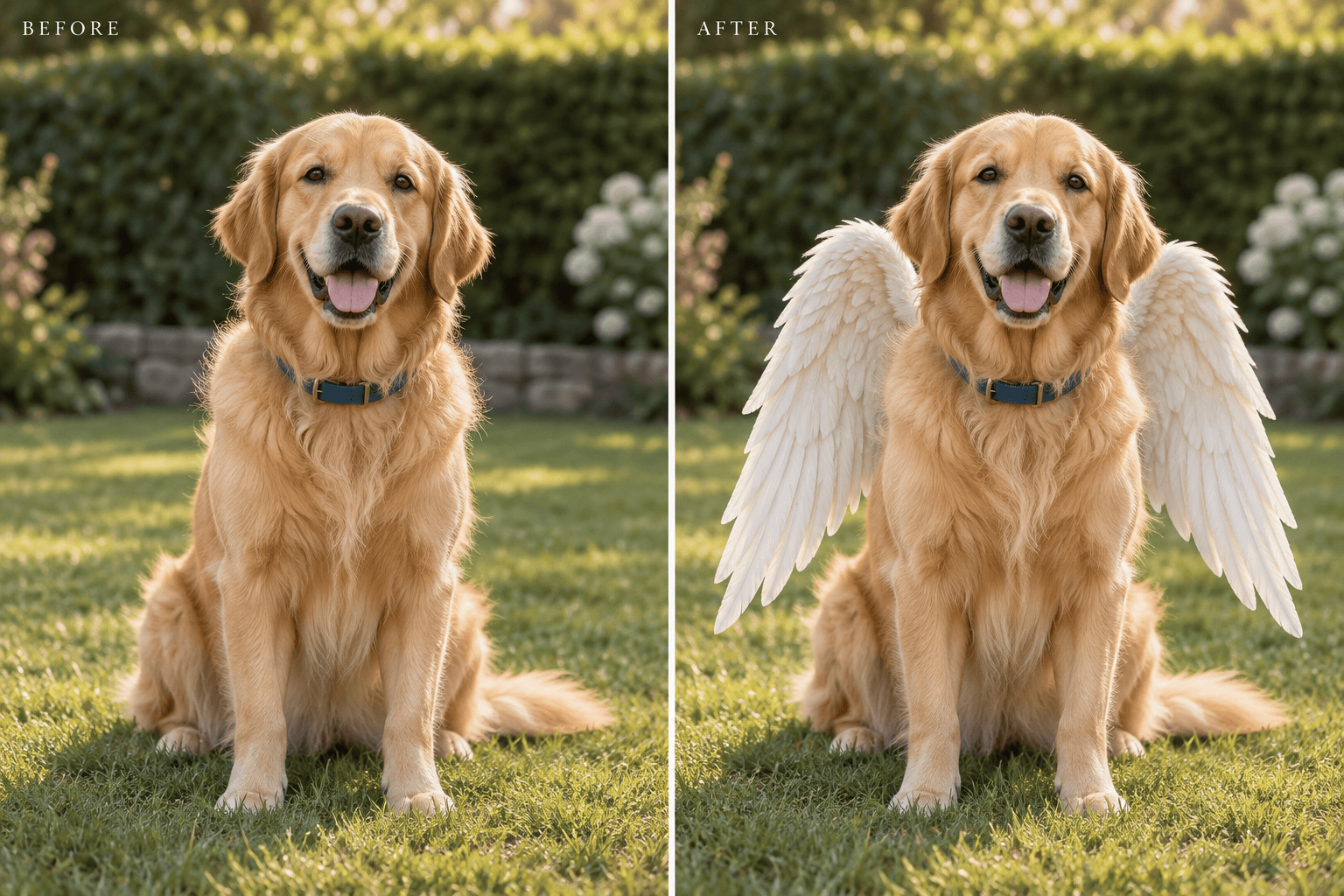
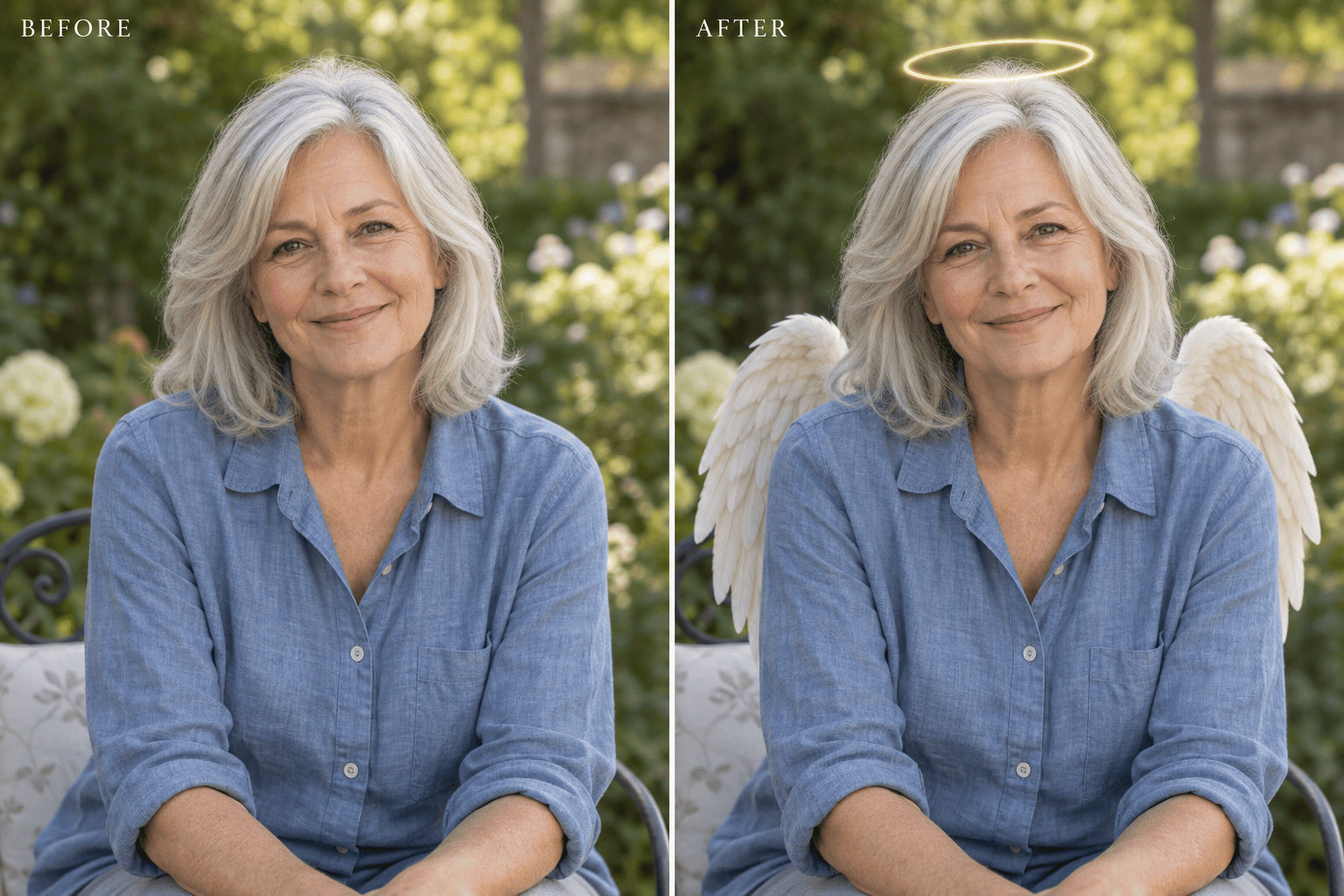
How to Add Angel Wings to a Photo with AI
Upload a Clear Photo
Describe the Wings
Check Placement and Likeness
Download Your Favorite Version

Angel Wings That Fit Your Photo
Your Photo Sets the Starting Point
Upload an existing image instead of describing a new person. Ask this AI angel wings photo editor to preserve the expression, outfit, pose, and setting you care about.
Choose More Than White Feathers
Try soft white, dark feathered, or glowing wings. Describe their span and shape, or upload a style reference to guide the angel wings photo effect.
Refine the Fit in Chat
Ask for wings behind the torso, a smaller span, or shadows that match the original light. Chat Edit lets you work on a specific issue without explaining the whole idea again.
Keep Tributes Understated
For an angel wings memorial photo, request subtle feathers and an optional halo. Keep a familiar expression or pet marking central, and add a new background only if you want one.
Compare Different Wing Styles
Request separate variations of the same photo to compare folded wings, a wider silhouette, or a softer glow. Choose the version that suits a portrait or social crop.
Try It with Free Credits
Start adding angel wings to photos online with free AI credits after signup. Export PNG or JPG without a watermark; further generation depends on your available credits.
What Makes Angel Wings Look Natural?
- Leave Room for Feathers: Use an upper-body or full-body photo with space beside the subject. A tight selfie gives large wings little room.
- Follow the Body Angle: On a turned body, the far wing may look smaller. Ask for attachment behind the upper back, not on the arms or neck.
- Match the Original Light: Specify the same light direction and softness. A strong glow can hide feather detail or look pasted on.
- Check What Must Stay Familiar: Compare facial features, fingers, jewelry, and fur markings with the original. AI can change small details; request focused corrections before sharing.
Fix Common Angel Wings Photo Problems
Move the angel wings behind the upper back in my uploaded photo. Keep feathers away from the face and arms, and align each wing with the body angle.
Make the white angel wings in this photo look more realistic. Match the original light direction, add soft contact shadows, and reduce the artificial glow.
Add small angel wings to my dog photo for a gentle memorial portrait. Preserve the muzzle, ears, fur markings, collar, and background as closely as possible. Add no text.
Replace the white wings with black feathered angel wings for this fantasy portrait. Keep individual feathers visible and preserve the outfit and expression.
Add a thin, softly lit halo above the head in this angel wings photo. Leave space above the hair and keep the glow away from the eyes.
Reduce the wingspan so both wing tips fit inside a square profile crop. Keep the face central and recognizable; preserve the existing wing style.





