Free to Try OnlineAI Abs Generator
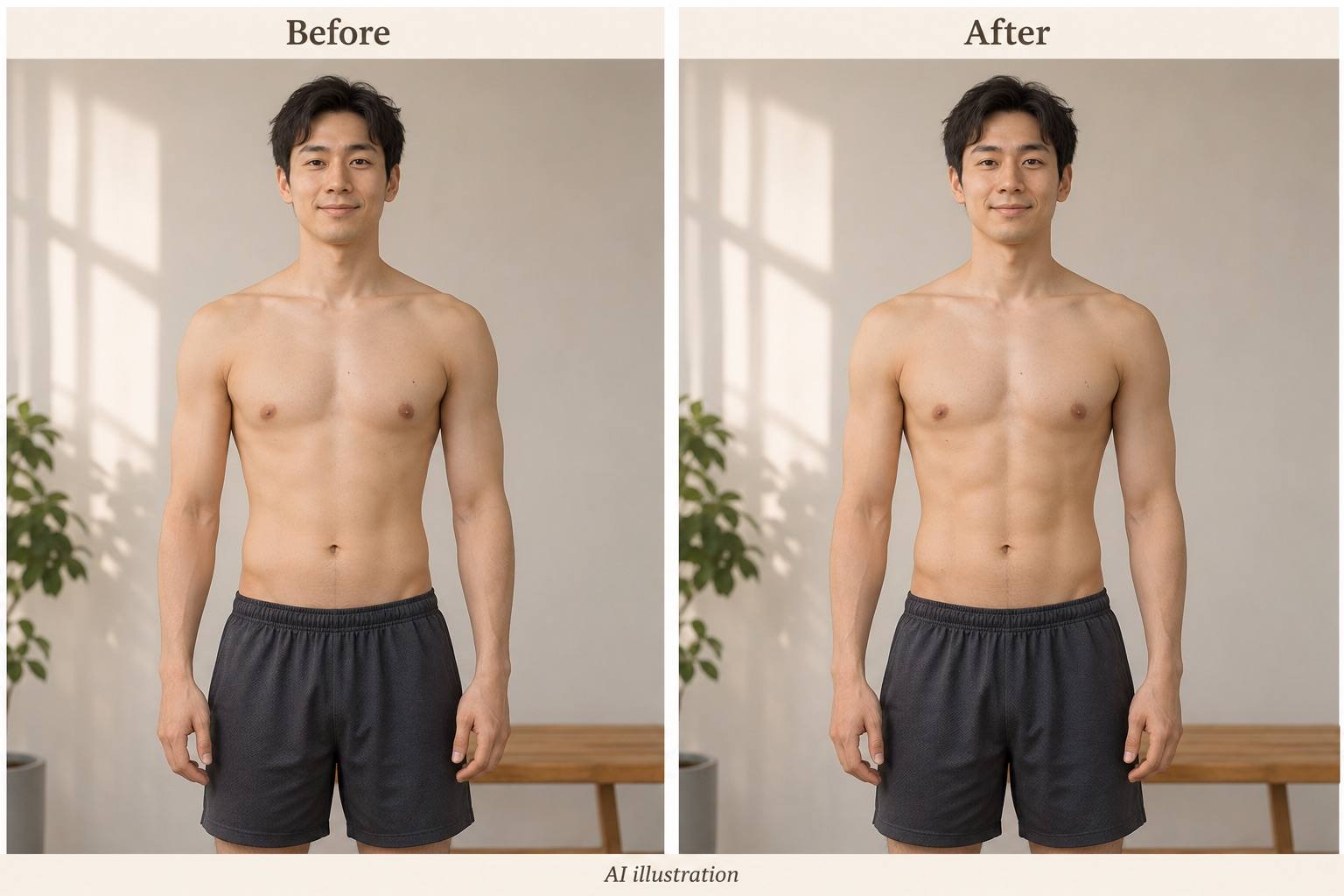
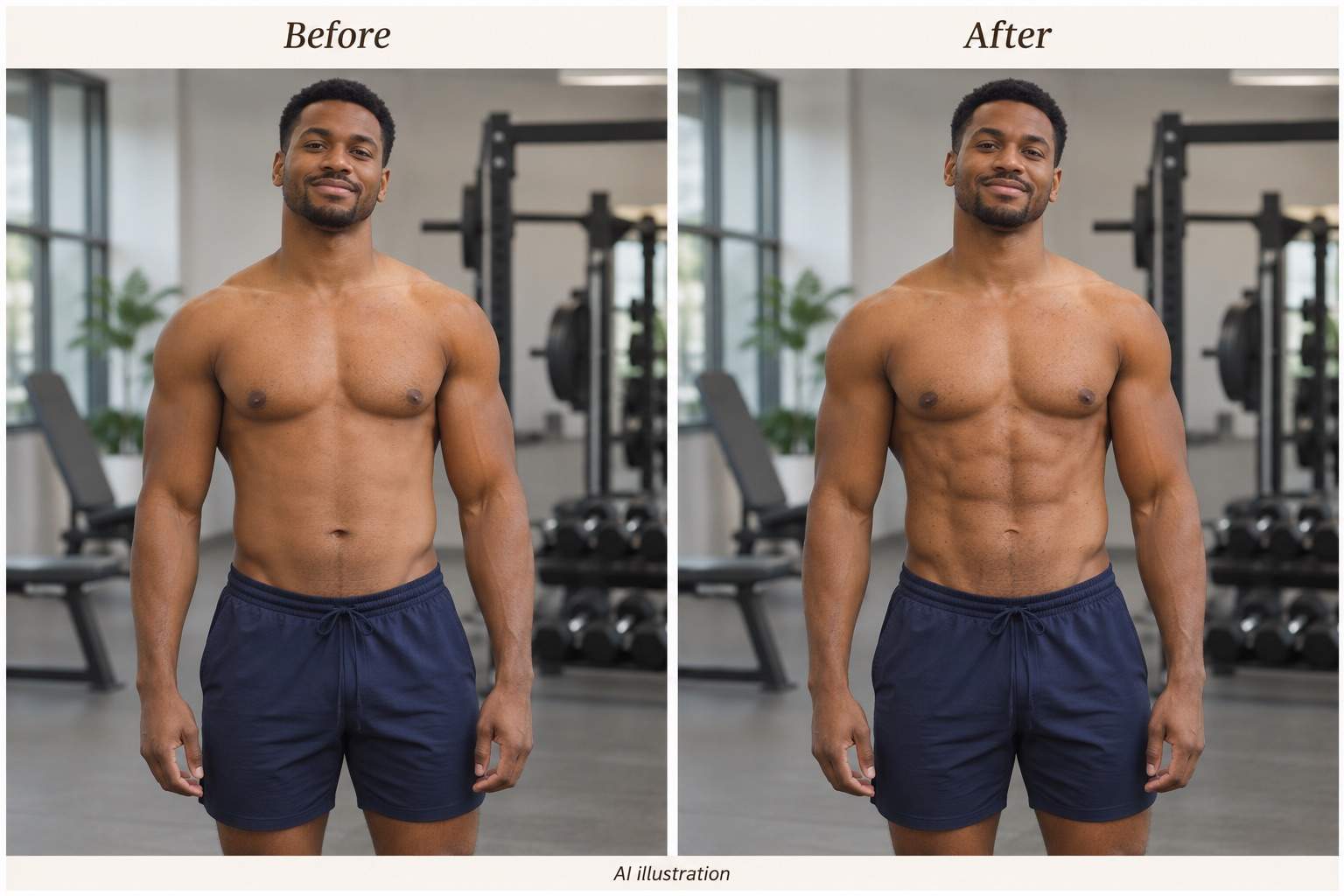
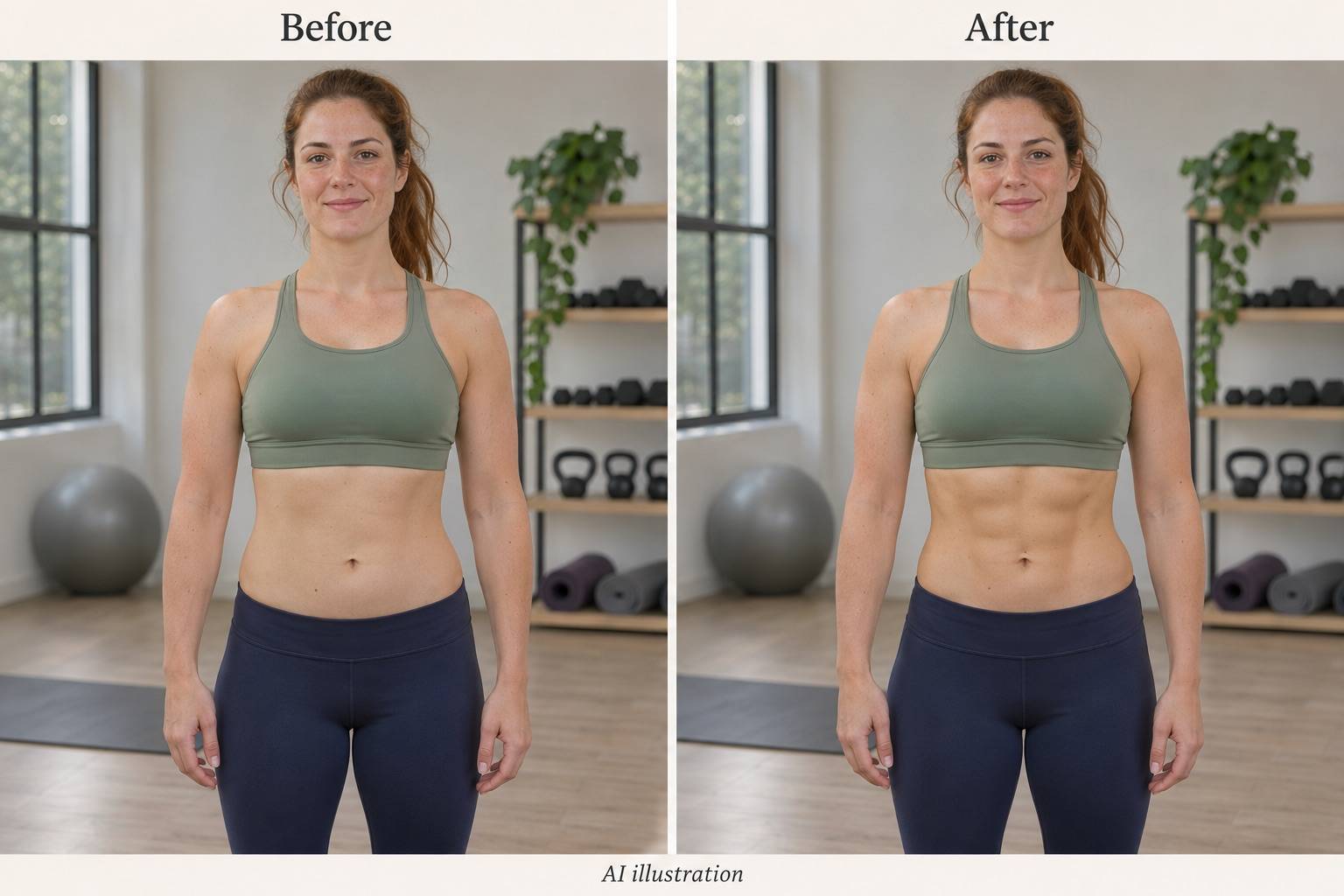
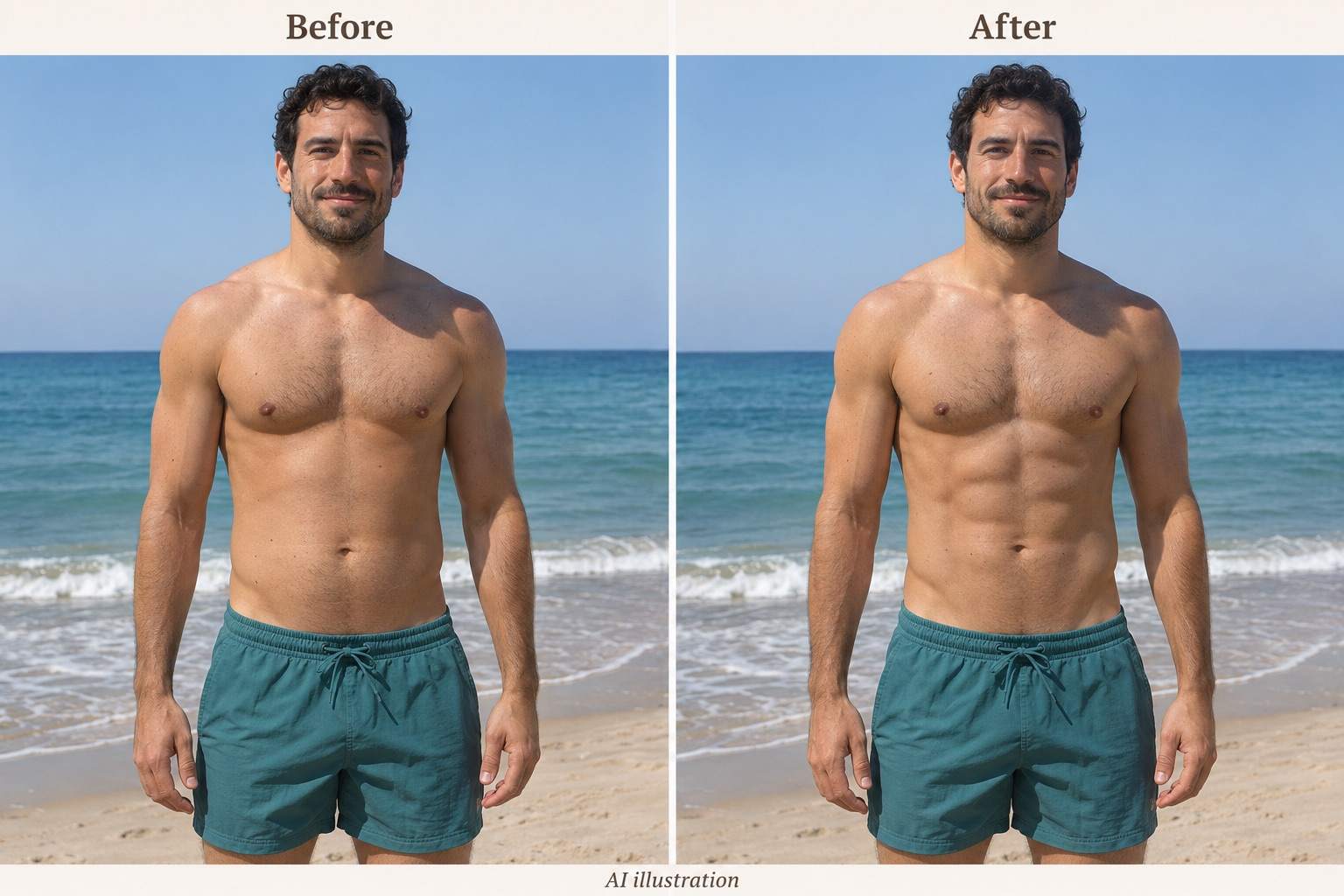
How to Add Abs to a Photo With AI
Upload a Clear Torso Photo
Generate Your Abs Edit
Fine-Tune the Definition
Check and Download

Add Abs to Your Photo With More Control
Start With Your Own Photo
Use this online AI six-pack photo editor on a gym selfie or beach photo. Describe the abdominal change and the details you want preserved.
Choose Subtle or Defined
Ask for light contouring or add six-pack abs to a photo with stronger definition. Adjust the effect through words instead of accepting one fixed look.
Choose a Model or Mew Auto
Select a preferred image model, or let Mew Auto choose for your photo and edit request. Access leading image models in one workflow as new releases are added.
Correct the Small Details
Use Chat Edit to request skin texture, softer edges, or lighting corrections. Review the result rather than assuming every detail stays unchanged.
Compare Different Looks
Generate softer and more defined versions from the same source photo. Choose the amount of detail that works with its pose and lighting.
Save Without a Watermark
Try the edit with free AI credits after signup. Export your chosen result as PNG or JPG without a watermark; further generation depends on available credits.
What Makes AI Abs Look Natural?
- Show the AbdomenChoose a sharp, front-facing or slightly turned photo. Hands, phones, and loose shirts can hide the area you want to edit.
- Match the LightNew muscle shadows should follow the existing light direction. Deep, dark lines often look out of place in soft light.
- Keep Your ProportionsAsk to keep waist width and torso length. Check that the edit has not moved the navel or bent the waistband.
- Read the Comparison CorrectlyThe gallery contains AI illustrations of editing ideas. They are not customer results, measured fitness progress, or predictions of physical change.
Abs Photo Edits to Try and Refine
Add subtle abdominal definition to my uploaded gym selfie. Keep the existing muscle size, mirror reflection, phone, face, and workout clothes. Match the indoor lighting without adding harsh shadows.
Add a defined six-pack to my uploaded beach photo. Follow the angle of my torso and the direction of the sunlight. Keep my skin tone, waist width, swimwear, and the horizon unchanged.
Add soft abdominal lines to the woman in my uploaded fitness photo. Keep her body proportions and sports top unchanged. Edit only the visible abdomen, with gentle shading and natural skin texture.
Soften the abs in this edited photo. Reduce deep grooves and harsh contrast while keeping a little abdominal definition. Keep the rest of the image unchanged.
Match the abdominal highlights and shadows to the light direction in my original photo. Do not add a new light source or change the background.
Restore natural skin texture and the original skin tone around the abs. Remove the smooth, plastic appearance without sharpening the whole photo.





