Free OnlineAI 3D Text Effect Generator
How to Generate 3D Text Effects with AI
Set the Source Text
Describe or Show the Effect
Tune the Treatment
Adapt It to the Layout

From Visual Reference to Custom Type Treatment
Effects Made From Descriptions
Skip long Photoshop layer recipes. Explain the material, edge treatment, atmosphere, and light you want, and the AI 3D text effect generator builds the visual direction.
Reference-Based Style Matching
Upload a poster, title card, packaging detail, or mood board to guide the treatment. Mew Design can reinterpret its effect language for your own words.
Readable Text Before Decoration
The exact phrase remains the subject while glow, particles, reflections, textures, and shadows support it. This keeps short headlines useful at real display sizes.
Material-Specific Revisions
Ask for cleaner chrome, thicker glass, colder ice, finer glitter, softer neon bloom, or less weathering. Chat feedback targets the effect rather than forcing a fresh start.
Backgrounds That Belong to the Effect
Generate a studio backdrop, atmospheric scene, high-contrast field, or isolated treatment so the typography fits a cover, thumbnail, banner, or composited design.
Fast Experiments With Free Credits
Test different effect families with starter credits after signup, compare directions, and export finished image results without a watermark.
Write a Text-Effect Prompt Like a Material Recipe
- Build the surface: Specify smooth, cracked, brushed, translucent, wet, iridescent, powdered, embossed, or weathered textures.
- Explain the light: Mention inner glow, rim light, reflections, emissive edges, shadow direction, or how transparent parts should catch the background.
- Control supporting details: Add only effect-relevant elements such as sparks, frost, haze, drips, or light streaks, and state when the typography must remain clean.
- Protect readability: Ask for full letters, clear spacing, strong contrast, no extra words, and a composition suited to the final display size.
Ready-to-Use Prompts for Popular 3D Text Effects
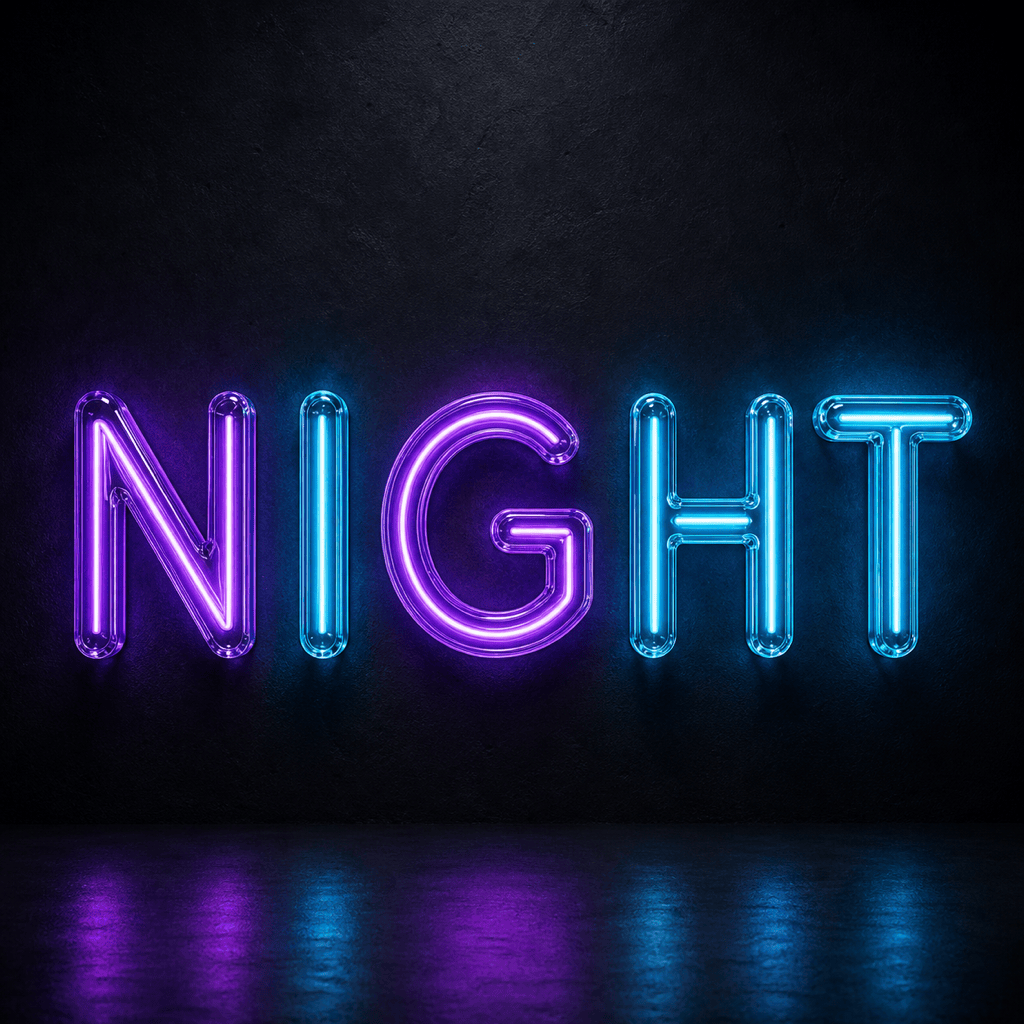
Create the exact word "NIGHT" as violet and cyan neon-tube lettering. Deep wall-mounted extrusion, realistic colored bloom, subtle cable details, black brick background, centered square composition, no other words.
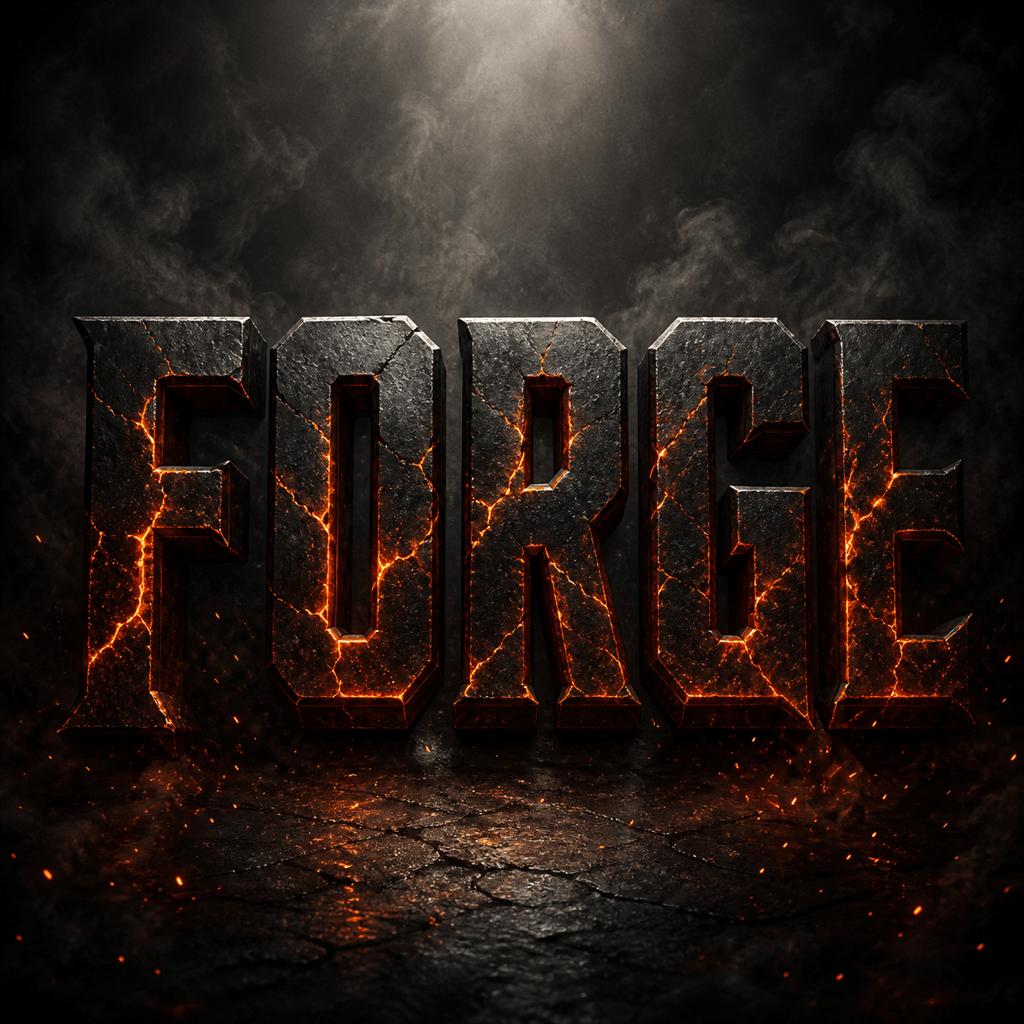
Transform "FORGE" into heavy black metal letters with glowing orange molten cracks. Industrial bevels, sparks along the lower edge, smoky charcoal background, dramatic top light, wide game-title layout.
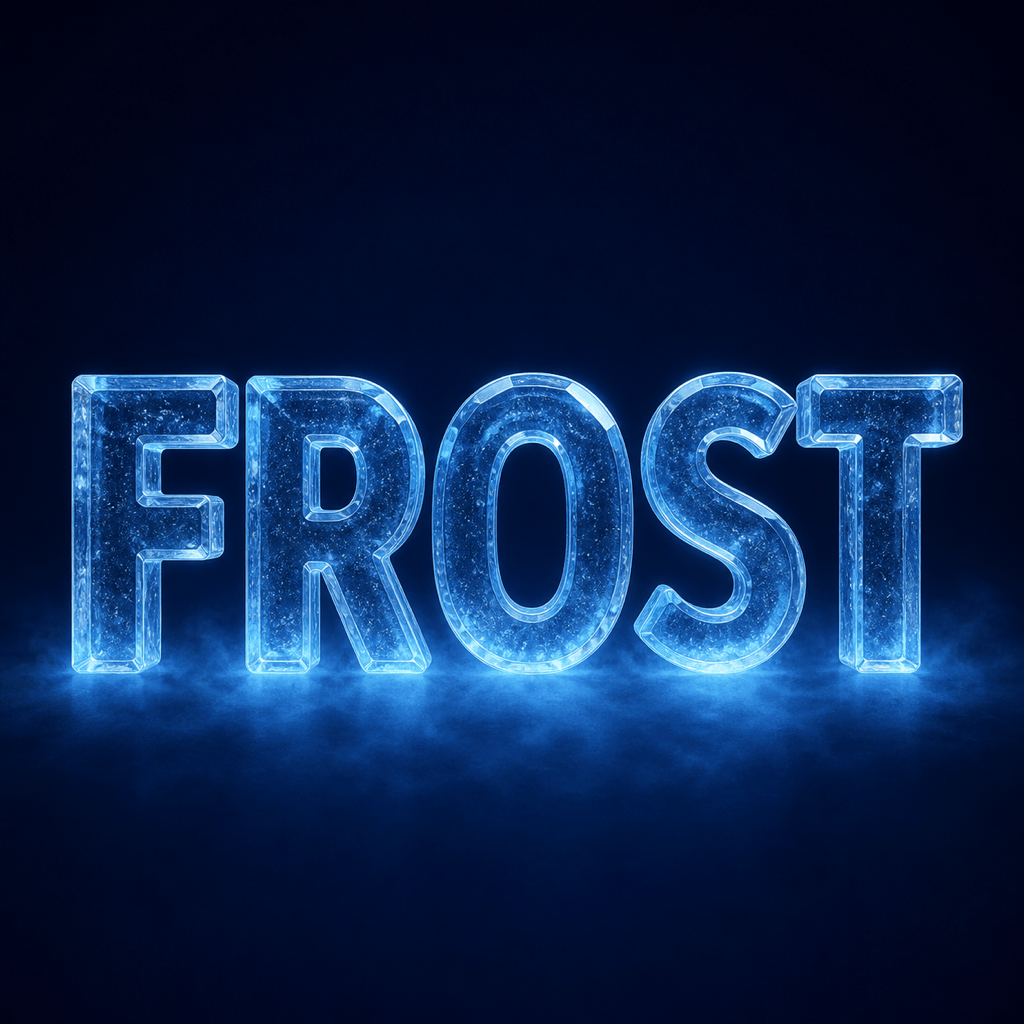
Apply a frozen crystal effect to "FROST". Translucent blue ice, sharp frosted edges, tiny internal bubbles, cold mist, midnight background, crisp readable letters for a winter event poster.
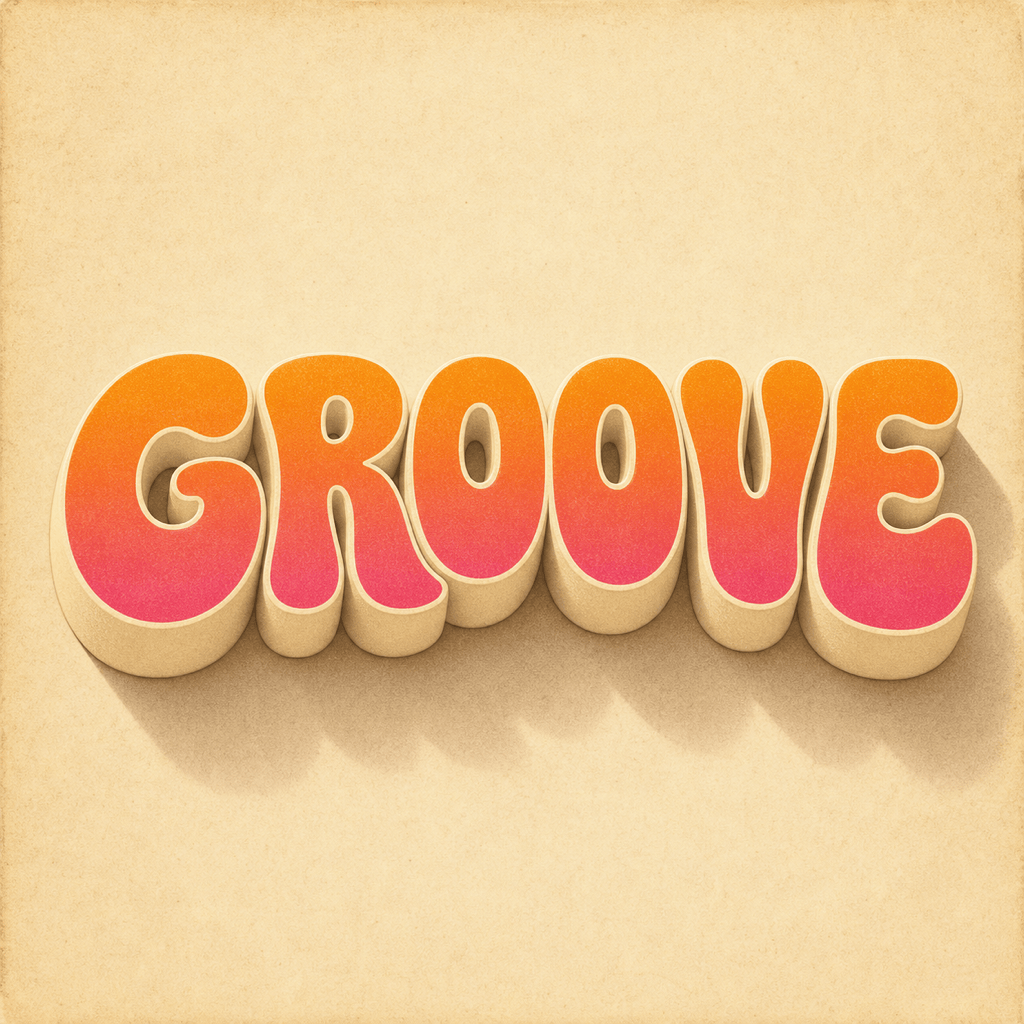
Make "GROOVE" as warm retro 3D text with rounded 1970s letterforms, orange-to-pink gradient faces, cream extrusion, long soft shadow, subtle paper grain, square album-cover composition.
Render "LUXE" in polished champagne-gold letters with fine jewelry-like bevels, dark emerald velvet background, soft spotlight reflections, elegant wide spacing, premium invitation header.
Turn "SPLASH" into glossy translucent water lettering with droplets connected to the letter edges, aqua caustic highlights, white studio background, clean horizontal banner layout, no extra text.





