Free OnlineAI 3D Bubble Text Generator

How to Make 3D Bubble Text with AI
Write the exact phrase
Choose the bubble style
Generate title directions
Polish and export

Create Playful 3D Lettering with Mew Design’s AI 3D Bubble Text Generator
Readable dimensional type
The agent treats the phrase as a title with hierarchy, not just an abstract 3D object.
Material exploration
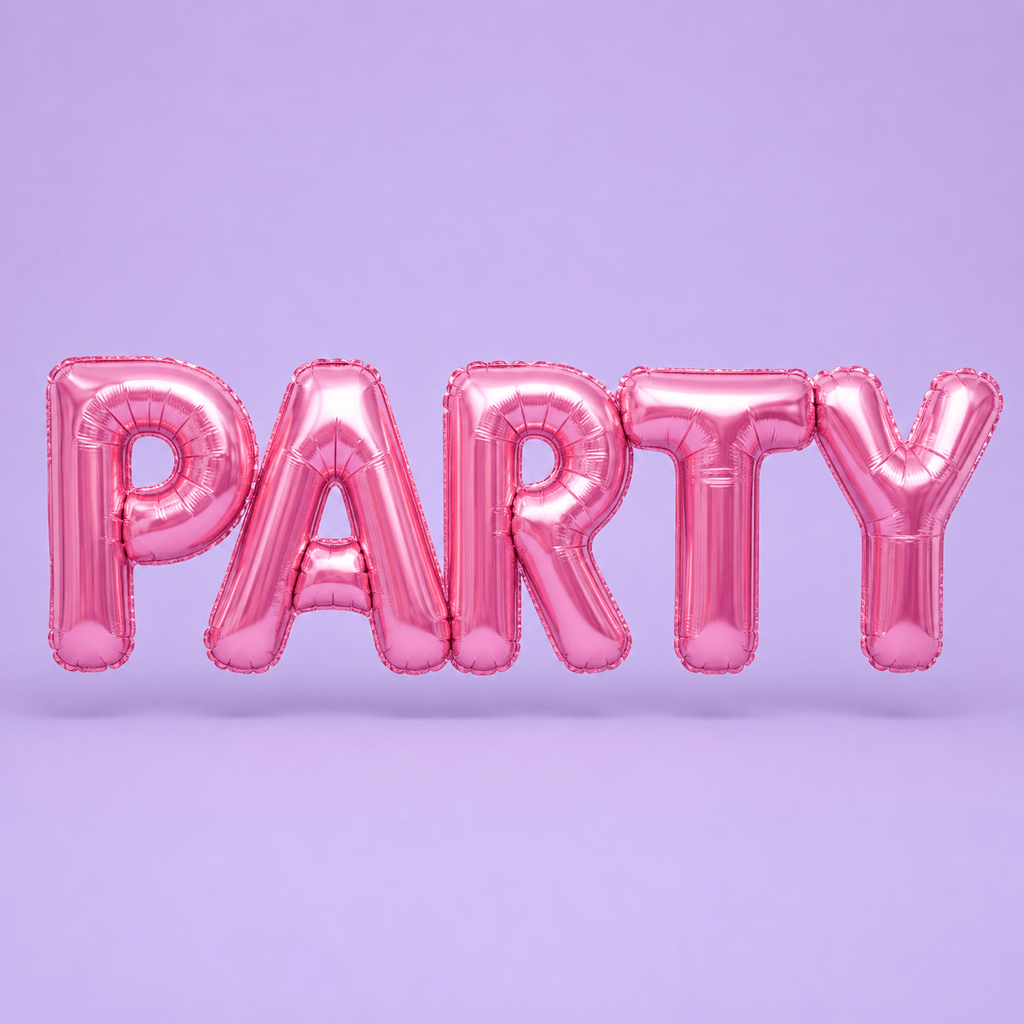
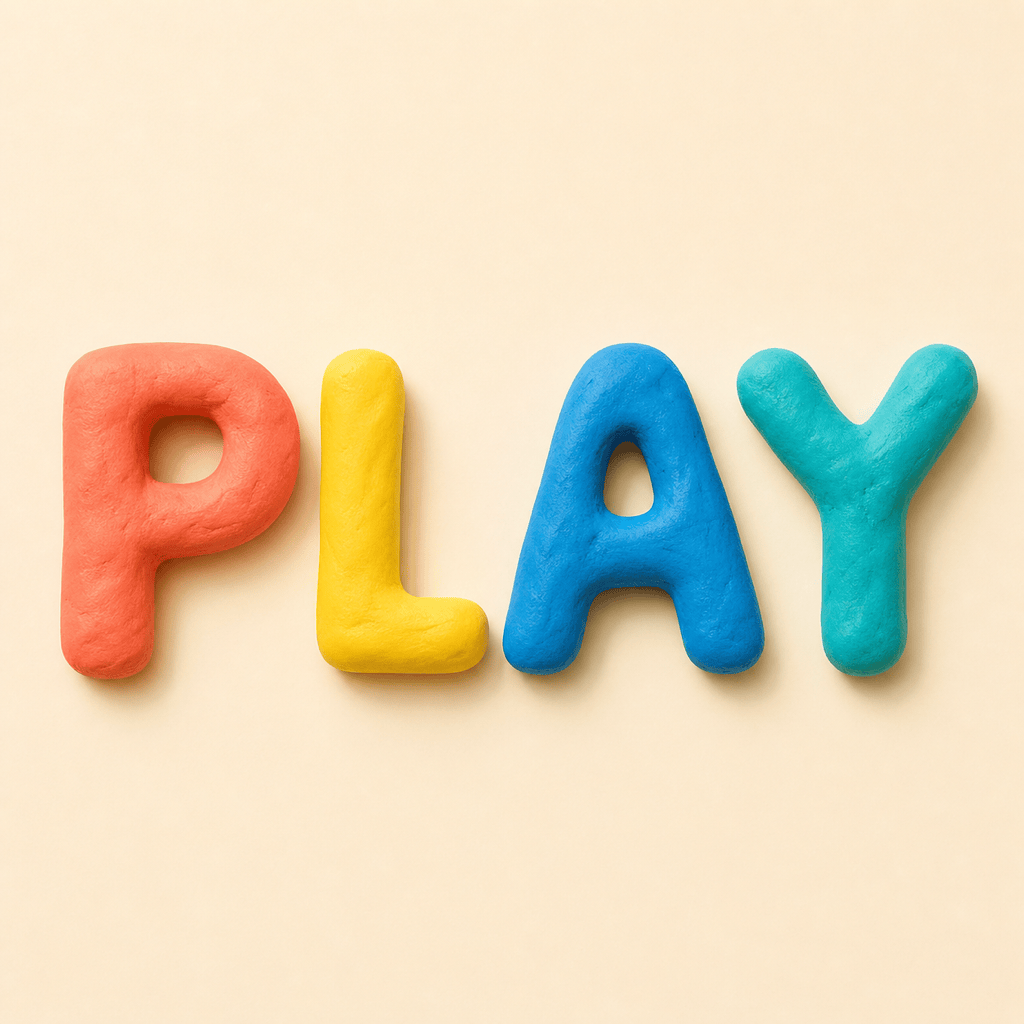
Try jelly, foam, clay, chrome, candy, or inflated plastic while keeping the same word and composition.
Audience-led styles
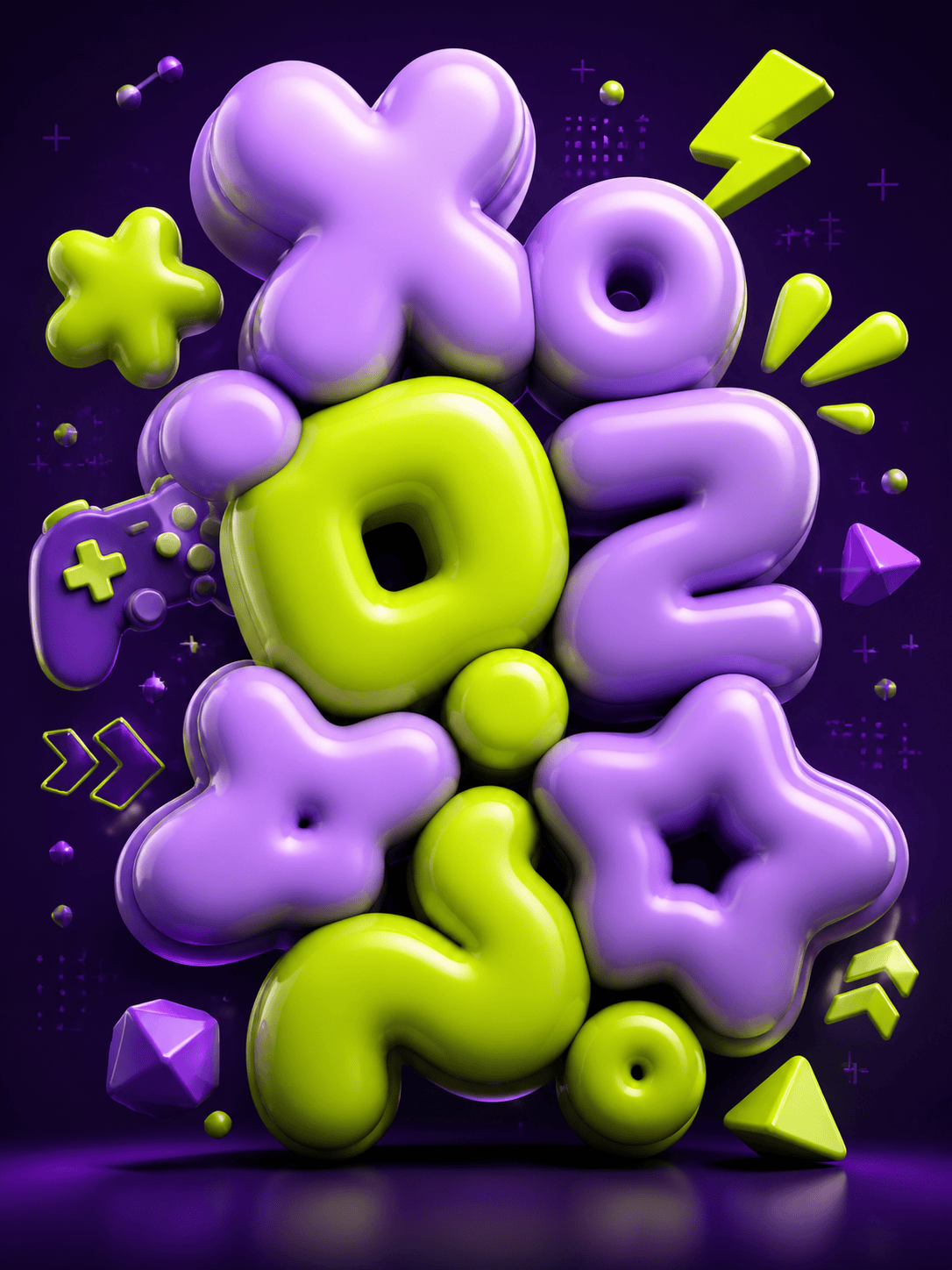
Create lettering for kids’ events, gaming thumbnails, beauty launches, music, or streetwear with a fitting visual attitude.
Reference and brand control
Upload a palette, logo, or style reference when the bubble letters need to sit inside an existing identity.
Fast format variations
Request square, story, thumbnail, poster, or merch-oriented crops for the same lettering direction.
Chat Edit precision
Change color, depth, bevel, shadow, spacing, or background through focused follow-up prompts.
How to Write an Effective AI 3D Bubble Text Prompt
- Material and depth: Describe puffy foam, glossy jelly, candy, clay, chrome, bevel, extrusion, and shadow.
- Audience and format: Name the audience, platform, crop, and background so the lettering has a clear purpose.
- Style and palette: Limit the palette and specify whether the lettering should feel cute, sporty, retro, futuristic, or premium.
- Precise corrections: Use Chat Edit to change only the affected glyph, spacing, or material.
Customizable AI 3D Bubble Text Prompt Examples
Create the word “SPLASH” as glossy aqua bubble lettering with water droplets for a summer pool party poster.
Make “LEVEL UP” in chunky chrome-and-neon 3D letters for a gaming thumbnail, with a dark arcade background.
Design “SWEET DAY” as pastel candy bubble text for a bakery launch, with pink, peach, and cream forms.
Create “MOVE” in inflated orange foam letters for a fitness campaign, with energetic diagonal motion and clean contrast.
Render “NIGHT MARKET” as warm 3D clay lettering for a street-food event poster with lantern-inspired highlights.
Turn this uploaded logo phrase into a playful bubble-letter variation while preserving the exact wording and brand colors.





