Free Online Way toAdd Fog to Photo
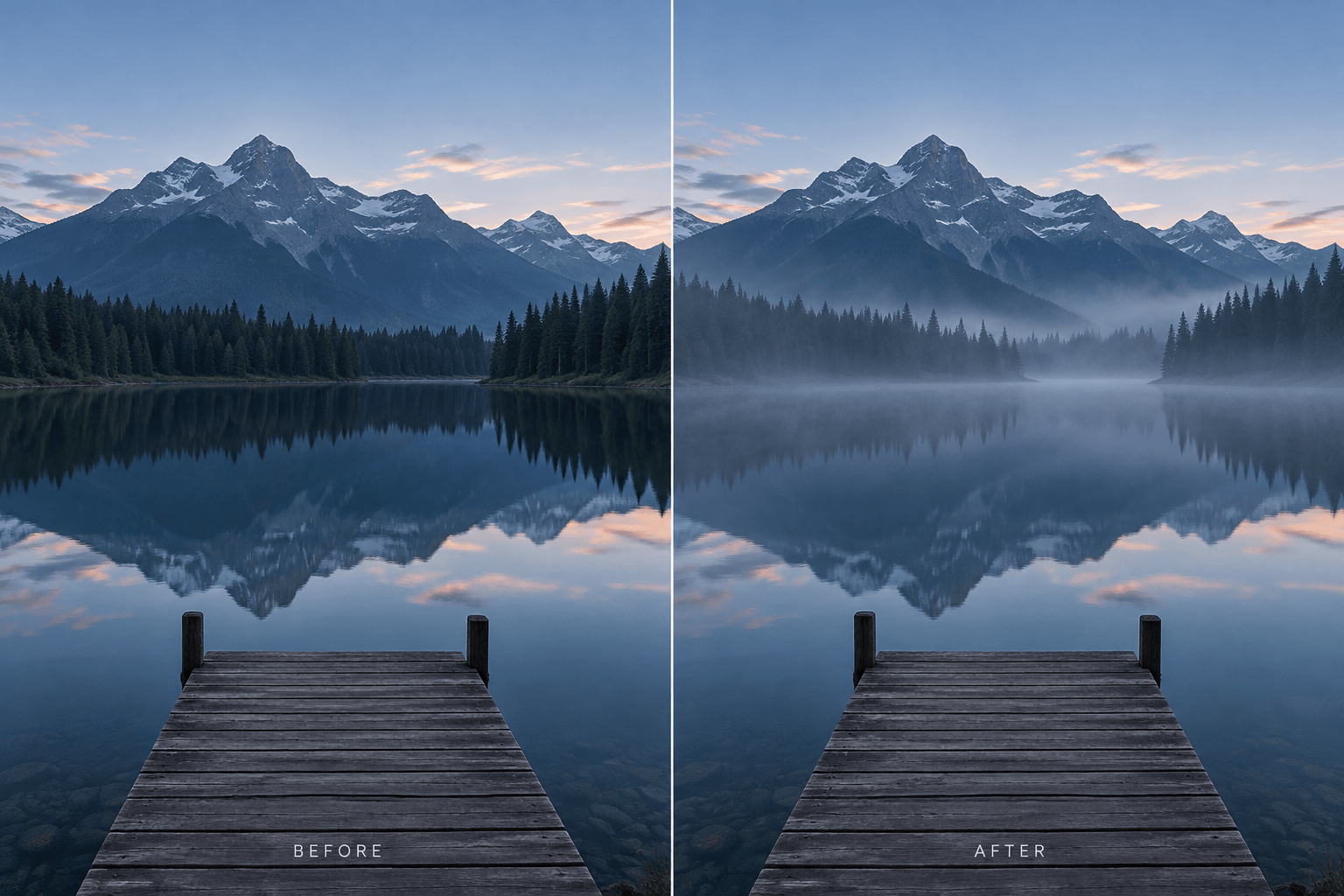
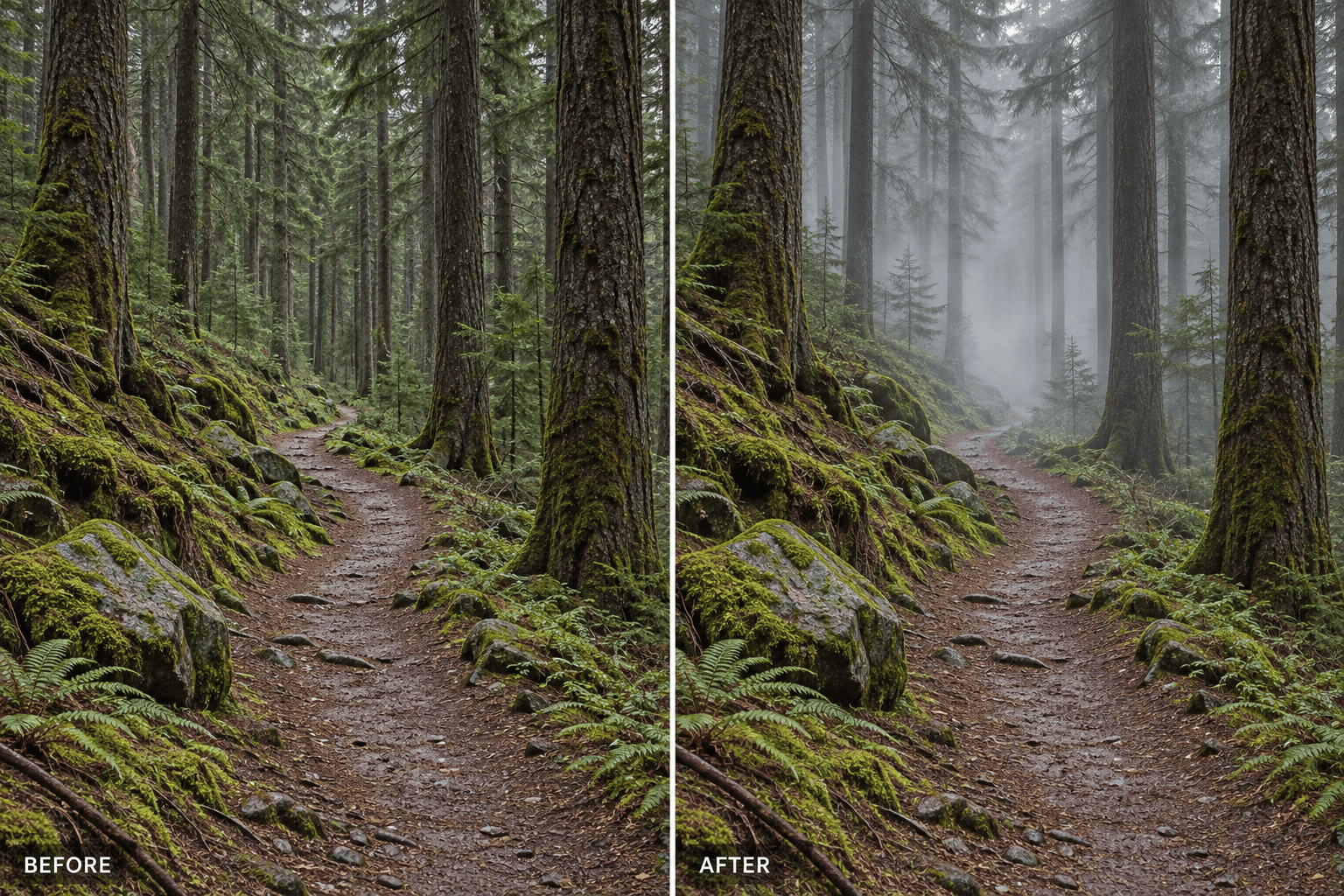
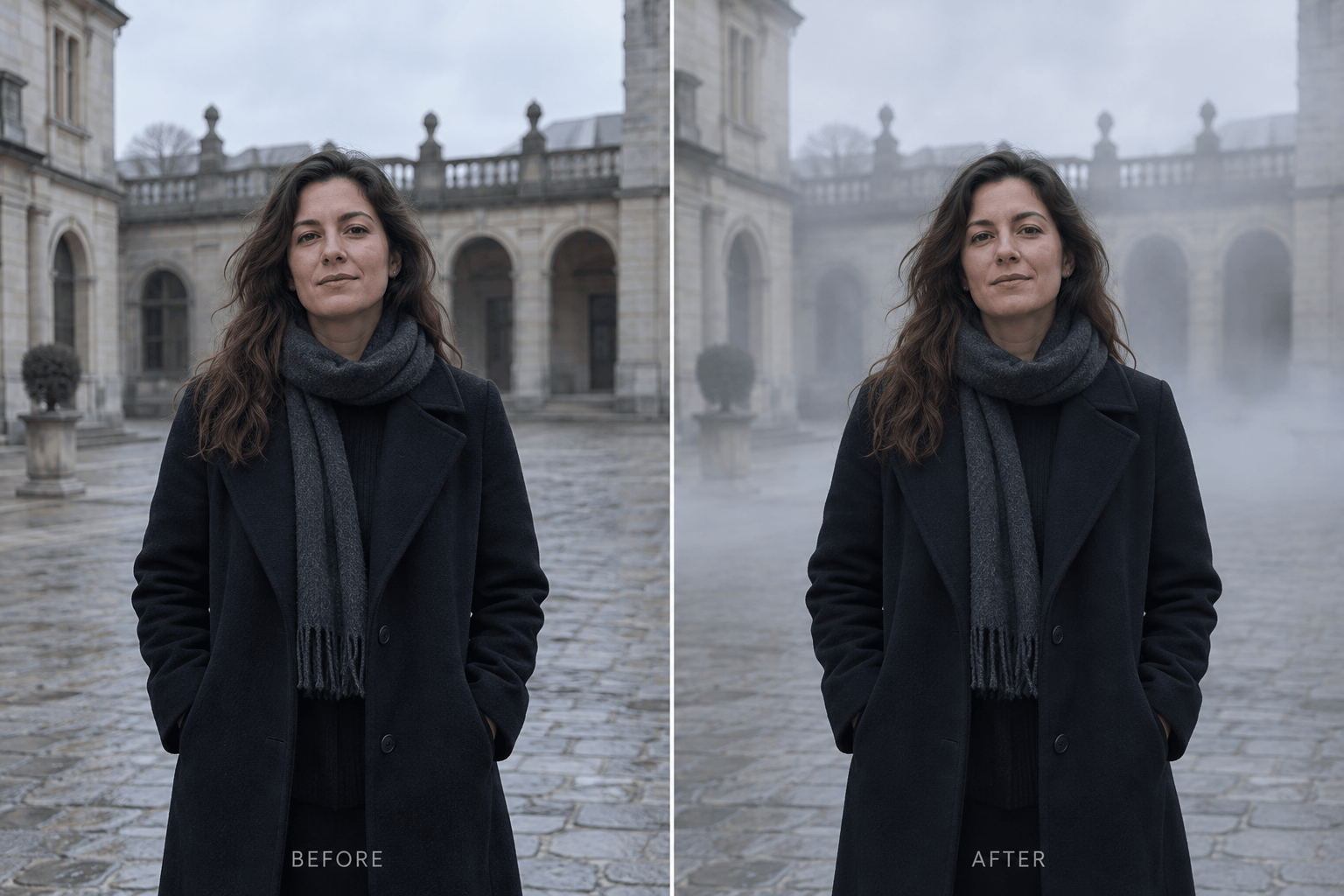
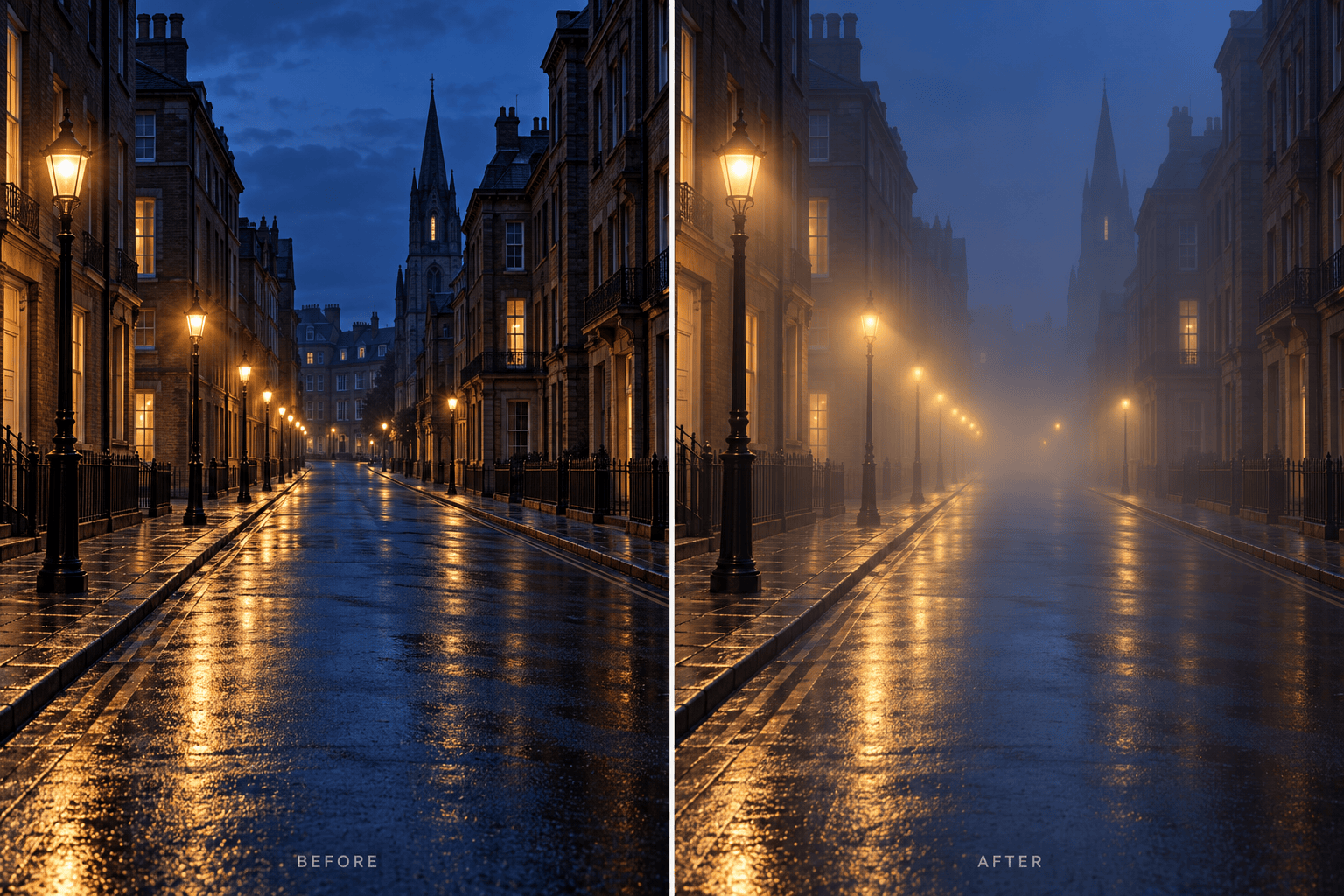
How to Add Fog to a Photo with AI
Upload Your Original Photo
Describe the Fog
Keep the Subject Clear
Download the Finished Edit

Fog That Fits Your Original Photo
Edit the Image You Already Have
Upload your own photo and ask for a change in atmosphere. The AI fog effect starts from your scene, subject, and composition.
Place Mist Where It Belongs
Describe distant haze, low-lying ground fog, or a thin layer behind your subject. This online fog photo editor lets you guide the effect in plain language.
Protect the Main Subject
Tell the agent to keep faces, signs, buildings, or foreground texture visible. If the first edit misses the mark, use Chat Edit to refine that area.
Try Different Moods
Use the same photo to explore subtle morning mist, moody forest fog, or cinematic nighttime haze without preparing manual overlay layers.
Try It in Your Browser
Start adding mist to a photo online with free AI credits after signup. There is no separate desktop editor to install.
Download a Clean Result
Export your finished atmospheric edit as a watermark-free PNG or JPG for a portfolio, social post, or creative project.
What Makes Added Fog Look Natural?
- Choose a depth layer: Ask for mist behind a person, between tree rows, or over distant hills so the foreground keeps its shape.
- Match the light: Cool dawn mist, warm backlit haze, and streetlamp glow need different colors and contrast.
- Set the density: Start with subtle haze when you want a realistic fog effect; request dense fog only when reduced visibility serves the mood.
- Protect key details: Name the face, path, skyline, or other feature that must remain recognizable, then compare the edit with the original.
Fix Common Fog Effect Problems
The fog looks like a flat white overlay. Move most of it into the background, vary its density with distance, and restore contrast in the foreground.
The mist hides the person. Keep the face, hair, clothing, and pose unchanged; place the fog behind the subject and only a light haze near the ground.
The forest fog is too uniform. Put soft wisps between the distant tree trunks, leave nearby trunks distinct, and keep the path visible.
The night street haze does not match the lighting. Let the existing streetlights diffuse through the fog while preserving the buildings, cars, and original camera angle.
The mountain fog is too dense. Reduce it to a thin layer over the valley and distant ridges so the nearest slope retains texture and color.
The edit changed parts of my photo. Restore the original subject, objects, and framing; change only the fog placement and intensity.





