Free OnlineAI Tattoo Generator
How to Design a Tattoo Concept with AI
Describe Meaning, Style, and Placement
Add References or Existing Ink
Generate Concepts That Fit the Body
Refine With a Professional Artist

Why Choose Mew Design as Your AI Tattoo Generator
Prompts That Include the Body Area
A forearm wrap, sternum piece, shoulder cap, rib design, back piece, and ankle tattoo need different flow. Name the placement so the concept is composed for that shape instead of a generic square canvas.
Styles With Different Line Logic
Fine line, American traditional, Japanese, blackwork, geometric, ornamental, realism, illustrative, and watercolor each use contrast and detail differently. The AI tattoo maker can explore these visual languages without mixing them blindly.
Reference Images and Personal Symbols
Upload meaningful objects, handwriting, flowers, animals, cultural references, or an artist-approved style example. Explain what each element means and which parts must remain recognizable.
Variants for Size and Readability
Test a minimal version, a bolder silhouette, or a larger composition. Comparing variations helps reveal details that may merge, fade, or lose meaning when the tattoo is reduced.
Cover-Up and Sleeve Conversation Starters
Generate directions that respond to an existing dark shape or connect separate motifs across a limb. A professional artist must still evaluate coverage, saturation, skin, and session planning.
Edit the Concept Without Starting Over
Ask Chat Edit to remove a symbol, open negative space, thicken lines, reduce micro-detail, change the animal pose, or rebalance the design around an elbow, wrist, shoulder, or spine.
What to Include in an AI Tattoo Design Prompt
- Specify the Body Map: Name the exact area, dimensions, orientation, whether it wraps, and landmarks such as wrist, elbow, shoulder, sternum, spine, knee, or existing tattoos.
- Choose a Tattoo Language: State fine line, blackwork, traditional, Japanese, geometric, ornamental, realism, illustrative, or another direction, plus line weight, shading, and color limits.
- Explain Meaning and Priority: List the essential symbol, optional supporting elements, emotional tone, and what must be recognizable. This helps the AI simplify without losing the personal idea.
- Design for Skin, Then Ask an Artist: Request a readable silhouette and avoid tiny isolated detail. Treat the output as a concept; let a professional artist resolve stencil lines, aging, anatomy, ink behavior, and safe application.
AI Tattoo Prompt Examples You Can Tweak and Reuse
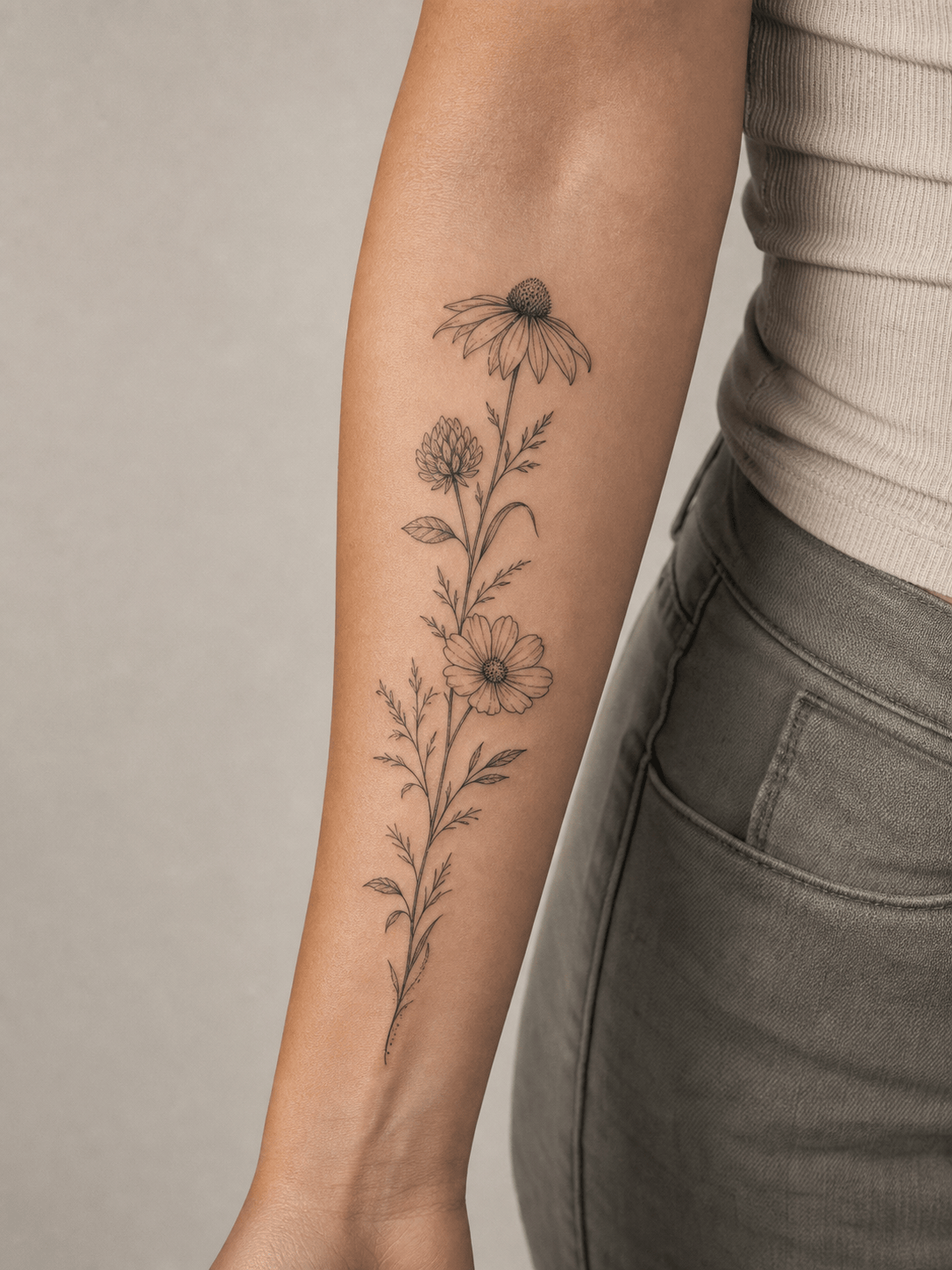
Fine-Line Forearm: Design a vertical botanical tattoo for the outer forearm, 16 cm tall. Three wildflowers representing April, July, and October weave into one stem. Delicate but durable line variation, small areas of dot shading, open negative space, no names or dates, clean white background plus placement preview.
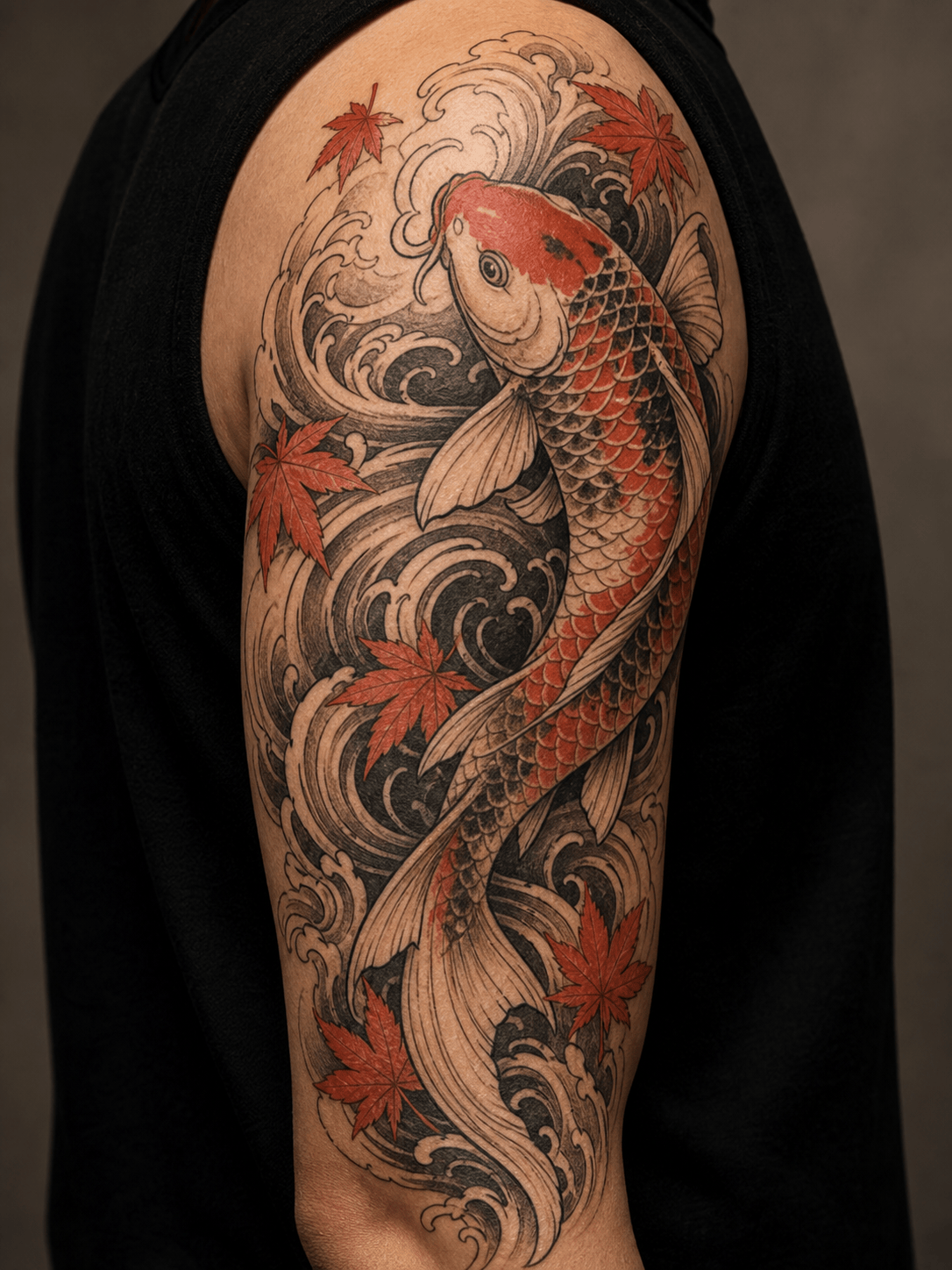
Japanese Half Sleeve: Create a black-and-gray koi swimming upward around the upper arm from above the elbow to the shoulder cap. Use strong wind bars, maple leaves, clear scales, bold outline hierarchy, and movement that wraps the arm. Leave breathing room near the elbow; no lettering.
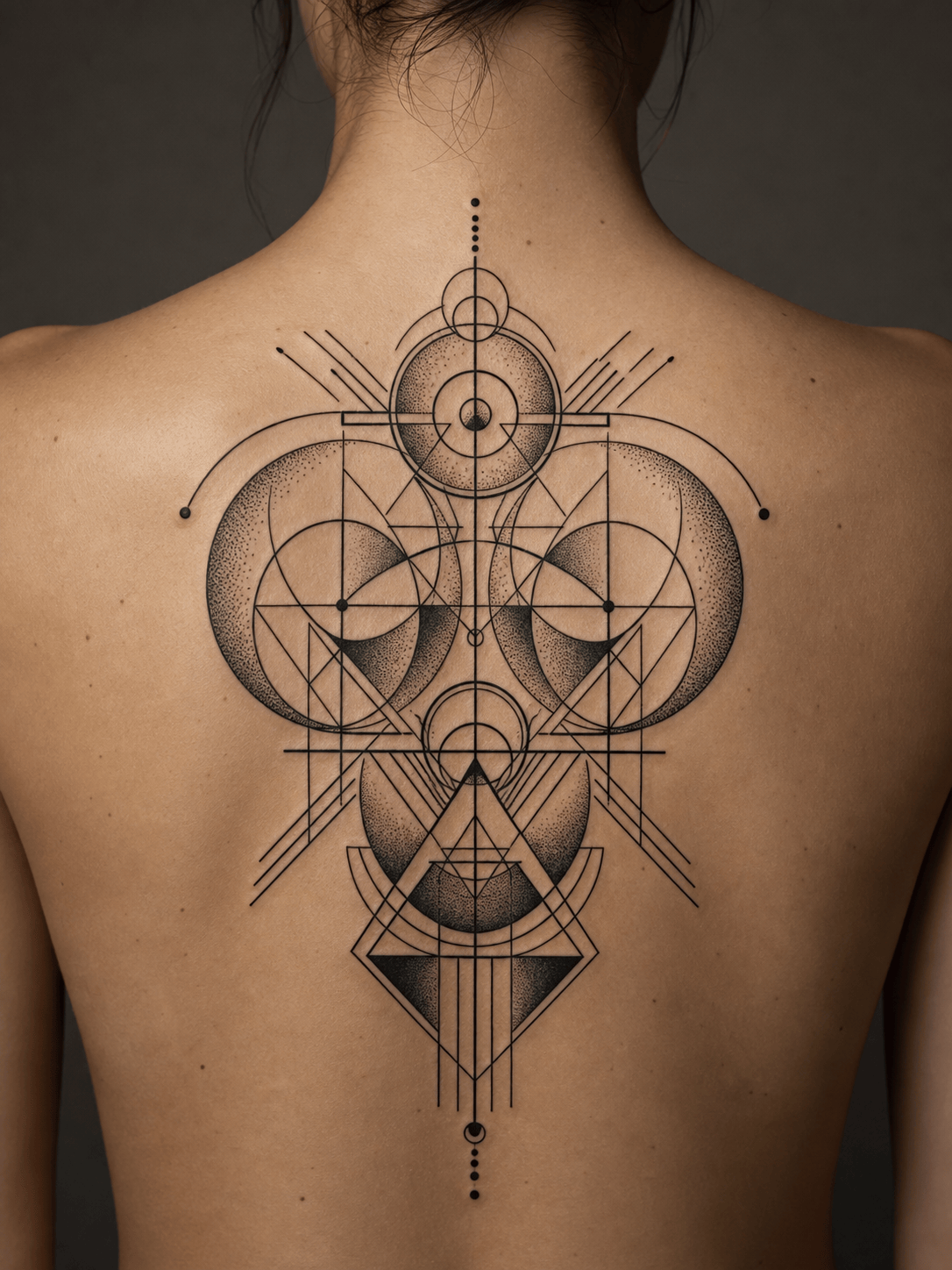
Geometric Back Piece: Develop a symmetrical blackwork concept centered along the upper spine, about 28 cm tall. Combine an eclipse, architectural arcs, and precise dot gradients with broad negative space. Avoid sacred cultural symbols and overly thin micro-lines.
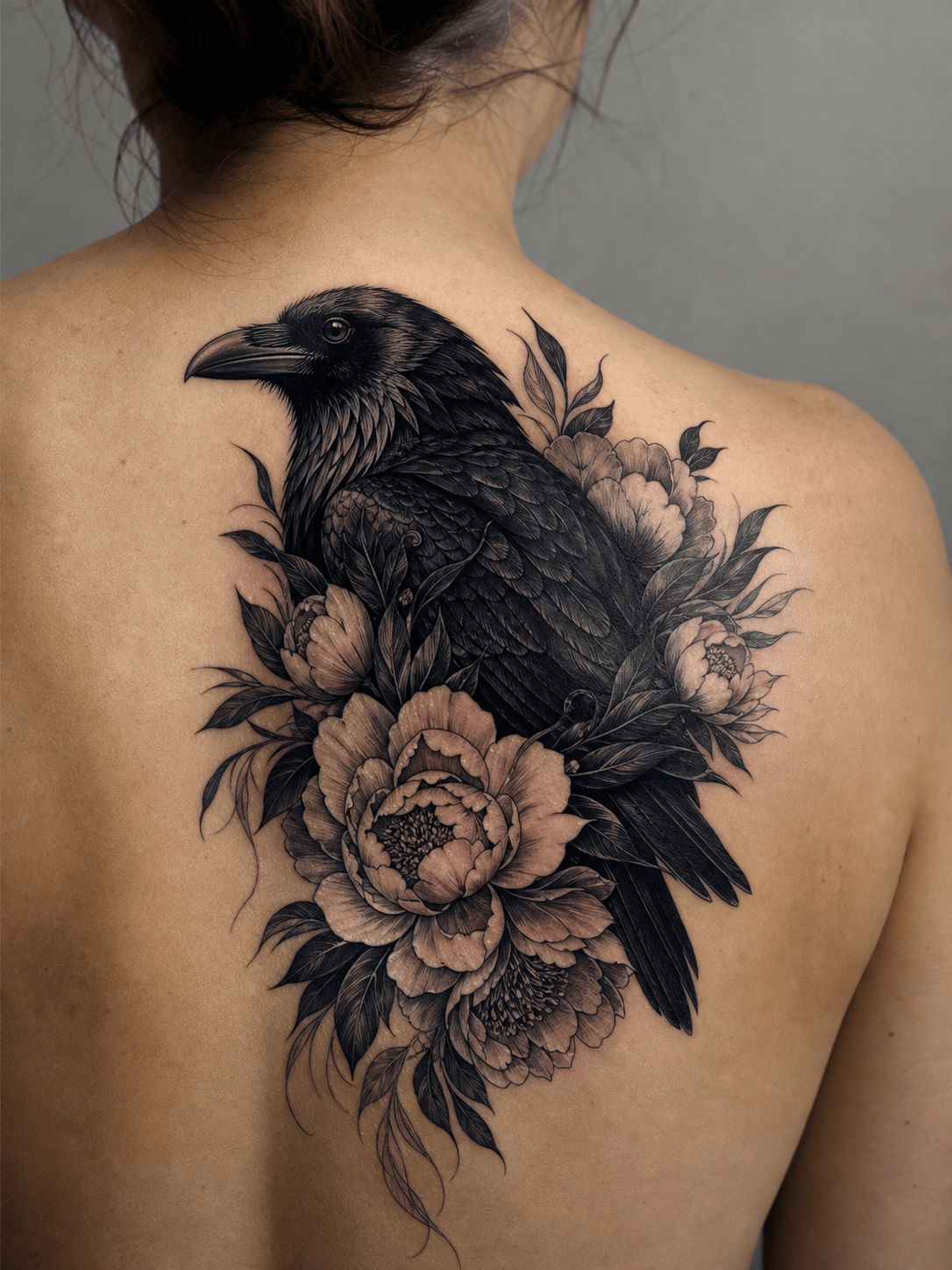
Cover-Up Direction: Using my uploaded photo of a faded 7 cm dark name tattoo on the shoulder blade, explore a raven-and-peony cover-up with the darkest feathers crossing the old lettering. Black-and-gray illustrative style, strong silhouette, expanded size around 18 cm. Show concept only; no claim that coverage is guaranteed.
Traditional Calf Flash: Create an American traditional lighthouse tattoo for the outer calf, 18 cm tall. Bold black outlines, limited red, ochre, blue, and green palette, storm waves, small banner with no text, readable from a distance, classic flash composition.
Minimal Ankle Symbol: Design a 5 cm continuous-line mountain-and-river symbol for the inner ankle. One confident medium-weight line, no shading, no tiny trees or lettering, slightly angled to follow the ankle bone. Provide three simplified variations.





