Free OnlineAI Discord Banner Generator

Create custom Discord banners easily with Mew Design - AI design agent. Our AI Discord banner maker helps you design banners for both Discord profiles and servers, without any design experience. Just describe your idea and the AI will generate a banner that follows Discord’s size guidelines, keeps important elements within the safe area, and avoids regions covered by avatars or server names.

How to Create a Discord Banner with AI

Standing out with a unique identity in your favorite servers is no longer a challenge. Our free AI Discord banner maker automatically handles composition, dimensions, and Discord-safe zones to ensure a clean, professional result.

1

Write and Enter Your Prompt

Describe your Discord server or profile theme, style, colors, and message. You can also upload your logo or artwork.

2

AI Generates Your Discord Banner

The AI design agent analyzes your prompt, plans the layout, and generates a banner that follows Discord banner size and safe area rules.

3

Edit and Refine the Design

If you want to improve the first draft, use Chat Edit to refine it by chatting with the AI agent, or click Click Edit to manually customize the elements.

4

Download the AI-generated Discord Banner

Download your banner as a high-resolution image, ready to upload to your Discord profile or server. Note: free users can only download images in standard quality.

How to make demo

Why Choose Mew Design as Your AI Discord Banner Maker

Bespoke AI Design & Creative Freedom

Forget about rigid, overused templates. With Mew Design, it’s like having an AI art director at your side. Just describe what you want in natural language, and you can create a genuinely custom Discord banner from the ground up.

Advanced UI and Avatar Safe Zone Logic

One of the main frustrations in Discord design is that the avatar covers the bottom-left of the banner. Our AI Discord banner generator is layout-aware, keeping your text and key visuals clearly visible on the right.

Automated Server Header Optimization

For server owners, the top 48 pixels of a banner are often hidden by the server name overlay. Mew Design keeps this area simple and clean, avoiding clutter and keeping your community name easy to read.

Dual-Mode Editing for Total Control

Experience full creative freedom. You can “refine” your Discord banner by telling the AI to, for example, “add a subtle glitch effect,” or use the manual editor to resize, restyle, and recolor each text yourself.

Seamless Asset and PFP Integration

Upload your own character art, brand logos, or reference images. Our AI Discord banner creator smartly blends these assets into the design or copies the style from a masterpiece.

Deep Mode for Server Consistency

Community branding needs a unified look. Use Deep Mode to generate matching Discord assets—server banner, invite splash, and custom icons—for a consistent visual voice across your community.

How to Write a Good Prompt for Discord Banner Creation

Create a Discord server banner for a space-themed community. Style: Cinematic nebula background in deep purples and blues. Text in the center: 'Cosmos Lounge'. Layout: Ensure the top 50 pixels are clear of busy imagery for the server title.
A good prompt clearly describes the banner style, theme, and layout. Because Discord overlays avatars and usernames on top of banners, it's helpful to specify safe area placement. Strategies for Success:
  • Define the Use Case: Start with terms like Personal Profile, Gaming Server, Study Group, or Art Portfolio.
  • Account for the Overlays: For profile banners, tell the AI to "keep the left side simple" to avoid avatar overlap. For server banners, request the "top area to be clean" for the title.
  • Specify the Atmosphere: Use terms like Lo-fi, Cyberpunk, Minimalist Dark Mode, or High-Fantasy.
  • Direct the Agent: Use conversational prompts like "Make it look more cinematic" or "Place my handle on the far right."

AI Discord Banner Prompt Examples You Can Modify and Use

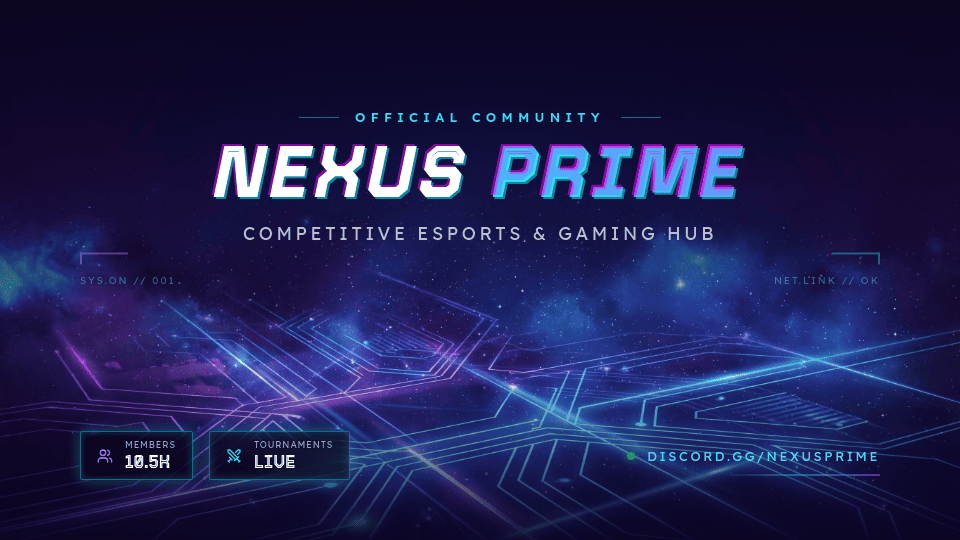
Generate a Discord server banner for a competitive gaming community. Theme: futuristic gaming Colors: dark background with neon purple and blue accents Style: cyberpunk, energetic Visual elements: glowing lines, abstract tech patterns Layout instructions: keep the main visuals centered avoid placing text in the bottom-left area because it may be covered by the server avatar leave some space at the top for the server name Text: Community name: NightRaid Gaming Tagline: Play. Compete. Win.

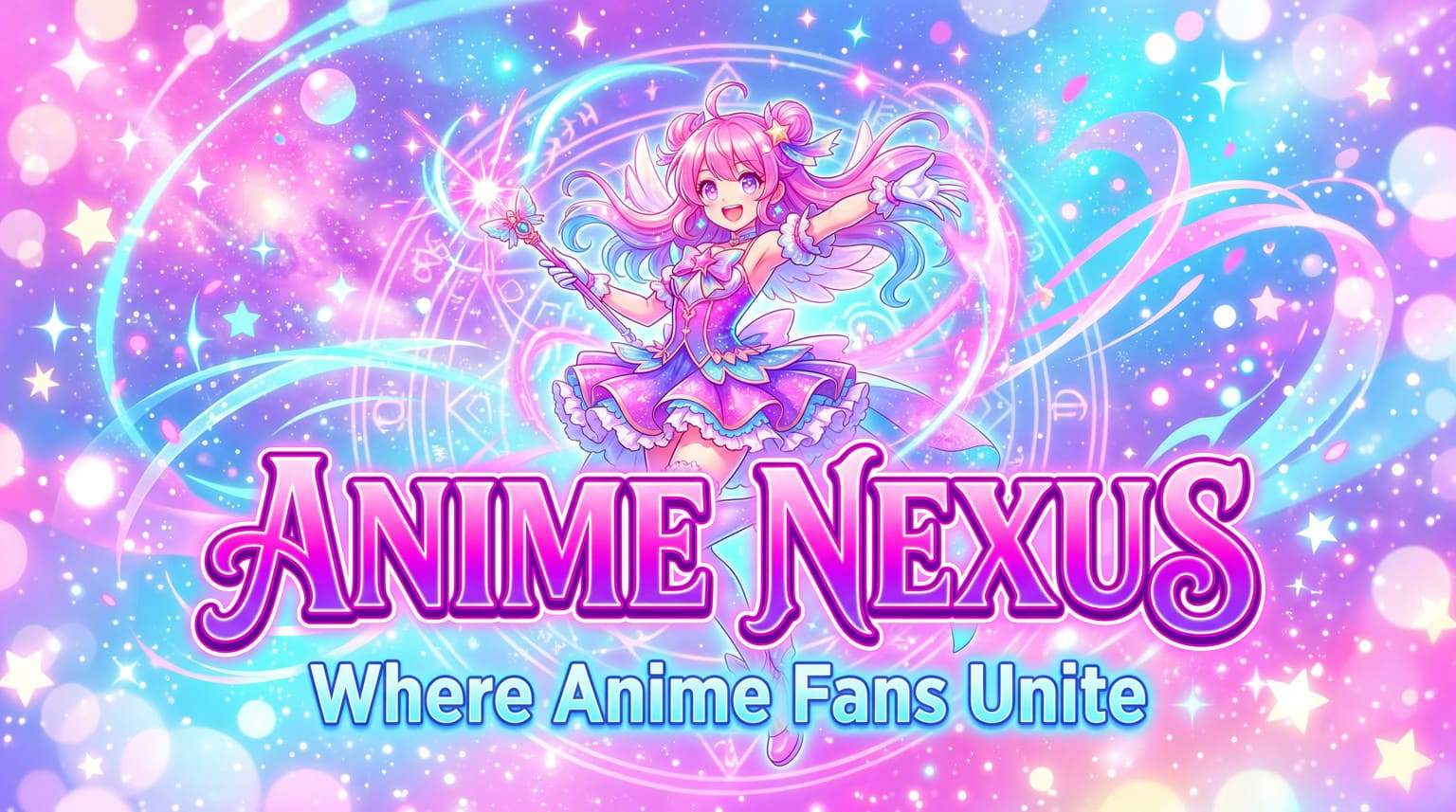
Create a Discord server banner for an anime fan community. Theme: anime and manga culture Colors: bright pink, purple, and sky blue Style: playful and colorful Visual elements: anime-inspired background art, sparkles, and dynamic shapes Layout instructions: keep the main character or visual centered avoid placing important elements in the bottom-left area ensure the design looks good on both desktop and mobile Text: Server name: Anime Nexus Tagline: Where Anime Fans Unite

Create a Discord profile banner for a content creator who shares tech tutorials. Theme: modern tech creator brand Colors: black background with electric blue highlights Style: minimal and professional Visual elements: subtle tech patterns, soft glow lines Layout instructions: keep the central area clean so the avatar does not block important elements avoid placing text too close to the edges Text: Name: Alex Chen Tagline: Coding • AI • Tutorials

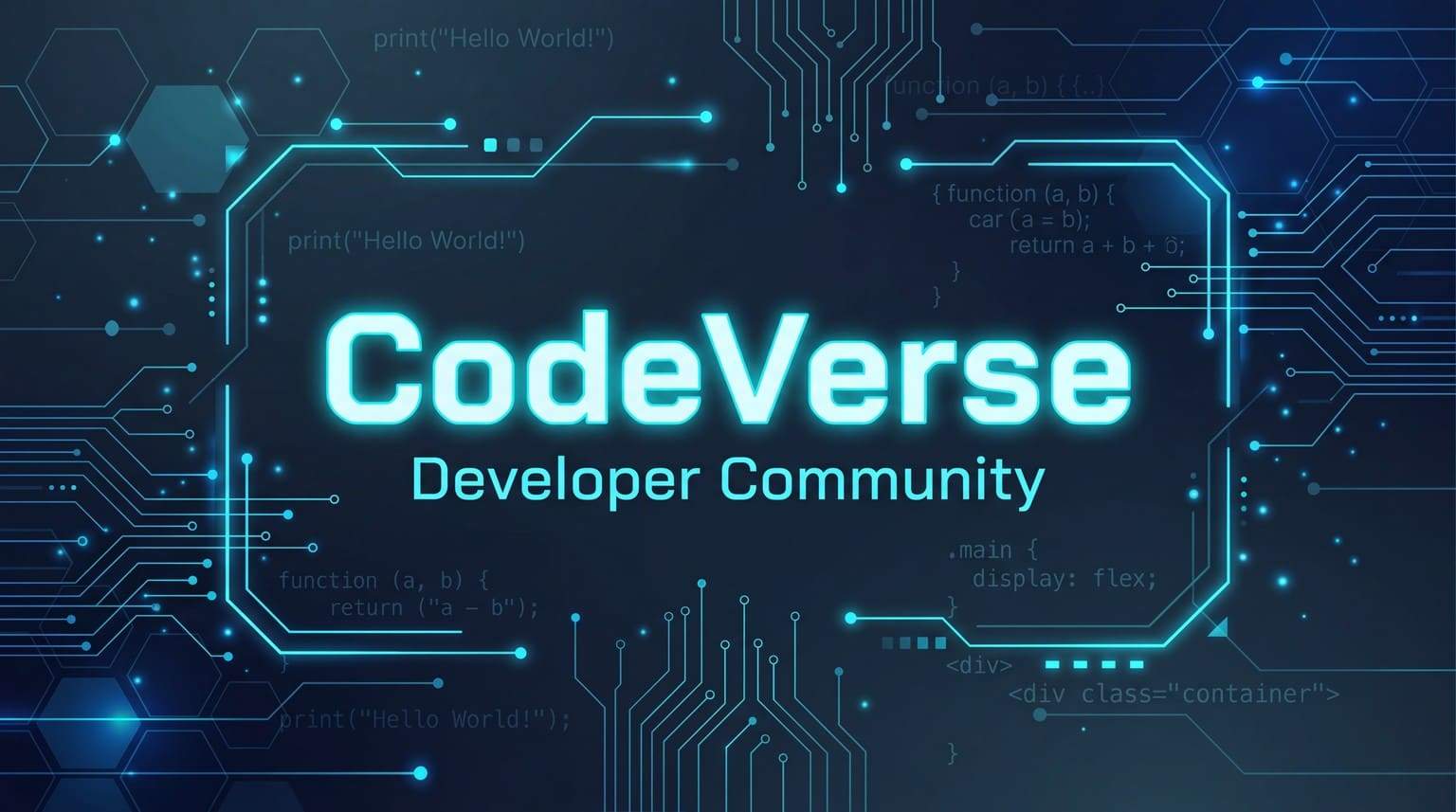
Generate a Discord server banner for a developer and coding community. Theme: programming and technology Colors: dark mode palette with green and blue accents Style: clean and modern Visual elements: code snippets, terminal-style patterns, geometric shapes Layout instructions: center the key design elements avoid placing text in the bottom-left corner where the server avatar may overlap leave space at the top for the server name Text: Community name: DevLab Tagline: Build. Debug. Ship.

Create a Discord server banner for a music sharing community. Theme: music and creativity Colors: deep purple background with colorful neon accents Style: vibrant and energetic Visual elements: soundwave patterns, music notes, abstract light effects Layout instructions: place the main visuals in the center keep important text inside the safe area avoid the bottom-left corner due to avatar overlap Text: Community name: SoundWave Tagline: Share the Music You Love

Create a Discord server banner for an online study and productivity community. Theme: calm and focused learning Colors: light beige, soft blue, and neutral tones Style: minimal and clean Visual elements: books, abstract shapes, soft gradients Layout instructions: keep the layout centered for safe area visibility avoid placing text near the bottom-left avatar area Text: Community name: Study Circle Tagline: Learn Together. Stay Focused.

AI Discord Banner FAQs

Is this AI Discord banner generator free to use?
Yes. Mew Design offers a free AI Discord banner maker experience. New users receive 50 free credits upon registration, which typically allows for 3-4 high-quality designs. All exports are watermark-free.
What is the Discord banner size?
Discord uses two main banner sizes: Profile banner: 600 × 240 px Server banner: 960 × 540 px
Why does my Discord banner get cropped?
Your Discord banner may appear cropped because Discord scales the banner for different screens and places interface elements on top of it. On server pages, the server avatar and server name overlay the banner, which can cover parts of your design. The server name usually appears in the top area of the banner, roughly within the top 48 px. If text or key visuals are placed there, they may be hidden. To avoid this, use the 960 × 540 px (16:9) size and keep important elements in the center area, leaving extra space near the top and top-left where the avatar and server name appear.
How do I prevent my avatar from covering the text?
Our AI Discord banner maker is programmed with layout awareness. It avoids placing essential text or logos in the bottom-left corner where your profile picture (PFP) sits, ensuring your message remains fully visible. You can also define the "safe zone" for the banner design in your prompt.
Do I need Discord Nitro to use a banner?
Custom profile banners are a feature exclusive to Discord Nitro subscribers. Server banners require the server to have reached Boosting Level 2. You can use our generator to prepare your design regardless of your current subscription status.

准备好用 AI 生成你的专属设计了吗?

领取50免费积分 - 开始设计
无需绑卡
© 2025 Mew Design. All rights reserved.️
Mew Design - Your AI design partner, now with full control. | Product Hunt