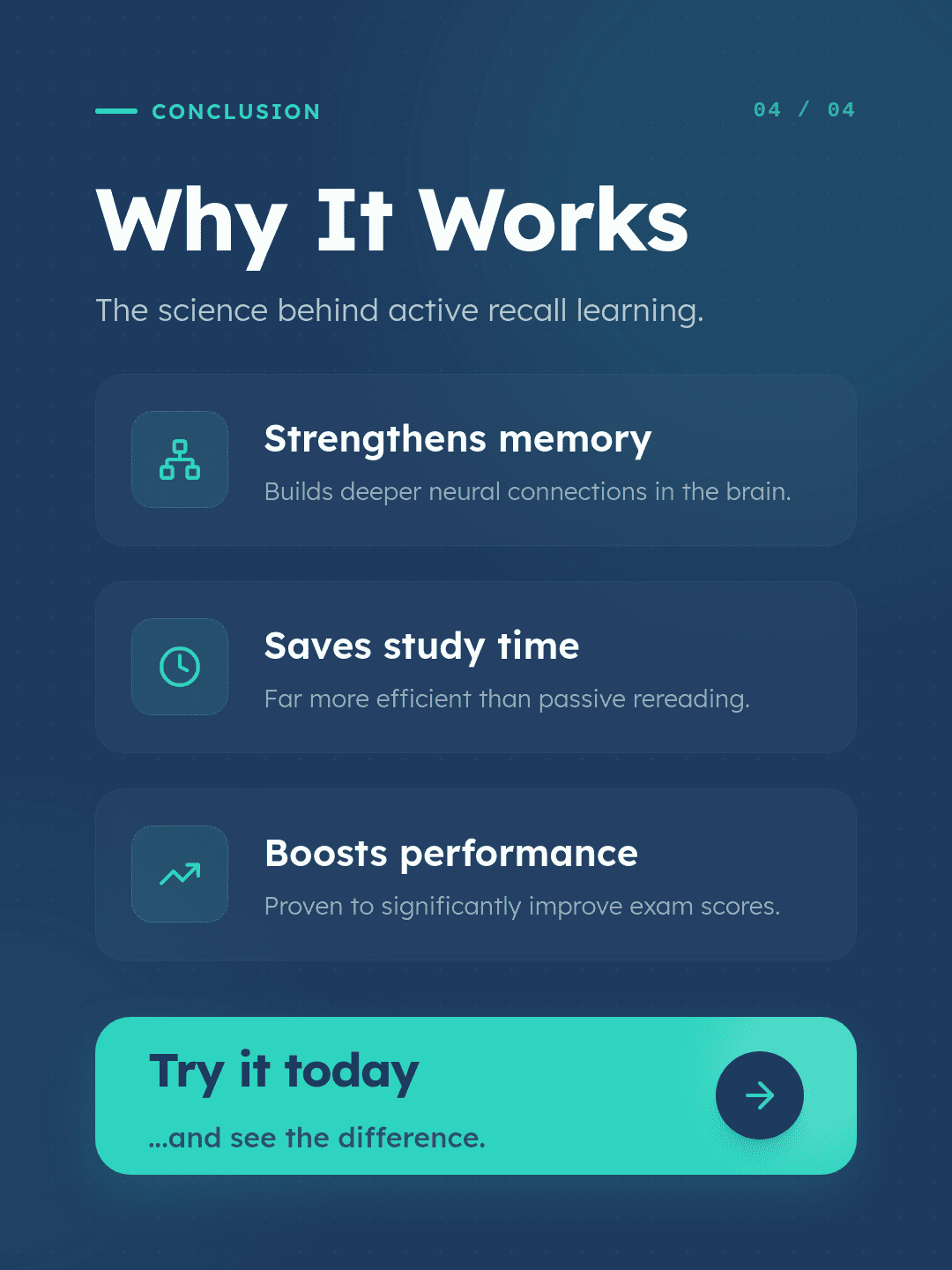
Online Free AI Carousel Generator

Create scroll-stopping carousel posts with Mew Design, an AI design agent that turns ideas, text, or even a URL into multi-slide content. Paste a webpage, describe a topic, or add key points, and generate structured, well-designed carousel posts in minutes. This AI carousel generator helps you create consistent, ready-to-use slides for social media without manual design.

How to Create a Carousel with AI

Generate carousel posts from a simple idea, a detailed slide-by-slide brief, or even a website URL. Our online AI carousel maker helps you turn your content into structured slides with a clear flow and consistent design.

1

Describe Your Carousel Task

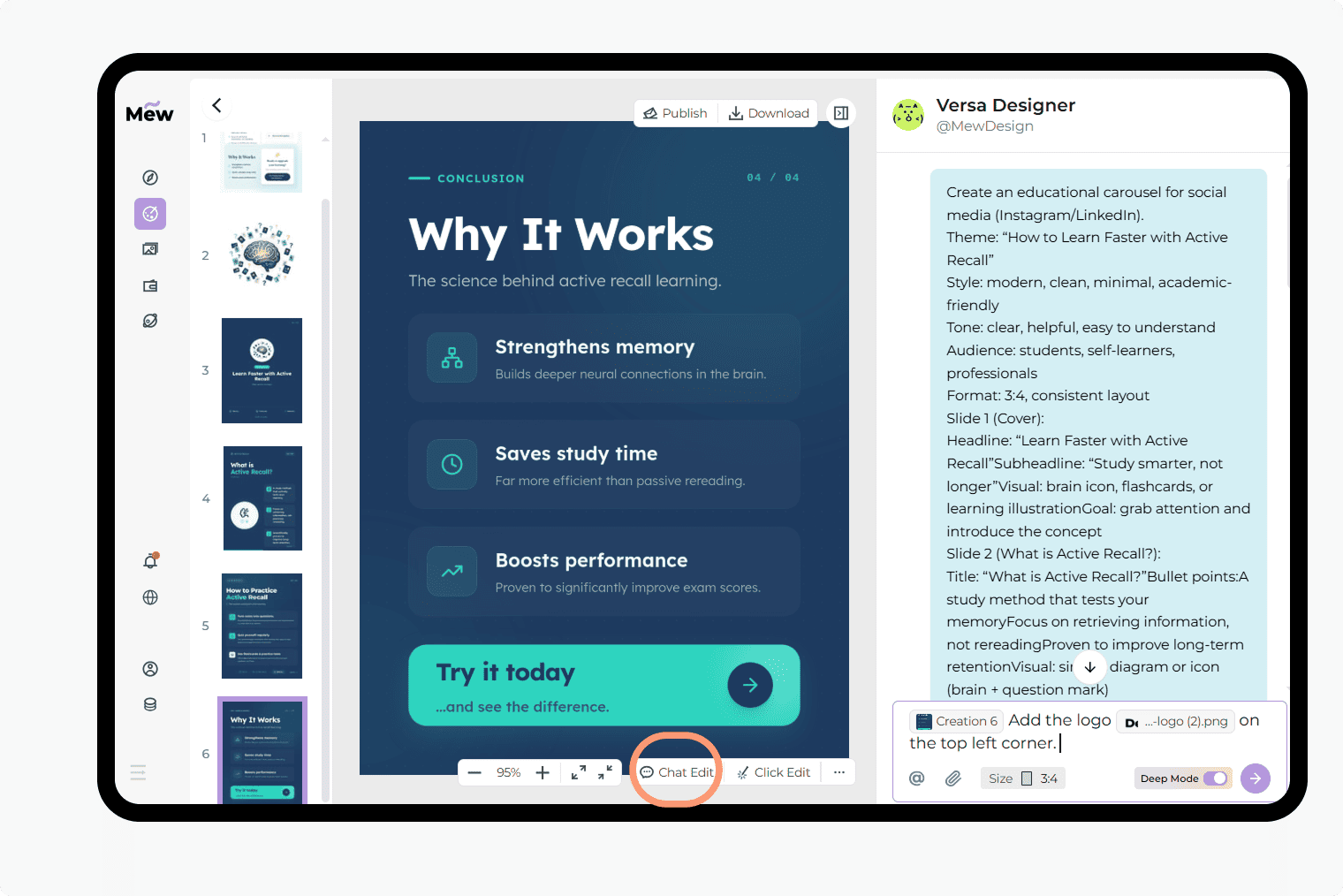
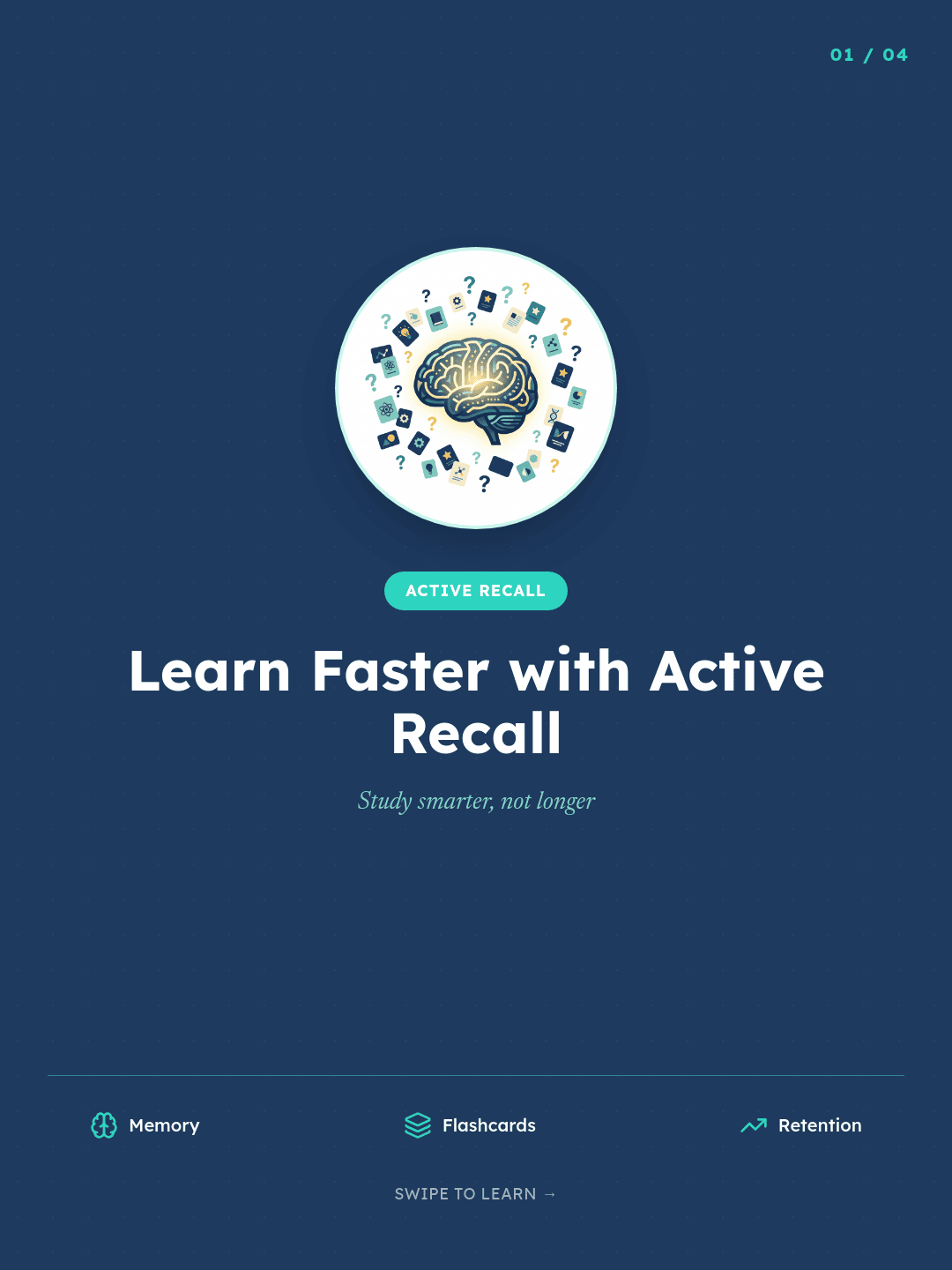
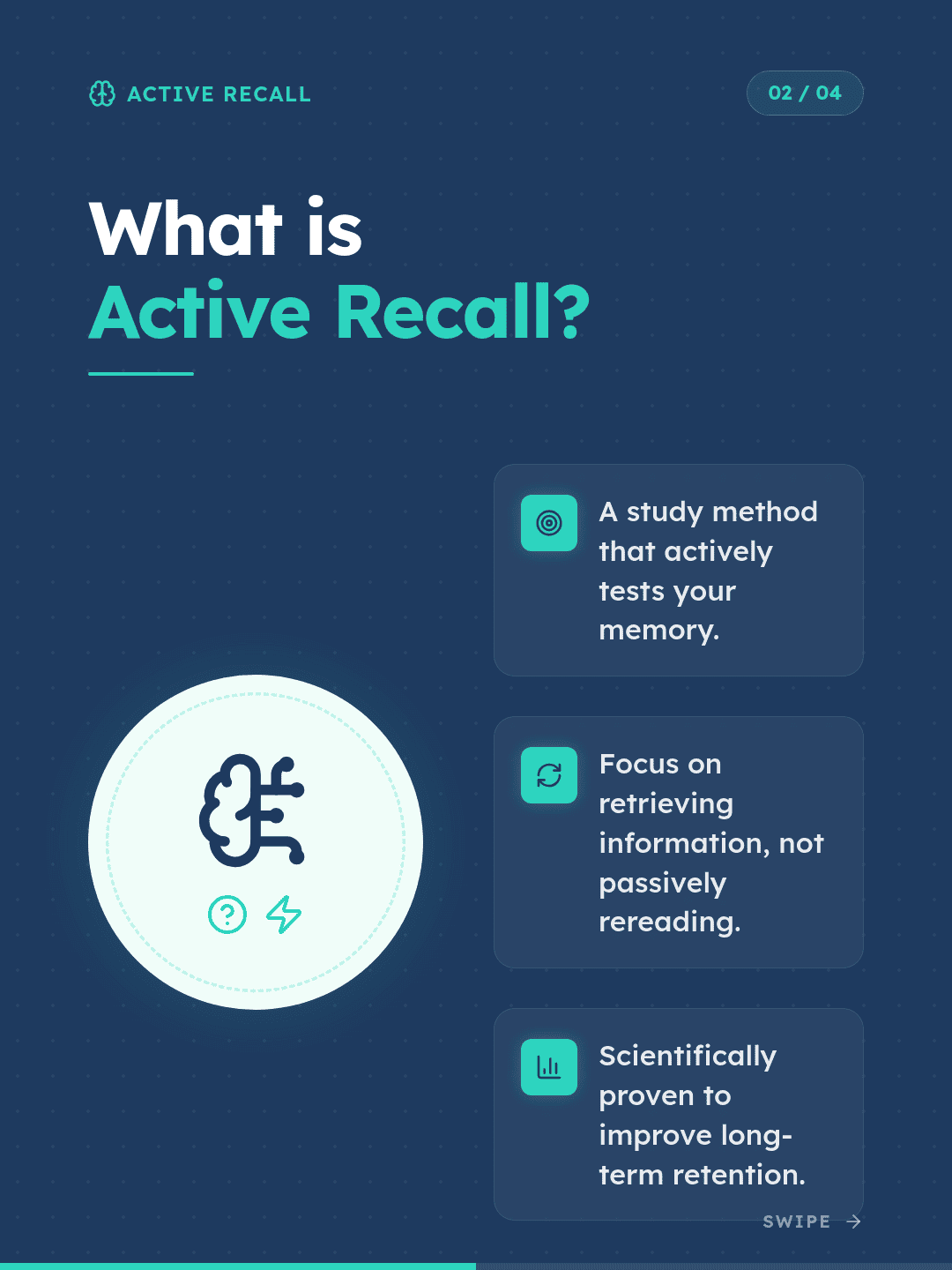
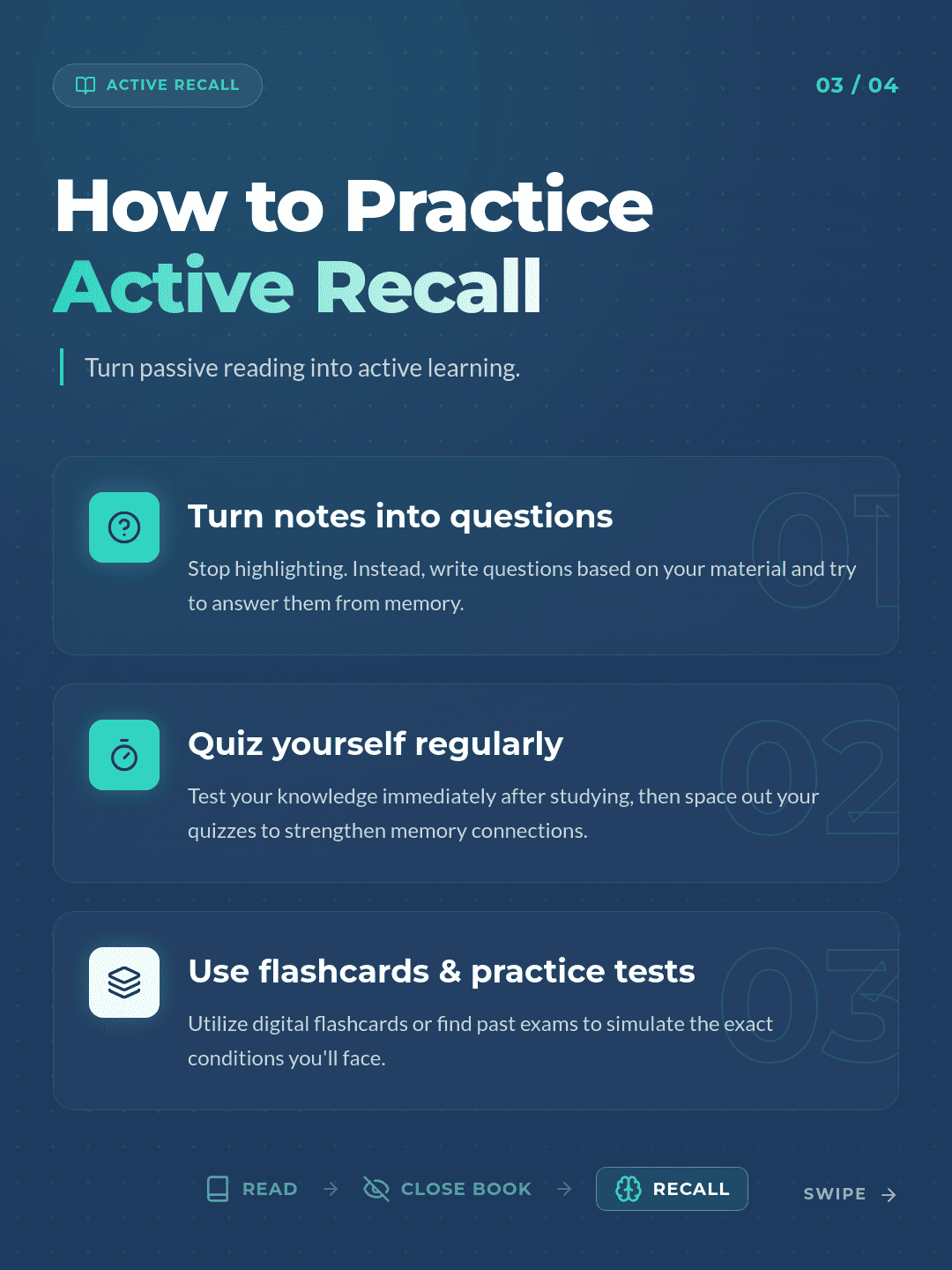
Tell the AI agent what carousel you want to create, like: “Create an educational carousel about active recall” or “Turn this article into a LinkedIn carousel with 5 separate slides [paste your article].”

2

Let AI Structure the Content

Mew Design automatically turns your input into a clear, multi-slide storyline. It breaks down information into logical sections, assigns content to each slide, and ensures everything flows naturally.

3

Generate a Complete Carousel Set

The AI agent creates a full carousel as multiple connected slides. Each slide is designed as an individual visual while maintaining a consistent style across the set.

4

Refine and Export with Ease

Make quick adjustments using follow-up prompts — edit text, tweak visuals, or regenerate slides. Export your carousel as ready-to-post images for platforms like Instagram or LinkedIn.

How to make demo

A Smarter AI Carousel Generator for Content and Design

Turn Texts into Structured Carousel Posts

Generate complete carousel content from a single prompt. The AI organizes your ideas into clear, easy-to-follow slides.

Design and Content in One Workflow

Create both the message and the layout at the same time. This removes the need to switch between writing and design tools.

Consistent Multi-Slide Design

Keep fonts, colors, and layout consistent across all slides. Each carousel feels like one complete, polished piece.

Chat-Based Editing for Full Control

Edit slides by talking to AI. Adjust headlines, rewrite content, or change design direction without starting over.

Built for Social Media Carousels

Create carousel posts optimized for platforms like Instagram and LinkedIn, with layouts that work well on mobile.

Free to Try without Watermark

Sign up to get free credits and generate carousel posts instantly. Download your slides without watermarks and use them anywhere.

Where AI Carousel Generator Works Best

"I used to spend hours writing and designing carousel posts. Now I just enter a topic and refine it with chat. It feels much faster and more structured." — Rachel Tan, Marketing Specialist
Our online free AI carousel creator helps you turn ideas into structured, engaging content without manual design or formatting. Common scenarios include:
  • Social media content: Create engaging posts that drive more swipes, saves, and shares
  • Marketing campaigns: Explain products, features, or ideas in a clear multi-slide format
  • Educational content: Break down complex topics into easy-to-read slides
  • Personal branding: Share insights, stories, or expertise in a professional format

FAQs About AI Carousel Generator

What makes a good carousel post?
A strong carousel usually includes a clear hook on the first slide, one key idea per slide, consistent design, and a simple call to action at the end. It should feel like a short, structured story rather than separate images.
Can I turn a blog or article into a carousel using Mew Design?
Yes. Just ask the AI design agent to "create a carousel from this [paste your URL], N separate slides, xx style.", and the AI agent will extract key points and turn them into a structured carousel. This is useful for repurposing long-form content into social media posts.
How many slides should a carousel have?
Most effective carousels have 5–8 slides. This is enough to explain an idea while keeping users engaged without overwhelming them.
Do I need to design each slide manually?
No. The AI generates both the content and layout. You can refine the result through chat if needed.
What types of content work best for carousels?
Educational tips, step-by-step guides, marketing messages, and storytelling content perform especially well because they fit the multi-slide format.
Can I create carousels for different platforms?
Yes. You can generate carousels suitable for Instagram, LinkedIn, and other platforms, with layouts designed for mobile viewing.
Is this AI Carousel Generator free to use?
Yes. You get free credits after signup, allowing you to generate and download carousel posts without watermarks.
Can I edit the AI-generated carousel slides?
Yes. You can refine content, adjust style, or regenerate slides through chat without starting from scratch.

AI로 디자인을 생성할 준비가 되셨나요?

무료로 디자인 시작하기
No credit card required
© 2025 Mew Design. All rights reserved.️
Mew Design - Your AI design partner, now with full control. | Product Hunt