Grátis e OnlineGerador de Vestido de Noiva com IA
Como criar um vestido de noiva com IA
Descreva o briefing da noiva
Gere o primeiro conceito do vestido
Ajuste o caimento e os detalhes
Exporte e apresente

Uma ferramenta de design de noiva feita para ideias específicas
Entende a linguagem de construção do vestido
Descreva uma silhueta evasê, princesa, sereia, tubinho ou fit-and-flare junto com um decote coração, quadrado, canoa ou alto. O gerador de vestido de noiva com IA usa essas escolhas para criar um primeiro conceito mais certeiro.
Transforme esboços e referências em novas propostas
Envie um esboço à mão, a foto de um vestido, uma amostra de renda ou uma imagem de moodboard. A Mew Design pode usar a referência visual para orientar proporção, textura e estilo enquanto você explica o que deve mudar.
Edite um detalhe de cada vez
Ajuste o decote, o corpete, o comprimento da manga, a costura da cintura, o volume da saia, a cauda, o véu ou os bordados com o Chat Edit, mantendo o restante do vestido personalizado no rumo certo.
Compare tecidos e cores
Explore a mesma silhueta em cetim de seda, crepe, chiffon, tule, organza ou renda e compare off-white, branco suave, champanhe, rosê ou outras cores bem pensadas.
Crie vistas prontas para apresentar
Peça um estudo limpo da peça em estúdio, uma vista editorial de corpo inteiro em modelo, flat lay, ilustração de moda ou vista das costas, de acordo com onde o conceito será apresentado.
Comece online com créditos grátis
Experimente o gerador de vestido de noiva com IA grátis após o cadastro, desenvolva um primeiro rascunho sem software especializado e exporte imagens sem marca d'água quando o conceito estiver pronto.
Como escrever prompts para um vestido de noiva melhor com IA
- Silhueta e proporção: Especifique evasê, princesa, sereia, tubinho, império ou fit-and-flare, além da estrutura do corpete, posição da cintura, volume da saia e comprimento da cauda. Essas escolhas definem o equilíbrio visual do vestido.
- Tecido e superfície: Diga o material e o acabamento, como cetim de seda fluido, crepe fosco, chiffon leve, tule bordado ou mikado estruturado, e se o tecido deve parecer fluido, firme, transparente ou com volume.
- Detalhes da noiva: Liste decote, formato da manga, posição da renda, pedrarias, bordados, botões, véu, sobressaia e cauda. Indique a posição quando um detalhe precisar ficar em um recorte ou borda específicos.
- Apresentação e uso: Peça um editorial com modelo, estudo em manequim, flat lay, conceito de frente e costas ou croqui de moda. Diga se a imagem é para moodboard, consultoria de noiva, portfólio, apresentação de coleção ou post de ateliê.
Prompts de vestido de noiva para diferentes estilos
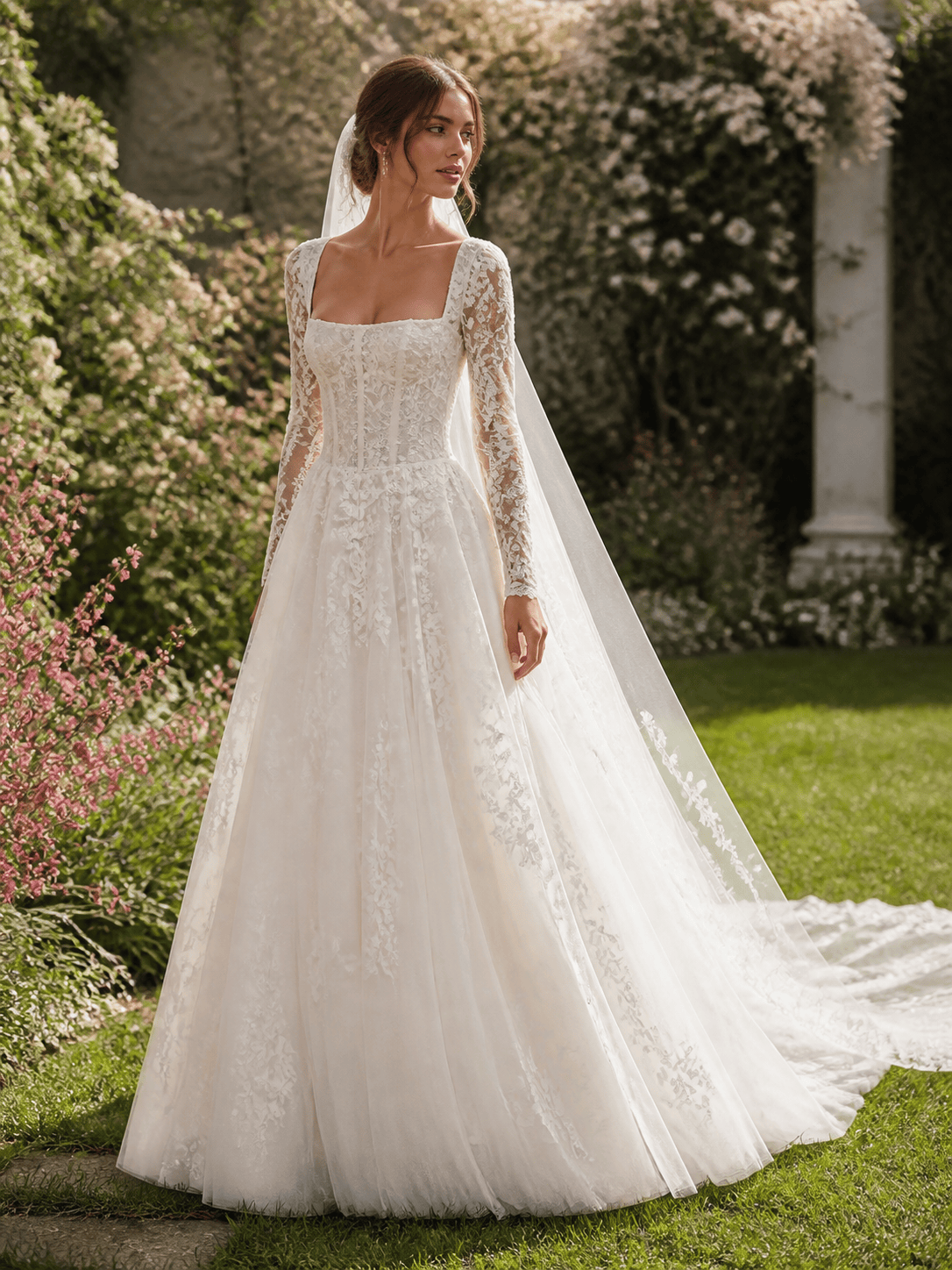
Vestido de noiva a partir de esboço: transforme um esboço à mão de vestido evasê em um conceito refinado de tule off-white. Mantenha o decote quadrado, as costuras do corset ajustado, as mangas bufantes removíveis, o aplique floral e a cauda capela. Mostre uma ilustração de moda limpa de frente em três quartos, com textura realista do tecido e sem marcas.
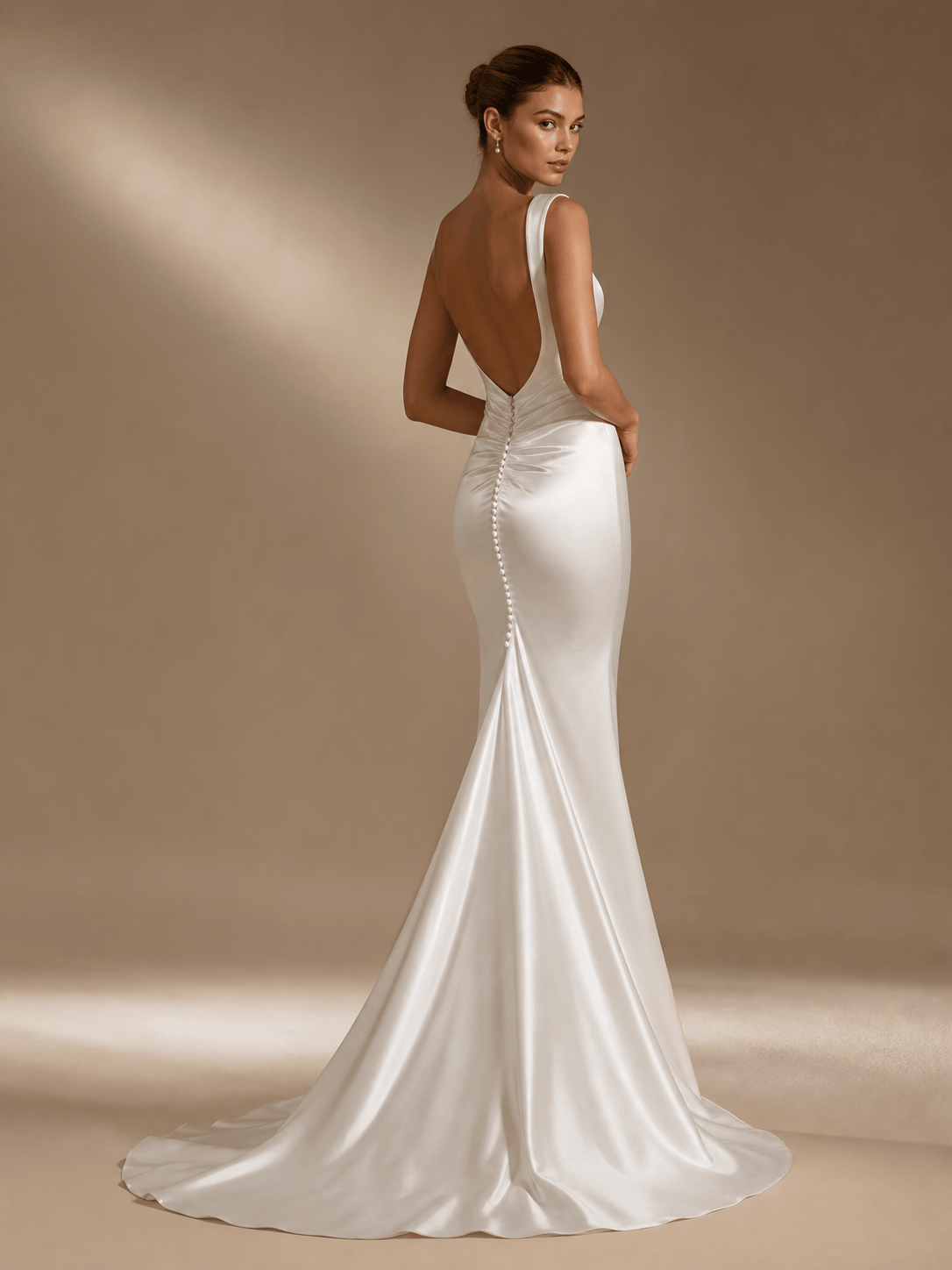
Vestido de noiva minimalista em cetim: crie um vestido sereia moderno em cetim de seda com decote canoa limpo, costas abertas e baixas, botões forrados, drapeado sutil na cintura e cauda curta e estreita. Apresente uma vista de corpo inteiro em estúdio com fundo neutro quente e luz direcional suave.
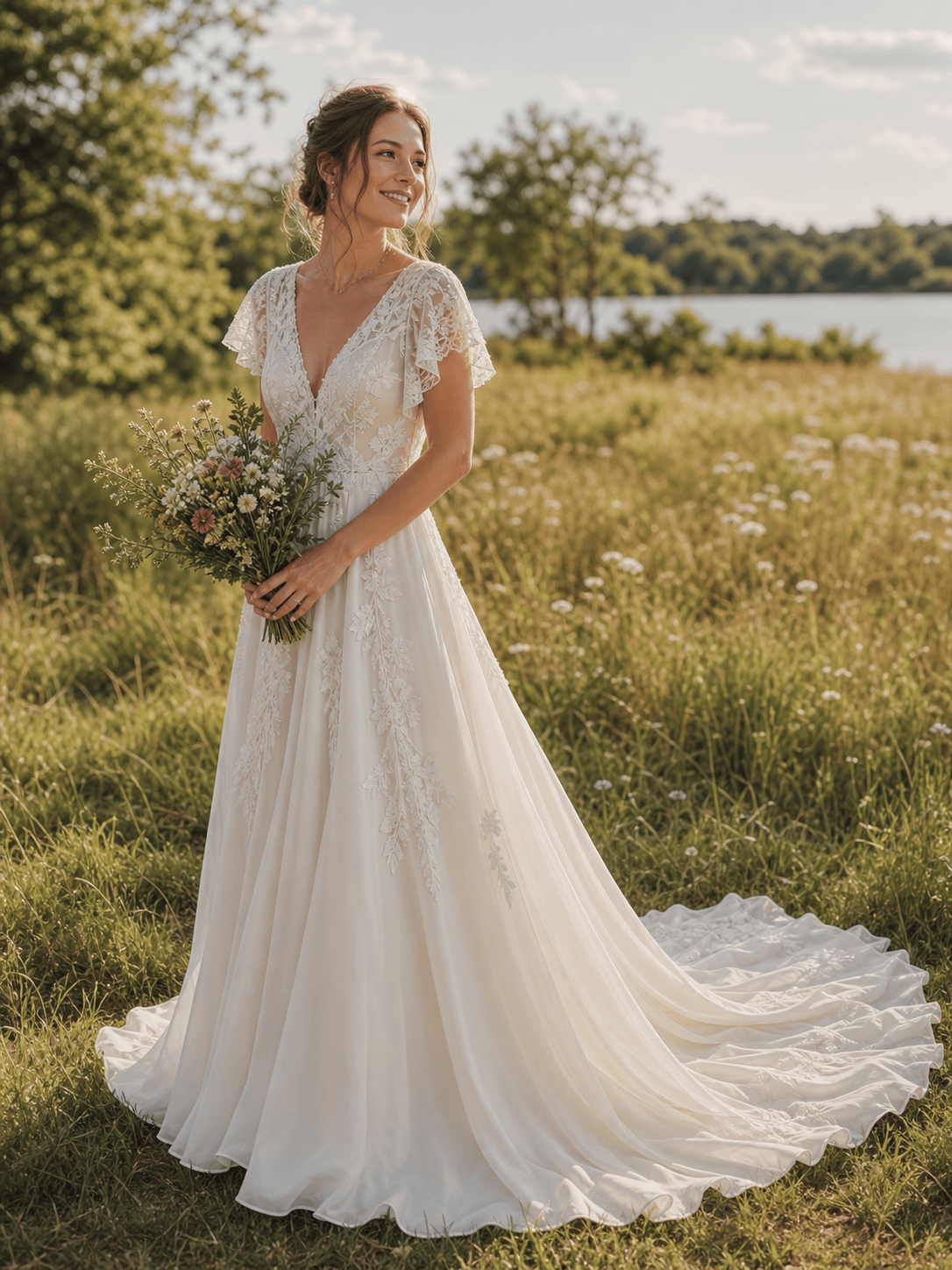
Vestido de noiva boho ao ar livre: crie um vestido evasê leve de chiffon com decote V, mangas soltinhas, apliques de renda botânica, cintura relaxada e cauda capela. Mostre uma vista editorial natural em três quartos em um campo ensolarado, com buquê simples e sem logotipos.
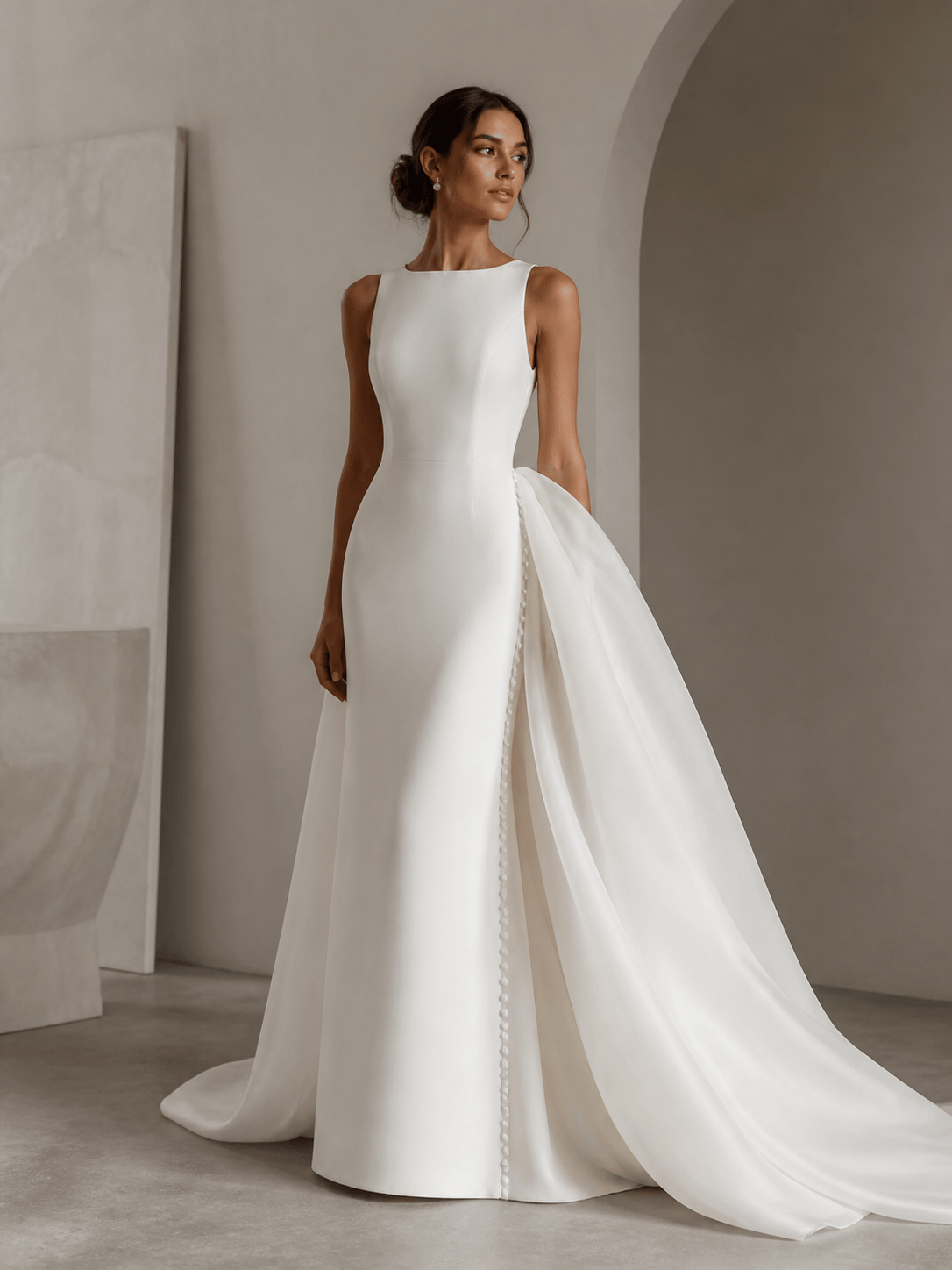
Vestido de noiva personalizado com segundo look: crie um vestido arquitetônico de crepe com decote quadrado alto, corpete esculpido, saia coluna limpa e sobressaia volumosa de organza removível. Mostre o look da cerimônia e o look da festa como dois conceitos de moda de corpo inteiro coordenados.
Vestido de noiva discreto: crie um elegante vestido de mangas longas em mikado off-white fosco, com decote canoa alto, saia evasê levemente estruturada, botões forrados, delicado bordado de pérolas e cauda catedral. Use uma apresentação refinada em estúdio que mostre bem as mangas e as costas.
Vestido vintage para casamento civil: crie um vestido de noiva midi inspirado nos anos 1950 em faille de seda off-white, com corpete coração ajustado, alças finas, saia levemente plissada, bolero curto e acessórios de pérola. Apresente uma imagem editorial elegante em um cartório, com paleta de cores limpa e atemporal.





